 Posted by

Introduction
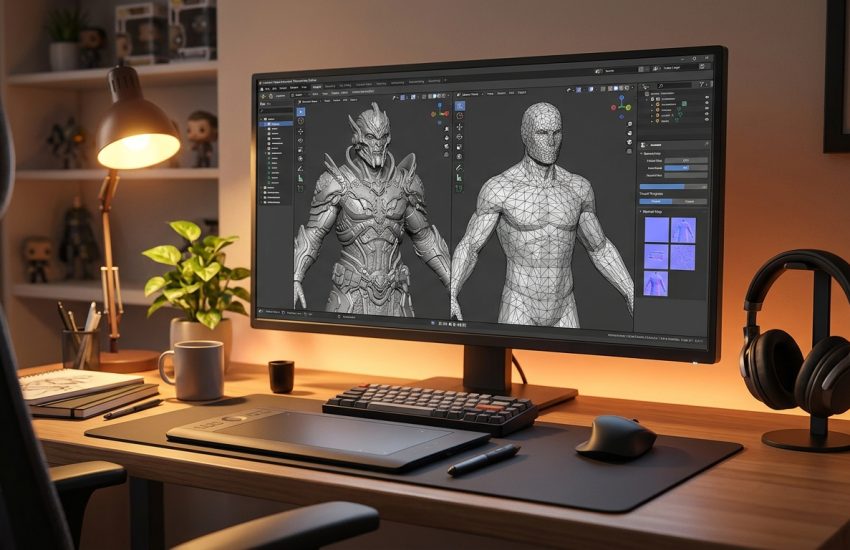
If you sculpt detailed characters in a 3D program but need them to run fast in a game, xNormal is the free tool that bridges the gap. It is a free map-baking tool that takes a detailed high-poly sculpt and a simple low-poly game mesh, and bakes the detail from the first onto the second as texture maps, most famously normal maps. It has been an industry-standard step in game art pipelines for years, and the download from the official xNormal site is the complete program.
This guide explains what xNormal is, what it can and cannot do, what your PC needs to run it, and how to download and install it from the official website only. You will also get a first-use walkthrough that takes you from installation to a working result in a few minutes. By the end, you should be able to install xNormal on Windows and use it in a real project.
xNormal is best for baking normal maps for game characters and props, and preparing low-poly models for game engines. Because it is free and legitimate, you do not need a cracked copy or an unknown download site. The official website provides the installer, and the free version is a real, permanent tool, not a short trial.
What Is xNormal?
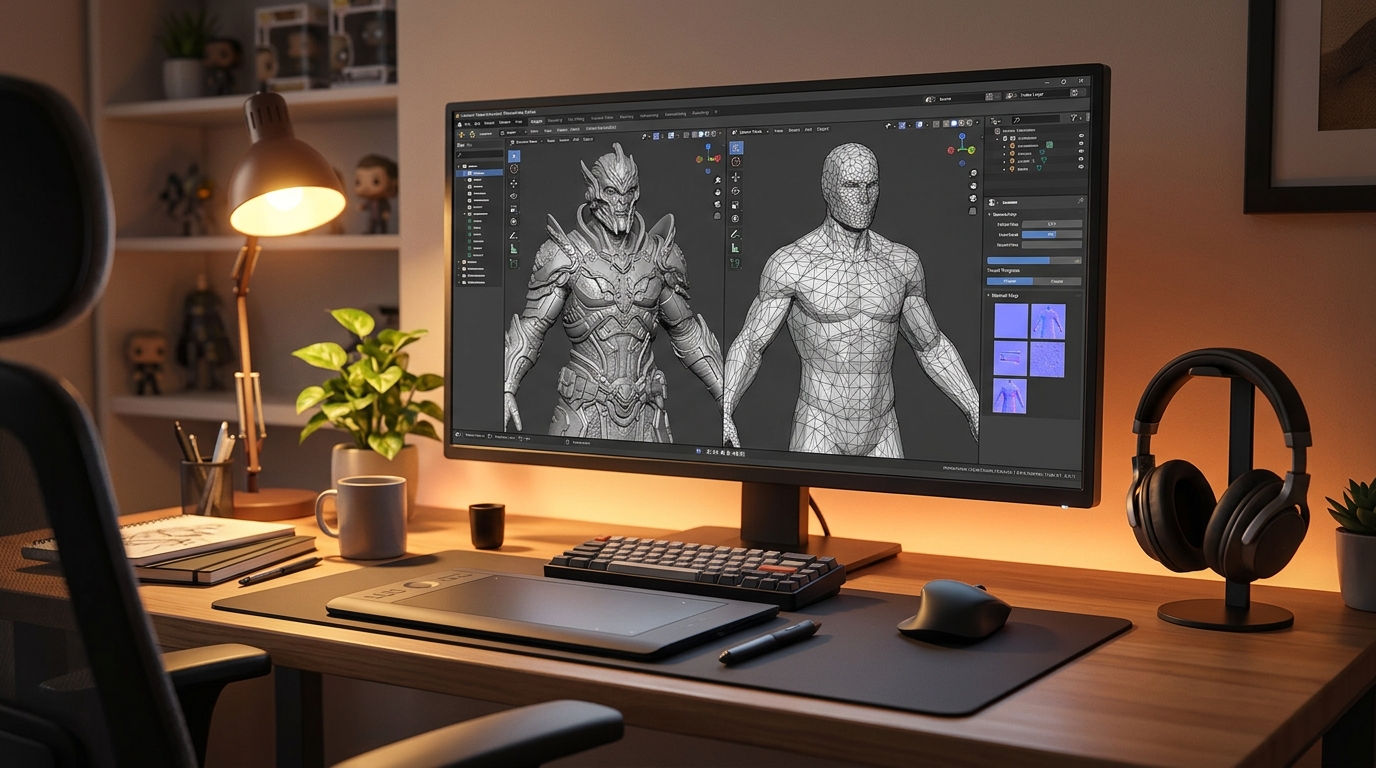
xNormal is a free texture-map baking tool for Windows and macOS. In simple terms, baking means transferring surface detail from one 3D model to another: you load a high-poly sculpt with millions of polygons, load a low-poly version of the same model with only a few thousand polygons, and xNormal calculates texture maps that make the low-poly model look almost as detailed as the high-poly one. The most important map is the normal map, which fakes bumps and dents with light and shadow, but xNormal also bakes ambient occlusion, displacement, cavity, height and other maps.
What makes xNormal popular is its quality and its focus. It is not a modelling program: it does one job, baking, and it does it well, with cage controls, ray distance settings and a 3D preview so you can check the result before you save. Game artists use it to prepare characters, weapons and props for engines such as Unity and Unreal, because a baked low-poly model runs fast in a game while still looking detailed. One honest note: xNormal is an older program that has not had a major update in years, but the current version is complete and still widely used, and it needs meshes made in another program, since it cannot model anything itself.
Key Features
- Normal map baking: Bake high-quality normal maps from a high-poly sculpt onto a low-poly game mesh.
- Ambient occlusion baking: Bake ambient occlusion maps that add soft shadows in creases and corners.
- Displacement and cavity maps: Bake displacement, height and cavity maps for extra surface detail in your materials.
- Cage and ray controls: Cage and ray distance controls stop baking errors on complex shapes and thin parts.
- Batch baking: Bake many maps and many meshes in one batch, which saves time on large projects.
- Common mesh formats: Loads common mesh formats such as OBJ and FBX, so it fits into most 3D pipelines.
- 3D preview viewer: A built-in 3D viewer lets you check the baked maps on your model before you save them.
- Free, no account needed: xNormal is freeware, with no trial, no account and no payment needed.
System Requirements
- Operating System: Windows 10 or Windows 11, 64-bit (a macOS version is also available)
- Processor: A modern dual-core processor or better
- RAM: At least 4 GB of RAM for basic use, 8 GB or more recommended for large meshes
- Storage: Around 100 MB of free disk space for the installer
- Other software: A 3D modelling or sculpting program to create the high-poly and low-poly meshes you want to bake
- Other: A stable internet connection for the download, and a mouse for working in 3D
These are practical, modern Windows guidelines, not a word-for-word copy of an official specification table. The most important point is simple: xNormal is designed for normal Windows PCs, and a modest modern computer is enough to start.
How to Download xNormal (Official Method)
The only safe place to download xNormal is the official website. Do not download it from random file mirrors or “free download” portals, because those copies may be outdated or bundled with unwanted software. The official site is the source of truth for the current version.
Official download link: http://www.xnormal.net/Downloads.aspx
On the official xNormal Downloads page, choose the Windows version and download the installer file to your Downloads folder. There is no account, serial number or payment involved at any point. If a site asks you to pay for xNormal, or offers a cracked version of it, leave that site and return to the official xNormal page.
Step-by-Step Installation
Follow these steps in order. Take your time with the install location and component choices, because those are the steps that most often cause problems later.
- Download the installer from the official site — Open http://www.xnormal.net/Downloads.aspx in your browser and download the Windows installer for xNormal.
- Run the installer — Double-click the downloaded installer file and follow the on-screen prompts on your Windows PC.
- Choose the install location — Keep the default install folder unless you have a reason to change it, then note that folder for later.
- Finish the installation — Wait for the installer to finish, then close it and open xNormal from the Start menu.
- Confirm the first launch — xNormal opens with a blank workspace and its baking panels. Click through any welcome screens.
- Check the mesh formats — Look at the mesh loading options and confirm your high-poly and low-poly files are in a supported format.
- Load a test mesh — Load a simple low-poly mesh to confirm xNormal opens and displays it correctly.
Tip: If the installer asks about extra components, keep the default choices unless you know you need something different. Most install problems come from changing a folder or skipping a component.
First-Use Walkthrough: Your First Baked Normal Map
This walkthrough is a simple first project. It is not a full course, but it will help you see xNormal working on a real project and learn its main tools.
- Prepare two meshes — Make or download a high-poly sculpt and a low-poly version of the same model, in a format such as OBJ.
- Load the low-poly mesh — In xNormal, load the low-poly mesh as the target that will receive the baked maps.
- Load the high-poly mesh — Load the high-poly sculpt as the source that holds the detail to bake.
- Choose the maps to bake — Tick normal map and ambient occlusion in the bake list, and set the output size to 1024 by 1024.
- Set the ray distance — Set a sensible ray distance so the baker catches the surface detail without errors on thin parts.
- Bake and preview — Click bake, wait for it to finish, then check the result in the 3D preview viewer.
- Save the maps — Save the baked normal and ambient occlusion maps next to your low-poly mesh, ready for your game engine.
Is xNormal Free?
xNormal is freeware. You download it from the official xNormal site, install it, and use it without paying and without a time limit. There is no paid version of xNormal itself. Be aware of one honest limit: it is an older program without recent major updates, and it only bakes maps, so you need another program to create your meshes.
That free status is important for this guide. All the steps here use the official download only, and they do not involve cracks, activators or licence keys. If you ever see a site offering a paid or cracked version of the free program, treat it as unsafe and return to the official site.
Frequently Asked Questions
Is xNormal safe to download?
Yes, when you download it from the official website only. The official installer is the version made by the developer. Avoid third-party sites that bundle extra software or ask for payment for a free program.
Does xNormal work on my Windows PC?
Yes, in most cases. xNormal runs on Windows 10 and 11 (64-bit), and the system requirements above cover a normal modern PC. Check the official site for the exact current version if your PC is older.
Is xNormal really free, or will it stop working?
The free version described in this guide is not a short trial. It stays usable after installation. There is no paid edition of xNormal itself.
Do I need a powerful PC to run xNormal?
No, not for basic use. A modern Windows 10 or 11 PC with 4 GB of RAM or more can run it for simple projects. Larger projects with many objects and effects will benefit from more RAM and a faster processor, but you can start and learn on a normal home PC.
Conclusion
xNormal is a useful, free addition to a Windows setup because it is a free tool for baking normal maps and other texture maps from high-poly models to low-poly game meshes, and it can be downloaded safely from the official site. Start with a small first project, learn one tool at a time, and build from there.
To get started, download xNormal from the official website here: http://www.xnormal.net/Downloads.aspx Install it with the steps above, test it once, and then use it in your next project. With a little practice, it can become a regular part of your workflow.
Official download link: http://www.xnormal.net/Downloads.aspx
Related Guides
- Instant Meshes for PC: How to Download & Install on Windows
- Meshroom for PC: Download & Install on Windows (2026)