 Posted by

Introduction
Kontakt is the sampler that powers thousands of professional instruments, from orchestral libraries and pianos to film scores and electronic sounds. The full version is a paid product, but Native Instruments gives away Kontakt Player for free, and that free player runs the company’s own instruments plus more than a thousand libraries from other developers. If you have ever wanted to play a realistic piano, a string section or a world instrument in your DAW without paying for a sampler, Kontakt Player is how you start.
This guide explains what Kontakt Player is, what it can and cannot do, what your PC needs to run it, and how to download and install it from the official Native Instruments website only, through Native Access. You will also get a first-use walkthrough that loads your first free library and plays it, so you can hear the quality for yourself. By the end, you should be able to load Kontakt Player in your DAW and start building a library collection.
Kontakt Player is best for producers who want realistic sampled instruments, for composers who need orchestral and piano sounds, and for beginners who want to explore the world of Kontakt libraries before deciding whether to buy the full version. Because it is free and legitimate, you do not need a cracked copy or an unknown download site. The official website provides it free of charge, and the free player is a real, permanent tool, not a short trial.
What Is Kontakt Player?
Kontakt Player is a free sample player from Native Instruments, and it is a streamlined version of the full Kontakt 8 sampler. In simple terms, it is a tool that runs inside your DAW as a plug-in, or on its own as a standalone application, and it plays sampled instruments: recordings of real pianos, strings, drums, choirs and hundreds of other sounds, mapped across your keyboard so you can play them like a real instrument.
The current version is Kontakt 8 Player, and it is included in Komplete Start, Native Instruments’ free music production bundle, which contains thousands of sounds and around 20 GB of content. Kontakt 8 Player comes with Piano Uno, an exclusive concert grand piano, and it hosts all of Native Instruments’ own sampled instruments, plus more than a thousand libraries from leading developers that were made especially for the Kontakt Player platform.
What makes Kontakt Player different from the full Kontakt is its scope. The Player runs instruments that were made for it, but it cannot open every Kontakt library ever made: libraries that were built for the full version of Kontakt, and not licensed for the Player, will not load in it. That is the main limitation to understand before you download libraries. It is also a streamlined player, not a full sampler: it does not offer the deep editing and scripting tools of the full Kontakt. For playing instruments, though, it is complete, and for most producers it is everything they need.
Key Features
- Free sample player: Kontakt 8 Player is free to download and use, with no trial period, no watermark and no payment for the player itself.
- Runs thousands of libraries: it hosts all of Native Instruments’ own sampled instruments, plus more than a thousand libraries from other developers made for the Player platform.
- Piano Uno included: the Player comes with an exclusive concert grand piano, so you have a quality instrument the moment you install it.
- Part of Komplete Start: Kontakt Player is included in Native Instruments’ free Komplete Start bundle, alongside instruments, effects and thousands of sounds.
- Standalone and plug-in versions: run it on its own to audition sounds quickly, or load it as a VST3 or AAX plug-in inside your DAW on Windows.
- Realistic sampled sound: Kontakt libraries are recordings of real instruments, so pianos, strings and drums sound like the real thing, not like synthesis.
- Library browser built in: browse, load and organise your instruments from inside the Player, with quick access to your installed libraries.
- Regular free content: Native Instruments and other developers keep releasing free and Player-compatible libraries, so your collection can grow without spending anything.
System Requirements
- Operating System: Windows 10 or Windows 11, 64-bit (Kontakt 8 Player is 64-bit only)
- Processor: Any modern multi-core processor; a quad-core processor or better is recommended for larger libraries
- Memory: 8 GB of RAM minimum, 16 GB or more recommended for large orchestral and piano libraries
- Storage: 2 GB of free disk space for the Player itself, plus extra space for the libraries you install, which can be many gigabytes
- DAW: Any DAW that supports VST3 or AAX plug-ins on Windows, such as Reaper, FL Studio, Ableton Live, Cubase, Studio One or Pro Tools
- Other: A stable internet connection for the download, installation and activation, plus a free Native Instruments account for Native Access
These are practical, modern Windows guidelines, based on the official requirements for Kontakt 8 Player and Komplete Start. The most important point is simple: the Player itself is small, but sample libraries are large, so your disk space and RAM matter far more for the libraries than for the Player. A piano library can be several gigabytes, and an orchestral library can be tens of gigabytes, so plan your storage before you download libraries.
How to Download Kontakt Player (Official Method)
The only safe place to download Kontakt Player is the official Native Instruments website, through its Native Access installer app. Do not download it from random file mirrors or “free download” portals, because those copies may be outdated or bundled with unwanted software. The official product page is the source of truth for the current version, which is Kontakt 8 Player.
Official download link: https://www.native-instruments.com/products/kontakt-player
On the official product page you will see that Kontakt 8 Player is a free application, included in the free Komplete Start bundle. Native Instruments delivers its products through Native Access, a free installer and library manager app. You install Native Access first, sign in with a free Native Instruments account, and then install Kontakt Player and its libraries from inside Native Access. If a site asks you to pay for Kontakt Player, or offers a “cracked” or “full” version of it, leave that site and return to the official Native Instruments page.
Step-by-Step Installation
- Open the official Native Instruments Kontakt Player page linked above in your browser and confirm that Kontakt 8 Player is listed as a free application, included in Komplete Start.
- Create a free Native Instruments account on the official website if you do not already have one. You will need it to sign in to Native Access.
- Download Native Access from the official Native Instruments website and save it to your Downloads folder. This is the installer app that manages all Native Instruments products.
- Run the Native Access installer by double-clicking the downloaded file. If Windows SmartScreen asks about the program, check that you downloaded it from native-instruments.com, then allow it to run.
- Sign in to Native Access with your free Native Instruments account, then find Kontakt 8 Player in the available products list, under Komplete Start.
- Install Kontakt 8 Player from inside Native Access and wait for the download and installation to finish. Native Access places the plug-in in the standard locations for your DAW to find.
- Open your DAW and rescan your plug-ins if Kontakt Player does not appear at once, then look for it in your instrument list under Native Instruments. Load it once and check that Piano Uno plays, which confirms the installation worked.
Tip: In Native Access, set a dedicated content location for your libraries before you download any, for example a folder called NI Libraries on a large drive. Sample libraries are big, and moving them later is a hassle. Choosing the location first, while the Player is still small, saves you from running out of space on your system drive later.
First-Use Walkthrough: Loading Your First Library
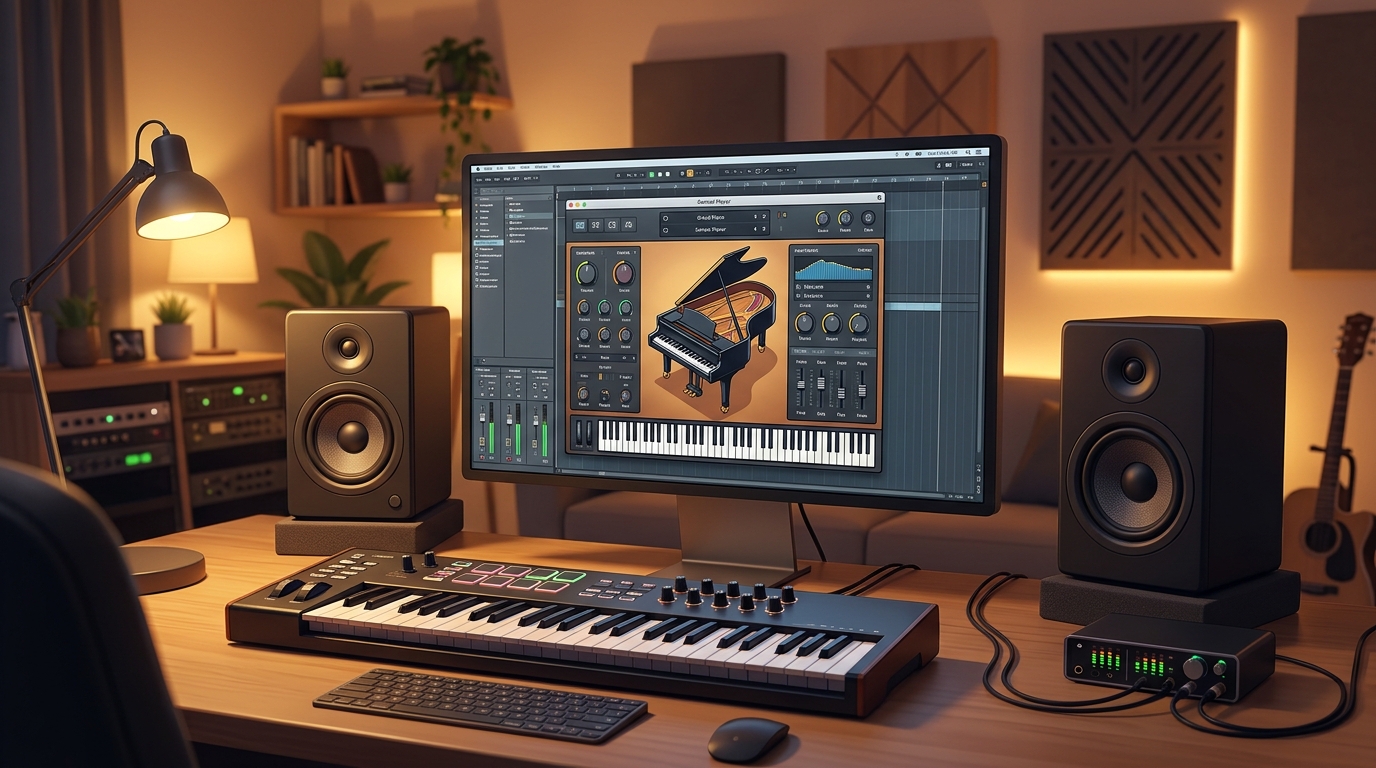
The fastest way to learn Kontakt Player is to play its included piano. Open Kontakt Player, either standalone or as a plug-in on a MIDI track in your DAW, and look at the library browser. You should see Piano Uno, the concert grand piano that comes with the Player. Load it and play a few notes on your MIDI keyboard, or draw notes in your DAW’s piano roll. You should hear a realistic grand piano immediately, with velocity response: play softly and the piano is gentle, play hard and it is bright and loud, because different recordings are triggered at different velocities.
Next, explore the included Komplete Start content. From inside Native Access, install one or two more free instruments from the Komplete Start bundle, such as a pad, a choir or a plucked string instrument, and load each one in Kontakt Player in turn. Notice how different each instrument feels: the piano is detailed and expressive, a pad is smooth and slow, and a plucked instrument is short and percussive. That variety is the point of a sampler: one player, many real instruments.
Then try the library browser as an organiser. As your collection grows, the browser is where you find instruments quickly, so learn to use its search and its categories early, while you only have a few libraries. Finally, before you download a new library from anywhere, check that it is made for Kontakt Player, not only for the full version of Kontakt. Libraries made for the Player say so on their product page, and they will load in the Player without any problem. Libraries made only for full Kontakt will not load in the Player, and no workaround will change that, so checking first saves you a large, useless download.
Is Kontakt Player Free?
Yes. Kontakt 8 Player is a free application from Native Instruments, free to download and use, for personal and commercial projects, with no trial period, no watermark and no payment for the player itself. It is included in the free Komplete Start bundle, and it stays usable after installation and activation.
That does not mean everything in the Kontakt world is free. The full version of Kontakt 8 is a paid product, with deep editing, scripting and sampling tools that the Player does not include. Many Kontakt libraries are also paid products, sold by Native Instruments and other developers, and their prices vary from a few dollars to hundreds. The Player itself, however, is free, and the Komplete Start bundle that comes with it is free too, so you can start with real instruments without spending anything.
One honest point to repeat is the library limit: Kontakt Player only runs libraries made for the Player platform, plus Native Instruments’ own instruments. If a library you want was built only for the full version of Kontakt, you will need the full version to use it. Always check a library’s product page for Player compatibility before you download it.
Frequently Asked Questions
Is Kontakt Player safe to download?
Yes, as long as you download it from the official Native Instruments website and install it through Native Access, as described in this guide. Avoid third-party download sites that bundle installers or offer the full version of Kontakt for free, because those are not the official distribution.
What is the difference between Kontakt Player and full Kontakt?
Kontakt Player is a free, streamlined player that runs instruments made for the Player platform. Full Kontakt is a paid sampler with deep editing, scripting and instrument-building tools, and it can open libraries that the Player cannot.
Can Kontakt Player load any Kontakt library?
No. It loads Native Instruments’ own instruments and libraries made especially for the Kontakt Player platform, which number more than a thousand. Libraries built only for full Kontakt will not load in the Player.
What is Komplete Start?
Komplete Start is Native Instruments’ free music production bundle, with thousands of sounds and around 20 GB of content, including instruments, effects and loops. Kontakt 8 Player is included in it, along with the Piano Uno piano.
Does Kontakt Player work in my DAW?
In most cases, yes. On Windows, Kontakt 8 Player is available as a standalone application and as a VST3 and AAX plug-in, in 64-bit only, and it loads in major DAWs such as Reaper, FL Studio, Ableton Live, Cubase, Studio One and Pro Tools. After installing, rescan your plug-ins if it does not appear at once.
Do I need a powerful PC to run Kontakt Player?
The Player itself is light, but sample libraries need RAM and disk space. A normal modern Windows PC with 8 GB of RAM runs small libraries well, while large orchestral libraries benefit from 16 GB or more and a fast drive.
Conclusion
Kontakt Player is the free door into the world of professional sampled instruments on Windows. It costs nothing, it comes with a concert grand piano and the Komplete Start bundle, and it runs more than a thousand libraries from Native Instruments and other developers. Its one real limit, that it only opens Player-compatible libraries, is easy to live with once you know to check compatibility before you download.
Download it only from the official Native Instruments website, install it through Native Access, set your library location first, and start with Piano Uno. Once you hear how realistic a free sampled piano can sound, you will understand why Kontakt has powered so much professional music, and why its free Player is one of the best downloads in music production.
Official download link: https://www.native-instruments.com/products/kontakt-player
Related Guides
- Decent Sampler for PC: How to Download & Install on Windows
- Spitfire Audio LABS for PC: How to Download & Install on Windows