
 Posted by

Introduction
If you need orchestral strings for a sketch or a pad but cannot afford a large sample library, DSK Strings is a small free plugin that gets the job done. It is a free string instrument from DSK Music that gives you two layers of violin, viola, cello and double bass, with 22 waveforms, delay and flanger effects, and full MIDI automation, all in a simple interface. There is no payment, no account and no serial number, and the download from the official DSK Music site is the complete plugin.
This guide explains what DSK Strings is, what it can and cannot do, what your PC needs to run it, and how to download and install it from the official website only. You will also get a first-use walkthrough that takes you from installation to a working result in a few minutes. By the end, you should be able to install DSK Strings on Windows and use it in a real project.
DSK Strings is best for simple string pads, orchestral sketches, and retro string sounds on a budget. Because it is free and legitimate, you do not need a cracked copy or an unknown download site. The official website provides the installer, and the free version is a real, permanent tool, not a short trial.
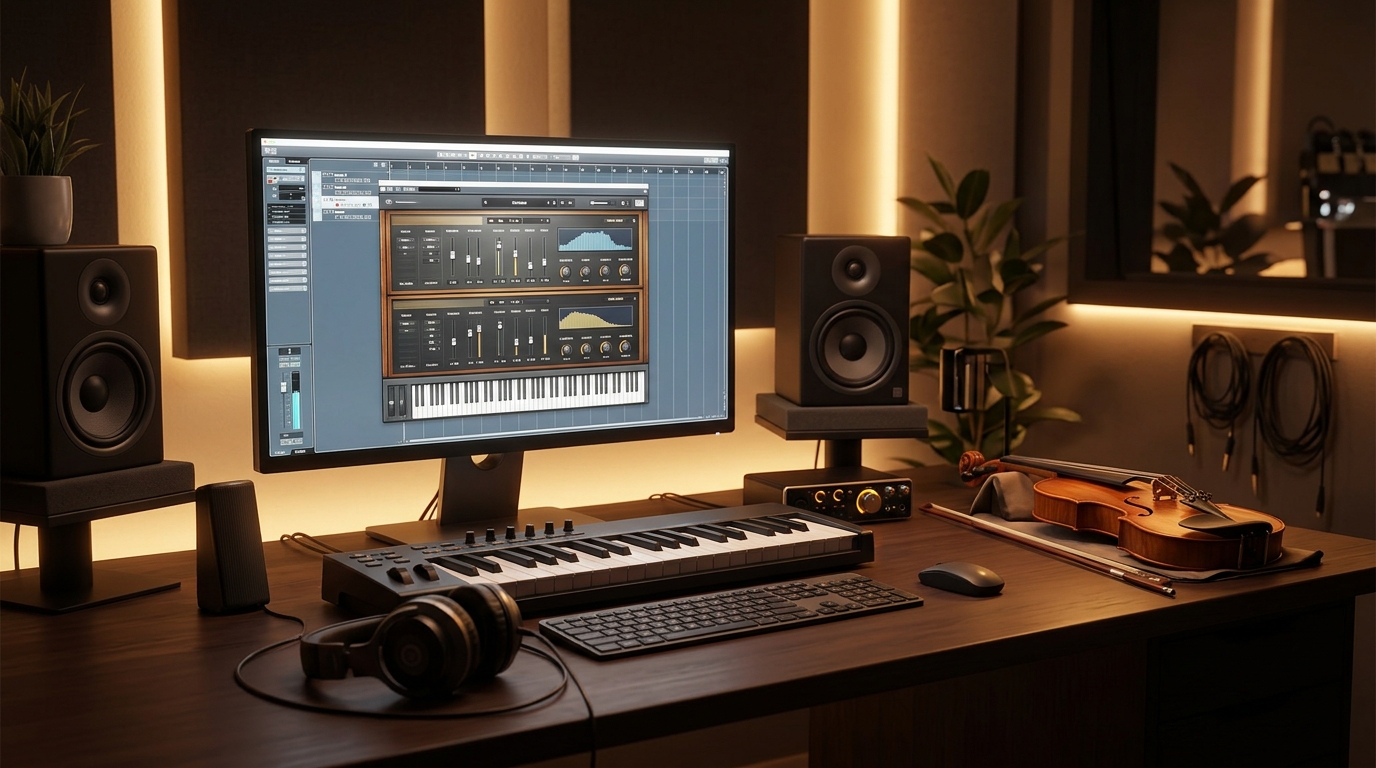
What Is DSK Strings?
DSK Strings is a free virtual instrument that runs inside your DAW and plays orchestral string sounds. In simple terms, it is a plugin that loads on an instrument track, and it plays sampled string sounds when you play notes: violins on top, violas and cellos in the middle, and double bass underneath, with two layers you can mix, detune and shape separately. You load it on a track, choose a preset or build a layer, and play it like any other synth.
What makes DSK Strings useful is its simplicity. It is an old SynthEdit plugin, so its sound is retro rather than realistic: the strings have a warm, slightly synthetic character that suits pads, sketches and lo-fi tracks, rather than a film-score mockup. It includes a delay and a flanger for movement, and every control supports MIDI automation, so you can record filter and volume changes as you play. One honest note: DSK Strings is Windows-only and 32-bit VST only, so a modern 64-bit DAW needs a bridge, such as Reaper’s built-in 32-bit bridging or a tool like jBridge, to load it. Check your DAW’s bridging support before you install.
Key Features
- Two string layers: Two independent layers let you mix, detune and shape different string sections together.
- Violin, viola, cello and bass: All four string sections are included, so you can build a full string pad from one plugin.
- Twenty-two waveforms: Twenty-two waveforms give you different string tones, from soft and warm to bright and biting.
- Delay and flanger built in: A delay and a flanger add movement and space without needing extra plugins.
- Full MIDI automation: Every control supports MIDI automation, so you can record changes as you play.
- Simple, clear interface: A small, uncluttered layout makes it easy to learn, even for a first string plugin.
- Very light on CPU: The plugin uses almost no CPU or RAM, so it runs on old and modest PCs without trouble.
- Freeware from DSK Music: DSK Strings is freeware, with no trial, no account and no payment needed.
System Requirements
- Operating System: Windows 10 or Windows 11, 64-bit (the plugin itself is 32-bit VST2)
- Processor: A modern dual-core processor or better
- RAM: At least 4 GB of RAM for basic use
- Storage: Around 20 MB of free disk space for the download
- DAW: A 64-bit DAW that can bridge 32-bit plugins, such as Reaper, or a bridging tool such as jBridge, on Windows
- Other: A stable internet connection for the download, and speakers or headphones to hear your instruments
These are practical, modern Windows guidelines, not a word-for-word copy of an official specification table. The most important point is simple: DSK Strings is designed for normal Windows PCs, and a modest modern computer is enough to start.
How to Download DSK Strings (Official Method)
The only safe place to download DSK Strings is the official website. Do not download it from random file mirrors or “free download” portals, because those copies may be outdated or bundled with unwanted software. The official site is the source of truth for the current version.
Official download link: https://www.dskmusic.com/dsk-strings/
On the official DSK Music DSK Strings product page, download the Windows ZIP archive to your Downloads folder. There is no account, serial number or payment involved at any point. If a site asks you to pay for DSK Strings, or offers a cracked version of it, leave that site and return to the official DSK Music page.
Step-by-Step Installation
Follow these steps in order. Take your time with the format and folder choices, because those are the steps that most often cause a plugin to not appear in a DAW.
- Download the ZIP from the official site — Open https://www.dskmusic.com/dsk-strings/ in your browser and download the Windows ZIP archive for DSK Strings. Do not use third-party download sites.
- Extract the ZIP archive — Right-click the downloaded ZIP file and choose Extract All, then open the extracted folder to find the 32-bit plugin file.
- Copy the 32-bit plugin file to your VST folder — Copy the 32-bit VST plugin file into your DAW’s 32-bit VST plugin folder, and note the folder for later.
- Check your DAW can bridge 32-bit plugins — DSK Strings is 32-bit only, so confirm your DAW supports 32-bit bridging, or install a bridging tool such as jBridge, before you continue.
- Restart your DAW if it was open — Close and reopen your DAW so it can scan the plugin folder on startup.
- Rescan plugins in your DAW — Open your DAW plugin manager and rescan, so the new plugin appears in the list.
- Load the plugin once to test it — Insert DSK Strings on a test track and confirm it opens without an error before you use it in a real project.
Tip: DSK Strings is a 32-bit VST2 plugin, so a modern 64-bit DAW needs bridging to load it. Reaper bridges 32-bit plugins automatically, and jBridge is a common bridging tool for other DAWs. If your DAW cannot find the plugin after installation, check the plugin folder path in your DAW settings first, then rescan.
How to Play Your First String Pad with DSK Strings
This walkthrough is a simple first project. It is not a full course, but it will help you hear DSK Strings working in a real track and learn its main controls.
- Create an instrument track — Add a new MIDI track in your DAW for the instrument.
- Load DSK Strings on the track — Insert DSK Strings from your VST plugin list, using your DAW’s 32-bit bridge if needed.
- Choose a warm string preset — Browse the preset list and pick a warm, slow string pad preset to start from.
- Play a few chords — Use your MIDI keyboard or piano roll to play slow chords and hear the strings swell.
- Mix the two layers — Adjust the volume and detune of the two layers until the pad sounds full and warm.
- Add a little delay — Turn on the delay effect at a low level to give the strings more space.
- Save your edited preset — When you like the result, save it under a new name so you can reuse it later.
Is DSK Strings Free?
DSK Strings is freeware from DSK Music. You download it from the official DSK Music site, install it, and use it without paying and without a time limit. There is no paid version of DSK Strings itself. Be aware of one honest limit: it is a 32-bit VST plugin for Windows only, so a modern 64-bit DAW needs bridging to load it.
That free status is important for this guide. All the steps here use the official download only, and they do not involve cracks, activators or licence keys. If you ever see a site offering a paid or cracked version of the free plugin, treat it as unsafe and return to the official site.
Frequently Asked Questions
Is DSK Strings safe to download?
Yes, when you download it from the official website only. The official installer is the version made by the developer. Avoid third-party sites that bundle extra software or ask for payment for a free plugin.
Does DSK Strings work on my Windows PC?
DSK Strings is a 32-bit VST2 plugin, so it needs a 64-bit DAW that can bridge 32-bit plugins, such as Reaper, or a bridging tool such as jBridge. Check your DAW’s bridging support before installing. On Windows 10 and 11 it otherwise runs on a normal modern PC.
Is DSK Strings really free, or will it stop working?
The free version described in this guide is not a short trial. It stays usable after installation. There is no paid edition of DSK Strings itself, but it is 32-bit only.
Do I need a powerful PC to run DSK Strings?
No, not for basic use. A modern Windows 10 or 11 PC with 4 GB of RAM or more can run it for simple projects. Larger projects with many tracks and plugins will benefit from more RAM and a faster processor, but you can start and learn on a normal home PC.
Conclusion
DSK Strings is a useful, free addition to a Windows setup because it is a free orchestral string plugin with two layers of violin, viola, cello and double bass, and it can be downloaded safely from the official site. Start with presets, learn one control at a time, and build your own sounds as you get comfortable.
To get started, download DSK Strings from the official website here: https://www.dskmusic.com/dsk-strings/ Install it with the steps above, test it once, and then use it in your next project. With a little practice, it can become a regular part of your workflow.
Official download link: https://www.dskmusic.com/dsk-strings/
Related Guides
- Plogue sforzando for PC: How to Download & Install on Windows
- BBC Symphony Orchestra Discover for PC: How to Download & Install on Windows