 Posted by

Introduction
Some synthesizers try to impress you with hundreds of controls. Charlatan does the opposite. It is a small, free virtual-analog synthesizer from BlauKraut Engineering with a clean, minimal interface, two oscillators, one good filter, and a sound that producers keep comparing to classic hardware like the Roland Juno-60 and the Korg Polysix. It is especially loved for 1980s-style basses, and it has earned a cult following precisely because it does a few things extremely well instead of doing everything averagely.
This guide explains what Charlatan is, how its oscillators, filter and modulation work, what your PC needs to run it, and how to download and install it from the official BlauKraut Engineering website only. You will also get a first-use walkthrough that builds a bass and a pad from the default sound, so you can hear the synth’s character in minutes. By the end, you should be able to load Charlatan in your DAW and use it in a real track.
Charlatan is best for producers who want warm, analog-style basses and pads without a complicated synth, for beginners learning subtractive synthesis, and for anyone who likes a fast, focused workflow. Because it is freeware and legitimate, you do not need a cracked copy or an unknown download site. The official website provides the download directly, with no account and no payment.
What Is Charlatan?
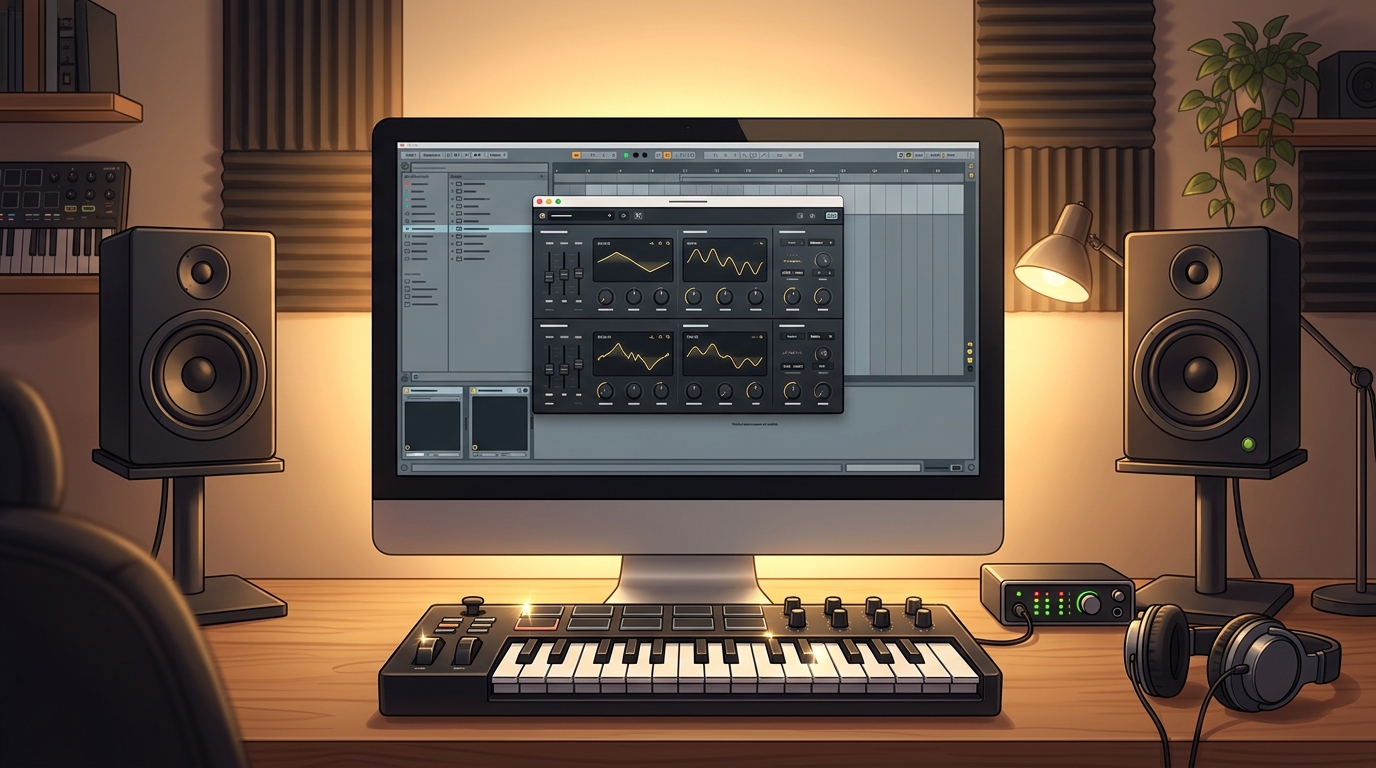
Charlatan is a free polyphonic, subtractive virtual-analog (VA) synthesizer plug-in for Windows and Linux, made by BlauKraut Engineering, the project of developer Dominique Wurtz. In simple terms, it is a software instrument that runs inside your DAW, and it creates sound the way classic analog synthesizers do: oscillators generate raw waveforms, a filter shapes their tone, and an amplifier envelope controls how the sound starts and ends. You play it with a MIDI keyboard or with notes drawn in your DAW, and it responds like a real instrument.
The current version is Charlatan 3, which brought a completely new interface and many new features to the long-running free synth. It offers two dual oscillators per voice, with custom drawable waveforms, cross-modulation between the oscillators, a resonant low-pass filter with a characterful sound, and a subtle analog drift effect that keeps the sound lively instead of sterile. That drift, a tiny, almost unnoticeable instability in the oscillators, is one of the reasons Charlatan sounds more alive than many other free synths.
Charlatan is available for Windows and Linux in VST3 and CLAP formats. There is no Mac version, which is the synth’s main limitation, and it is worth knowing before you plan a project around it. On Windows it is a small, fast download, it uses very little CPU, and it needs no account, installer or activation. You download a ZIP file, copy the plug-in into your VST folder, and you are done.
Key Features
- Free virtual-analog synthesis: Charlatan is freeware, with no trial period, no payment and no feature locked behind an upgrade.
- Two dual oscillators per voice: each voice has two oscillators with custom drawable waveforms, so you can shape the raw sound before it reaches the filter.
- Cross-modulation: modulate one oscillator with the other for harsher, more aggressive tones when a simple sawtooth is not enough.
- Characterful resonant filter: a low-pass filter with a warm, lively sound that gives Charlatan its classic analog feel, especially on basses.
- Subtle analog drift: a gentle instability in the oscillators that keeps the sound moving and alive, instead of perfectly static and digital.
- Polyphonic subtractive design: play chords and pads as well as basses and leads, with a streamlined interface that never gets in your way.
- Very low CPU use: the synth is written in C++ with efficiency in mind, so it runs comfortably even in large projects with many instances.
- VST3 and CLAP on Windows and Linux: modern plug-in formats for current DAWs, with no installer, account or activation needed.
System Requirements
- Operating System: Windows 10 or Windows 11, 64-bit (Linux builds are also available)
- Processor: Any modern multi-core processor; Charlatan is very light on CPU, so even a modest processor handles many instances easily
- Memory: 4 GB of RAM minimum, 8 GB or more recommended for larger projects with many tracks and plug-ins
- Storage: Around 20 MB of free disk space for the plug-in
- DAW: Any DAW that supports VST3 or CLAP plug-ins on Windows, such as Reaper, FL Studio, Ableton Live, Cubase, Studio One or Bitwig
- Other: A stable internet connection for the download, a MIDI keyboard or your DAW’s piano roll to play notes, and speakers or headphones to hear the synth
These are practical, modern Windows guidelines, not a word-for-word copy of an official specification table. Charlatan is one of the lightest synthesizers you can install, so your DAW and your project size matter far more than this plug-in ever will. If your PC runs a DAW comfortably, it will run Charlatan comfortably too.
How to Download Charlatan (Official Method)
The only safe place to download Charlatan is the official BlauKraut Engineering website. Do not download it from random file mirrors or “free download” portals, because those copies may be outdated or bundled with unwanted software. The official site is the source of truth for the current version, which is Charlatan 3.3.2.
Official download link: https://blaukraut.info/
On the official website you will find the Charlatan product page with the download for Windows and Linux, in VST3 and CLAP formats. There is no account, no payment and no installer: you download a ZIP file containing the plug-in, and you place it in your DAW’s plug-in folder yourself. If a site asks you to pay for Charlatan, or offers a “cracked” or “premium” version of it, leave that site and return to the official BlauKraut page.
Step-by-Step Installation
- Open the official BlauKraut Engineering website linked above in your browser and go to the Charlatan page. Find the download for the latest version for Windows.
- Download the ZIP file and save it to your Downloads folder. The file is small, only a few megabytes, so it should finish quickly.
- Extract the ZIP archive with Windows File Explorer: right-click the file and choose Extract All. Inside you will find the Charlatan plug-in file.
- Copy the plug-in file into your DAW’s VST3 plug-in folder. The usual location is C:\Program Files\Common Files\VST3, but check your DAW’s settings if you use a custom folder.
- Open your DAW and rescan your plug-ins if Charlatan does not appear at once, then look for it in your instrument list under BlauKraut Engineering.
- Load Charlatan on a MIDI track and play a few notes to confirm that sound comes out. If you hear nothing, check that the track is armed for MIDI and that your DAW’s audio output is working.
- Save a test preset once you find a sound you like, so you can recall it later. Charlatan includes factory presets, and you can add your own on top of them.
Tip: Because Charlatan has no installer, keep the original ZIP file in your Downloads folder or in a backup folder. If you reinstall Windows or move to a new PC, you can copy the plug-in from that ZIP again in seconds, without hunting for the download link.
First-Use Walkthrough: Your First Bass and Pad
The fastest way to learn Charlatan is to build two classic sounds from the default patch. Start with a bass. Load Charlatan on a MIDI track, open the plug-in, and choose a sawtooth waveform on the first oscillator. Set the filter cutoff fairly low, add a little resonance to give the sound an edge, and set the amplifier envelope with a fast attack and a short release so each note is punchy. Play low notes on your keyboard and listen: you should hear a warm, round bass with a slight analog growl. Now detune the second oscillator slightly against the first, and hear how the sound thickens. That detuned, slightly drifting pair of oscillators is the heart of Charlatan’s sound.
Next, turn the same patch into a pad. Raise the filter cutoff so more high frequencies come through, lengthen the attack and release on the amplifier envelope so notes swell in and fade out slowly, and add a little more detune between the oscillators. Play a chord and hold it. You should hear a soft, warm pad that moves gently as the oscillators drift against each other. If your DAW has a chorus or reverb effect, add it after Charlatan on the same track and hear how the pad opens up even further.
Finally, try the drawable waveforms. Charlatan lets you draw custom oscillator shapes, which is unusual in a free synth and a good way to learn how waveforms change sound. Draw a shape that is mostly flat with a sharp spike, play a note, and compare it with the smooth sawtooth. Small changes in the drawn shape make clear differences in tone, and experimenting this way teaches you more about synthesis than reading about it ever will.
Is Charlatan Free?
Yes. Charlatan is freeware, completely free to download and use, for personal and commercial projects, with no trial period, no watermark and no feature locked behind payment. BlauKraut Engineering offers it as a free synthesizer, and the latest version is available directly from the official website without an account.
That does not mean the developer asks for nothing. Charlatan is a labour of love by a small independent developer, and donations are appreciated if you enjoy it, though they are never required. If you use Charlatan in released music, a credit to BlauKraut Engineering is a kind gesture, but the freeware licence does not force you to pay anything.
One honest limitation to remember is that Charlatan is available for Windows and Linux only. There is no Mac version, even in the latest release. If you work on a Mac, or you collaborate with Mac users, choose a different free synth for shared projects, and keep Charlatan for your Windows work.
Frequently Asked Questions
Is Charlatan safe to download?
Yes, as long as you download it from the official BlauKraut Engineering website linked in this guide. The official ZIP contains the plug-in only. Avoid third-party download sites that bundle installers or ask for extra software, because those are not the official distribution.
Does Charlatan work in my DAW?
In most cases on Windows, yes. Charlatan is available as VST3 and CLAP, and it loads in major DAWs such as Reaper, FL Studio, Ableton Live, Cubase, Studio One and Bitwig. Note that there is no VST2 version and no Mac version, so check your DAW’s supported formats first.
What is Charlatan best for?
It is especially good for 1980s-style basses, warm pads and classic analog leads, in the spirit of synths like the Roland Juno-60 and the Korg Polysix. It is less suited to complex modern sound design, because its interface is deliberately simple.
What are drawable waveforms?
Charlatan lets you draw the shape of an oscillator’s waveform with your mouse, instead of choosing only from fixed shapes like sawtooth and square. The drawn shape changes the harmonic content of the sound, which gives you a simple, visual way to design new tones.
Do I need a powerful PC to run Charlatan?
No. Charlatan is written in efficient C++ and uses very little CPU, so it runs comfortably on a normal modern Windows PC, even with many instances open at once.
Is there a Mac version of Charlatan?
No, not at the time of writing. Charlatan is available for Windows and Linux only. Mac users should choose a different free synthesizer.
Conclusion
Charlatan is proof that a synthesizer does not need to be big, expensive or complicated to sound great. Two oscillators, a good filter, a touch of analog drift and a clean interface are enough to make basses and pads that stand next to classic hardware in a mix. Its freeware price, tiny download and low CPU use make it one of the easiest free synths to recommend on Windows.
Download it only from the official BlauKraut Engineering website, copy the plug-in into your VST3 folder, and start with a bass. Once you hear how warm and alive those two detuned oscillators sound, Charlatan is likely to earn a permanent place in your instrument list.
Official download link: https://blaukraut.info/
Related Guides
- Synth1 for PC: How to Download & Install on Windows
- PG-8X for PC: How to Download & Install on Windows