 Posted by

Introduction
One free plug-in is useful. Eight free plug-ins in a single download is a starter studio. That is what the Blue Cat Freeware Pack offers: a bundle of Blue Cat Audio’s free plug-ins, covering chorus, flanger, phaser, EQ, spectrum analysis, gain utilities, guitar amp simulation and more, all free, with no registration, no dongle and no mailing list. Some of these plug-ins have been free for more than twenty years, and they are still updated today.
This guide explains what the Freeware Pack contains, what each plug-in does, what your PC needs to run them, and how to download and install the bundle from the official Blue Cat Audio website only. You will also get a first-use walkthrough that tries one plug-in from each family, so you can hear what the pack adds to a mix. By the end, you should have a working set of free effects ready in your DAW, installed from one official source.
The Freeware Pack is best for beginners building their first effects collection, for producers who want reliable utility plug-ins without spending anything, and for anyone who needs a spectrum analyser or a gain tool alongside creative effects. Because it is free and legitimate, you do not need a cracked copy or an unknown download site. The official website provides the downloads, and the free plug-ins are real, permanent tools, not short trials.
What Is Blue Cat Freeware Pack?
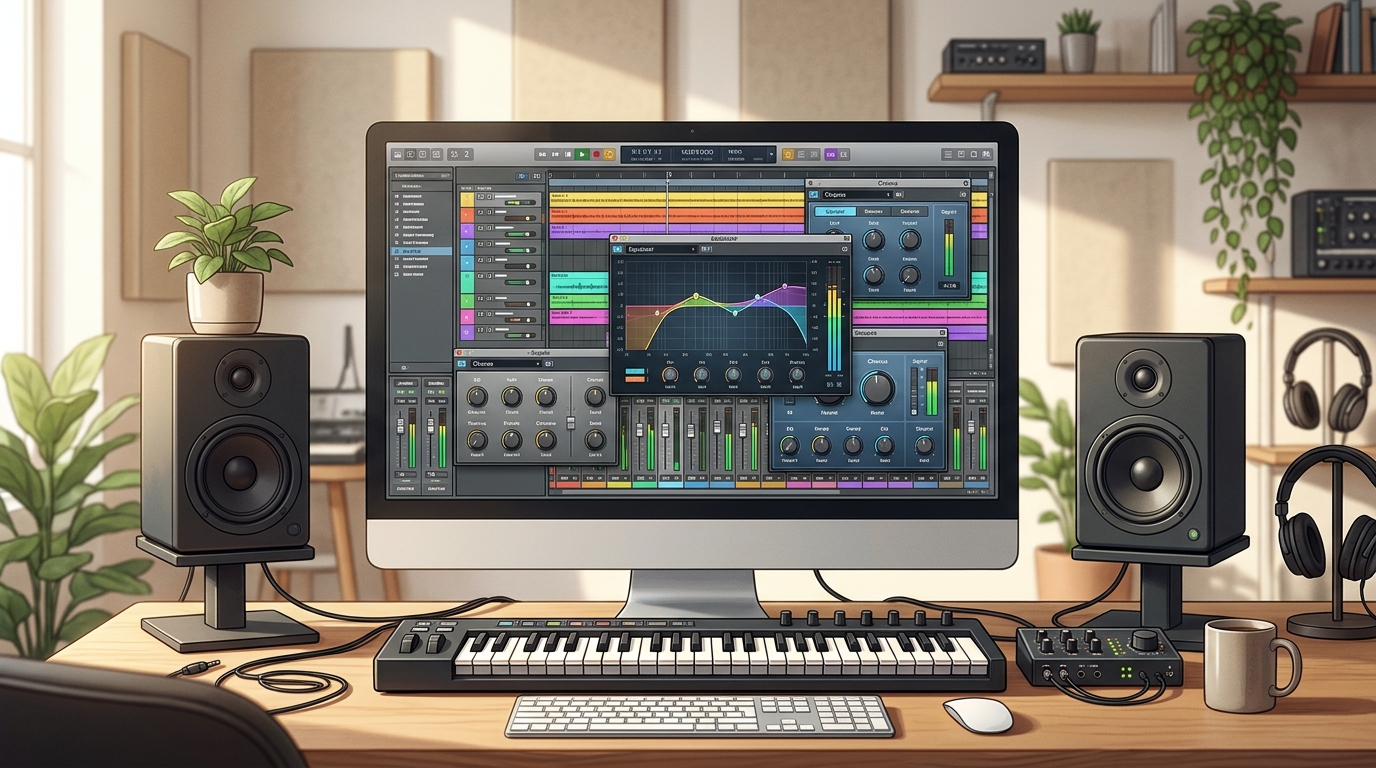
Blue Cat Freeware Pack is a free bundle of audio plug-ins from Blue Cat Audio, a French developer known for both free and commercial plug-ins. In simple terms, it is a collection of effect plug-ins that run inside your DAW, and it gives you a full basic toolkit in one download: modulation effects, an equaliser, a spectrum analyser, gain utilities and a guitar amp simulator. You can download the whole bundle at once, or download each plug-in separately from the same official download centre.
The current free range includes eight plug-ins: Blue Cat’s Chorus, a free vintage chorus; Blue Cat’s Flanger, a free vintage flanger; Blue Cat’s Phaser, a free vintage phaser modelled on classic analog circuits; Blue Cat’s FreqAnalyst, a free real-time spectrum analyser; Blue Cat’s Gain Suite, a set of gain utilities for controlling several tracks at once; Blue Cat’s Triple EQ, a free three-band semi-parametric equaliser; Blue Cat’s Free Amp, a free guitar and bass amp simulator; and Blue Cat’s Freeceiver, a free plug-in for receiving audio and MIDI streams over a network. The exact contents can change slightly as Blue Cat updates its free range, so check the official download page for the current list.
All of the plug-ins are 100 percent free, with no registration, dongle or mailing-list subscription required. They are available in VST, VST3, AU and AAX formats for Windows and Mac, in 32-bit and 64-bit versions, so they fit into almost any DAW setup. The plug-ins share Blue Cat’s standards for interface quality, MIDI control and preset management, which makes them feel like a coherent collection rather than a random pile of freeware.
Key Features
- Eight free plug-ins in one bundle: chorus, flanger, phaser, EQ, spectrum analyser, gain utilities, amp simulation and network streaming, all free in a single download.
- Free with no registration: no account, no dongle, no mailing list and no payment, and the plug-ins stay fully usable after installation.
- Vintage modulation effects: Chorus, Flanger and Phaser are modelled on classic sounds from the 1970s and 1980s, from subtle widening to deep, alien textures.
- FreqAnalyst spectrum analyser: a free real-time spectrum analyser with smooth, high-resolution display, so you can see what you cannot hear in a mix.
- Gain Suite for multi-track control: control the volume of one or several tracks at the same time, in real time, which is useful for automation and gain staging.
- Triple EQ, simple and flexible: a three-band semi-parametric equaliser that can be controlled like a single filter, with a customisable shape.
- Free Amp for guitar and bass: a free amp simulator with several amp models, built-in reverb and a standalone application version.
- Full MIDI control and presets: the plug-ins support MIDI parameter control, preset management and, on Windows, multitouch, just like Blue Cat’s paid products.
System Requirements
- Operating System: Windows 10 or Windows 11, 64-bit (32-bit versions are also available for older systems)
- Processor: Any modern multi-core processor; these are light effects, so even a modest CPU handles several instances easily
- Memory: 4 GB of RAM minimum, 8 GB or more recommended for larger projects with many tracks and plug-ins
- Storage: Around 200 MB of free disk space for the full bundle, plus extra space for your DAW projects
- DAW: Any DAW that supports VST, VST3 or AAX plug-ins on Windows, such as Reaper, FL Studio, Ableton Live, Cubase, Studio One or Pro Tools
- Other: A stable internet connection for the download, and speakers or headphones to hear the effects working
These are practical, modern Windows guidelines, not a word-for-word copy of an official specification table. The free plug-ins are light on CPU and memory, so your DAW and your project size matter far more than this bundle ever will. If your PC runs a DAW comfortably, it will run the Freeware Pack comfortably too.
How to Download Blue Cat Freeware Pack (Official Method)
The only safe place to download the Freeware Pack is the official Blue Cat Audio website. Do not download it from random file mirrors or “free download” portals, because those copies may be outdated or bundled with unwanted software. The official download centre is the source of truth for the current versions.
Official download link: https://www.bluecataudio.com/Download/Home/
On the official download centre you will find the free downloads, including the Freeware Pack bundle and each plug-in separately. Choose the bundle if you want everything at once, or pick single plug-ins if you only need one or two. There is no account, payment or serial number involved at any point. If a site asks you to pay for the Freeware Pack, or offers a “cracked” or “premium” version of it, leave that site and return to the official Blue Cat Audio page.
Step-by-Step Installation
- Open the official Blue Cat Audio download centre linked above in your browser and find the free downloads section. Look for the Freeware Pack bundle, or for the individual free plug-ins if you prefer to choose.
- Download the Windows installer for the bundle and save it to your Downloads folder. Choose the 64-bit version for a modern PC and DAW.
- Run the installer by double-clicking the downloaded file. If Windows SmartScreen asks about the program, check that you downloaded it from bluecataudio.com, then allow it to run.
- Follow the installer prompts to choose which plug-ins to install. You can install the whole bundle, or tick only the plug-ins you want, which keeps your plug-in list tidy.
- Choose the plug-in formats you need during setup. Install the VST3 versions for modern DAWs, and add the VST2 versions as well if you use an older DAW that needs them.
- Note the VST plug-in folder the installer uses, or choose your usual VST folder during setup. Keeping all your plug-ins in one known folder saves trouble later.
- Open your DAW and rescan your plug-ins if the new effects do not appear at once, then look for them in your effects list under Blue Cat Audio.
Tip: Install the whole bundle even if you only need one plug-in today. The extra plug-ins cost no disk space worth worrying about, and having FreqAnalyst and Gain Suite already installed means they are there the first time you need a spectrum analyser or a gain tool, instead of interrupting a session to download them.
First-Use Walkthrough: Trying One Plug-in from Each Family
The fastest way to learn the pack is to try one plug-in from each family on a real track. Start with FreqAnalyst, the spectrum analyser. Load it on your master bus or on a single track, play the song, and watch the frequency display. You will see where the bass, the mids and the highs sit, and you will start to spot problems, like a build-up of low frequencies, that are hard to hear on small speakers. FreqAnalyst does not change the sound; it shows you the sound, and that alone makes your mixing decisions better.
Next, load Blue Cat’s Chorus on a guitar or keyboard track. Start with the default setting and listen to the gentle widening it adds, then slowly increase the depth and rate to hear it move from subtle ensemble to a deep, swirling effect. Chorus is one of the most forgiving effects to learn, because even a small amount makes a track feel wider and more alive.
Then try Triple EQ on a vocal or a drum track. Cut a little low end to clean up rumble, boost a little presence to help a vocal cut through, and listen to how small moves matter more than big ones. Finally, load Free Amp on a clean guitar track, pick an amp model, and play with the gain and the built-in reverb. You should hear a real amp character, not a thin imitation. Save the settings you like as presets in your DAW, so each of these plug-ins is ready the next time you need it.
Is Blue Cat Freeware Pack Free?
Yes. Every plug-in in the Freeware Pack is completely free to download and use, for personal and commercial projects, with no trial period, no watermark and no feature locked behind payment. Some of these plug-ins have been free for more than twenty years, and Blue Cat still updates them. There is no registration, dongle or mailing-list subscription required.
That does not mean everything Blue Cat Audio makes is free. The company also sells paid plug-ins and bundles, such as its analysis, dynamics and guitar toolkits, and those have their own prices. The Freeware Pack itself, however, is free, and you should never pay for it. If a site tries to sell you the Freeware Pack, or offers a “cracked” version, it is not the official product, and you should return to the Blue Cat Audio website.
The free plug-ins are also full products, not demos with parts switched off. You get the complete chorus, the complete flanger, the complete spectrum analyser, and so on. Paid Blue Cat products add more features and more tools, but they do not unlock anything inside the free plug-ins, because there is nothing locked inside them.
Frequently Asked Questions
Is Blue Cat Freeware Pack safe to download?
Yes, as long as you download it from the official Blue Cat Audio website linked in this guide. The official installers contain the plug-ins only. Avoid third-party download sites that bundle installers or ask for extra software, because those are not the official distribution.
What is inside the Freeware Pack?
The current free range includes Chorus, Flanger, Phaser, FreqAnalyst, Gain Suite, Triple EQ, Free Amp and Freeceiver. The exact contents can change slightly as Blue Cat updates its free plug-ins, so check the official download page for the current list.
Do I need to create an account to download it?
No. The free plug-ins are available without registration, dongle or mailing-list subscription. Download them directly from the official download centre.
Does the Freeware Pack work in my DAW?
In most cases, yes. The plug-ins are available as VST, VST3, AU and AAX on Windows and Mac, and they load in major DAWs such as Reaper, FL Studio, Ableton Live, Cubase, Studio One and Pro Tools. After installing, rescan your plug-ins if they do not appear at once.
Can I download the plug-ins separately?
Yes. The official download centre offers the bundle and each plug-in separately, so you can install only the ones you want.
Do I need a powerful PC to run the Freeware Pack?
No. These are light effects, and they will run comfortably on a normal modern Windows PC, even with several instances open at once.
Conclusion
Blue Cat Freeware Pack is one of the best free downloads in music production, because it is not one plug-in but a whole starter toolkit: modulation, EQ, analysis, gain and amp simulation, all free, all updated, and all from a single trusted developer. It fills the gaps in a beginner’s setup and stays useful long after you start buying paid plug-ins, because tools like FreqAnalyst and Gain Suite are useful in every mix.
Download it only from the official Blue Cat Audio download centre, install the whole bundle, and try one plug-in from each family on a real track. Once you have heard what a free chorus, a free spectrum analyser and a free amp simulator can do, the pack will earn a permanent place in your DAW.
Official download link: https://www.bluecataudio.com/Download/Home/
Related Guides
- Softube Saturation Knob for PC: How to Download & Install on Windows
- Voxengo OldSkoolVerb for PC: How to Download & Install on Windows