 Posted by

Introduction
Most compressors greet you with a wall of knobs: threshold, ratio, attack, release, knee, and more. Klanghelm DC1A does the opposite. It gives you two knobs, Input and Output, and quietly does the rest itself. Behind that simple panel is the compression engine of Klanghelm’s paid DC8C, tuned into a few favourite settings, so the result sounds musical even when you barely touch it. That is why DC1A has become one of the most recommended free compressors on Windows.
This guide explains what DC1A is, how its two knobs and hidden tricks work, what your PC needs to run it, and how to download and install it from the official Klanghelm website only. You will also get a first-use walkthrough with a vocal and a drum example, so you can hear what it does in a real mix. By the end, you should be able to load DC1A in your DAW and use it with confidence on your next track.
DC1A is best for producers who want fast, musical compression without overthinking settings, for beginners learning what a compressor actually does, and for experienced engineers who want a character compressor they can reach for in seconds. Because it is free and legitimate, you do not need a cracked copy or an unknown download site. The official website provides the installer, and the free plug-in is a real, permanent tool, not a short trial.
What Is Klanghelm DC1A?
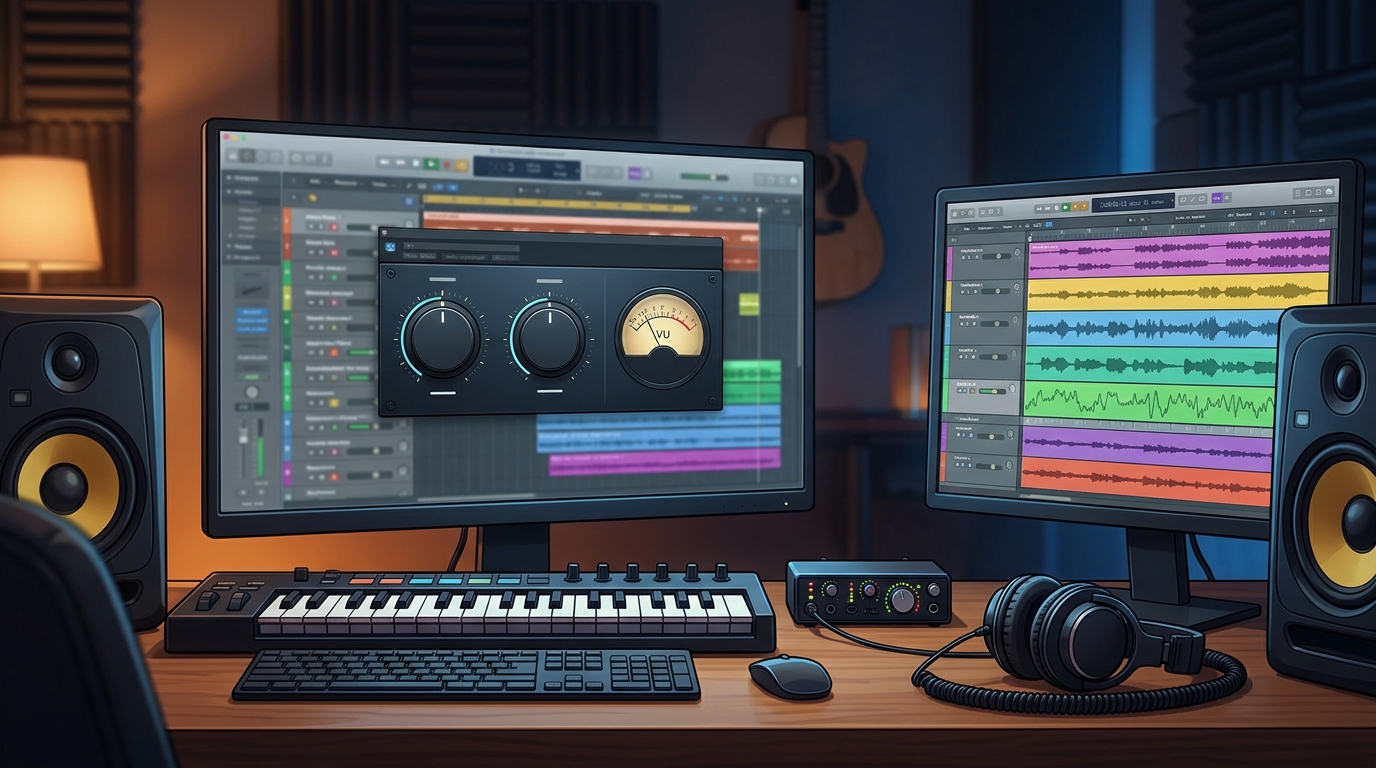
Klanghelm DC1A is a free dynamic range compressor plug-in for Windows and Mac, built by Klanghelm in Germany. In simple terms, it is a tool that runs inside your DAW as an effect plug-in, and it controls the volume range of a track: loud parts are gently pulled down, quiet parts feel more present, and the track sits more evenly in the mix. It is the little brother of Klanghelm’s DC8C, a paid compressor with many controls. The DC1A takes a few of the developer’s favourite settings from DC8C and makes them work through just two controls.
The sound of DC1A is comparable to the Punch mode of DC8C. It is program-dependent, which means its attack and release behaviour changes depending on the audio you feed it, instead of following one fixed timing. That is a large part of why it sounds musical: it reacts to drums differently from vocals, and to a bass differently from a full mix, without you having to set timings yourself. It also adds a subtle harmonic colour, a gentle saturation that makes signals sound a little fuller and more alive.
Despite the two-knob appearance, DC1A has a few tricks hidden underneath. Four small switches, Deep, Relaxed, Dual Mono and Negative, change its behaviour in useful ways, and clicking the meter switches between gain reduction and output metering. It looks like a one-trick pony, but it is far more flexible than it first appears, and that hidden depth is what keeps experienced producers coming back to it.
Key Features
- Two-knob compression: Input drives the signal into the compressor and Output trims the result, so you can get a musical result in seconds without touching a threshold or ratio control.
- DC8C compression engine: the sound comes from Klanghelm’s paid DC8C compressor, specifically its Punch mode, so the free plug-in carries genuine professional character.
- Program-dependent timing: attack and release adapt to the audio itself, which makes DC1A react sensibly to drums, vocals, bass and full mixes without manual timing settings.
- Deep, Relaxed, Dual Mono and Negative switches: Deep adds a high-pass filter to the detection, Relaxed changes the timing character, Dual Mono compresses the left and right channels independently, and Negative inverts the ratio for expansion effects.
- Parallel compression built in: the Negative mode and the way the Input control works make New York style parallel compression easy to reach without setting up extra routing.
- Subtle harmonic colour: gentle saturation adds warmth and fullness, so even light compression makes a track feel a little more finished.
- Free, with no sign-up needed: download it directly from the Klanghelm website without creating an account or entering an email address.
- VST, VST3, AU and AAX formats: DC1A 3 runs in most major DAWs on Windows and Mac, in 32-bit and 64-bit versions.
System Requirements
- Operating System: Windows 10 or Windows 11, 64-bit (a 32-bit version is also available for older systems)
- Processor: Any modern multi-core processor; compression is light work, so even a modest CPU handles many instances easily
- Memory: 4 GB of RAM minimum, 8 GB or more recommended for larger projects with many tracks and plug-ins
- Storage: Around 50 MB of free disk space for the plug-in
- DAW: Any DAW that supports VST, VST3 or AAX plug-ins on Windows, such as Reaper, FL Studio, Ableton Live, Cubase, Studio One or Pro Tools
- Other: A stable internet connection for the download, and speakers or headphones to hear the compression working
These are practical, modern Windows guidelines, not a word-for-word copy of an official specification table. Compression is one of the lightest jobs a plug-in can do, so DC1A will run comfortably on almost any PC that can run a DAW. Your DAW and your project size matter far more than this plug-in ever will.
How to Download Klanghelm DC1A (Official Method)
The only safe place to download DC1A is the official Klanghelm website. Do not download it from random file mirrors or “free download” portals, because those copies may be outdated or bundled with unwanted software. The official site is the source of truth for the current version, which is DC1A 3.
Official download link: https://klanghelm.com/contents/products/DC1A.php
On the official product page you will find the download for Windows and Mac, with no account or sign-up required. The download is a small archive of about 11 MB containing the installer. If a site asks you to pay for DC1A, or offers a “cracked” or “premium” version of it, leave that site and return to the official Klanghelm page.
Step-by-Step Installation
- Open the official Klanghelm DC1A page linked above in your browser and find the Windows download. Choose the 64-bit version for a modern PC and DAW.
- Download the archive and save it to your Downloads folder. The file is small, so it should finish quickly.
- Extract the archive if it arrives as a ZIP or RAR file. Windows File Explorer can extract ZIP files directly; right-click the file and choose Extract All.
- Run the installer by double-clicking the installer file inside. If Windows SmartScreen asks about the program, check that you downloaded it from klanghelm.com, then allow it to run.
- Follow the installer prompts to choose the plug-in formats you want. Install the VST3 version for modern DAWs, and add the VST2 version as well if you use an older DAW that needs it.
- Note the VST plug-in folder the installer uses, or choose your usual VST folder during setup. Keeping all your plug-ins in one known folder saves trouble later.
- Open your DAW and rescan your plug-ins if DC1A does not appear at once, then look for it in your effects list under Klanghelm.
Tip: When you first load DC1A, start with all four small switches off and both knobs near the middle. Turn the Input knob up slowly until the gain reduction meter starts moving a few dB on the loud parts, then use the Output knob to bring the level back to where it was. That simple habit teaches you what compression is doing far faster than random knob turning.
First-Use Walkthrough: Your First Vocal and Drum Compression
The fastest way to learn DC1A is to hear it on two very different sounds. Start with a vocal track. Load DC1A as an insert effect on the vocal, open the plug-in, and set the meter to show gain reduction. Play the track and slowly turn the Input knob up. At first nothing happens, then the meter begins to move on the louder words. Aim for around 3 to 5 dB of gain reduction on the peaks, then turn the Output knob down or up until the vocal sounds as loud as it did without the plug-in. Listen to the difference: the quiet words should feel closer and the loud words less jumpy, while the vocal still sounds natural. That is compression doing its job.
Next, try the Deep switch on the same vocal. Deep adds a high-pass filter to the detector, so low rumble and plosives trigger the compressor less. If your vocal has boomy low end, Deep often makes the compression smoother. Turn it on, listen again, and turn it off to compare. Small comparisons like this are the fastest way to learn what each switch does.
Now load DC1A on a drum bus or a single drum track and try again, this time pushing the Input harder. Drums love DC1A’s Punch character: with more gain reduction, the drums get punchier and more aggressive, with a slight crunchy saturation on the hits. Try the Relaxed switch here, which changes the timing to a slower, smoother character, and compare it with the default. Then try Negative mode, which inverts the ratio and expands the signal instead of compressing it, giving a pumping, breathing effect that suits parallel-style drum processing. When you find a setting you like, save it as a preset in your DAW so you can recall it on the next song.
Is Klanghelm DC1A Free?
Yes. DC1A is completely free to download and use, for personal and commercial projects, with no trial period, no watermark and no feature locked behind payment. Klanghelm offers it as a free plug-in alongside its paid products, and it stays fully usable after installation.
That does not mean everything Klanghelm makes is free. DC8C, the big brother of DC1A, is a paid plug-in, and other Klanghelm products have their own prices. DC1A itself, however, is free, and you should never pay for it. If a site tries to sell you DC1A, or offers a “cracked” version, it is not the official product, and you should return to the Klanghelm website.
DC1A is also a good example of honest freeware: the developer states clearly that it is the little brother of DC8C, and that some settings are fixed favourites rather than full controls. You are not getting a demo with parts switched off. You are getting a complete, finished compressor that happens to cost nothing.
Frequently Asked Questions
Is Klanghelm DC1A safe to download?
Yes, as long as you download it from the official Klanghelm website linked in this guide. The official installer contains the plug-in only. Avoid third-party download sites that bundle installers or ask for extra software, because those are not the official distribution.
Why does DC1A have only two knobs?
Because the developer took a few favourite settings from the paid DC8C compressor and fixed them into a simple interface. Input and Output are the only controls you need for most jobs, and the timing adapts to the audio automatically. The four small switches add extra options when you want them.
What do the Deep, Relaxed, Dual Mono and Negative switches do?
Deep adds a high-pass filter to the compression detector, Relaxed changes the timing to a slower character, Dual Mono compresses the left and right channels separately, and Negative inverts the ratio so the plug-in expands instead of compressing. Try each one on its own to hear the difference.
Does DC1A work in my DAW?
In most cases, yes. DC1A 3 is available as VST, VST3, AU and AAX on Windows and Mac, and it loads in major DAWs such as Reaper, FL Studio, Ableton Live, Cubase, Studio One and Pro Tools. After installing, rescan your plug-ins if it does not appear at once.
Is DC1A good for vocals?
Yes, it is one of the most recommended free compressors for vocals, because its program-dependent timing and gentle saturation sound musical with very little adjustment. Start with 3 to 5 dB of gain reduction on the peaks and adjust from there.
Do I need a powerful PC to run DC1A?
No. Compression is light work for a CPU, and DC1A will run comfortably on a normal modern Windows PC, even with several instances open at once.
Conclusion
Klanghelm DC1A proves that a compressor does not need a wall of controls to sound professional. Two knobs, four small switches and the engine of the paid DC8C are enough to give vocals warmth, drums punch and mixes a more finished feel. Its program-dependent timing does the thinking for you, while the hidden tricks give you room to grow as you learn.
Download it only from the official Klanghelm website, start with the Input knob and the gain reduction meter, and learn one switch at a time. Once you hear what gentle, musical compression does for a track, DC1A is likely to become one of the first plug-ins you reach for in every mix.
Official download link: https://klanghelm.com/contents/products/DC1A.php
Related Guides
- Klanghelm IVGI for PC: How to Download & Install on Windows
- Klanghelm MJUC jr. for PC: How to Download & Install on Windows