 Posted by

Introduction
If you have always wanted to try 3D modelling but every program looked too technical, Womp is the free tool that changes that. It is a browser-based 3D modelling platform where you shape clay-like forms called goop, blending, merging and carving them like real clay, with no triangles, no topology cleanup and no boolean errors to fix. There is no installer to download and no payment for the core modelling tools, and you start from the official Womp website.
This guide explains what Womp is, what it can and cannot do, what your PC needs to run it, and how to start using it from the official website only. You will also get a first-use walkthrough that takes you from signing up to a finished 3D-print-ready model in a few minutes. By the end, you should be able to open Womp on Windows and use it in a real project.
Womp is best for beginner 3D modelling, organic characters and products, and 3D-print-ready designs without CAD. Because the core modelling tools are free and legitimate, you do not need a cracked copy or an unknown download site. The official website is the only place to sign up, and the free plan is a real, permanent plan, not a short trial.
What Is Womp?
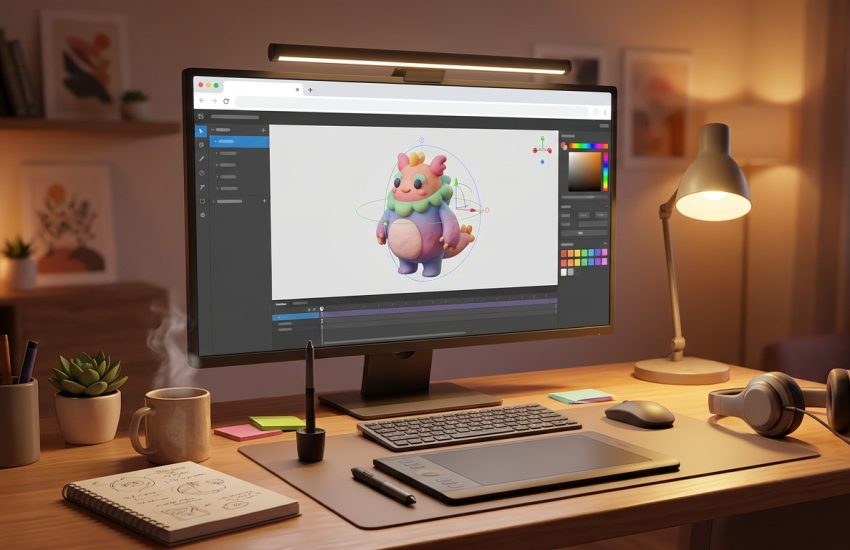
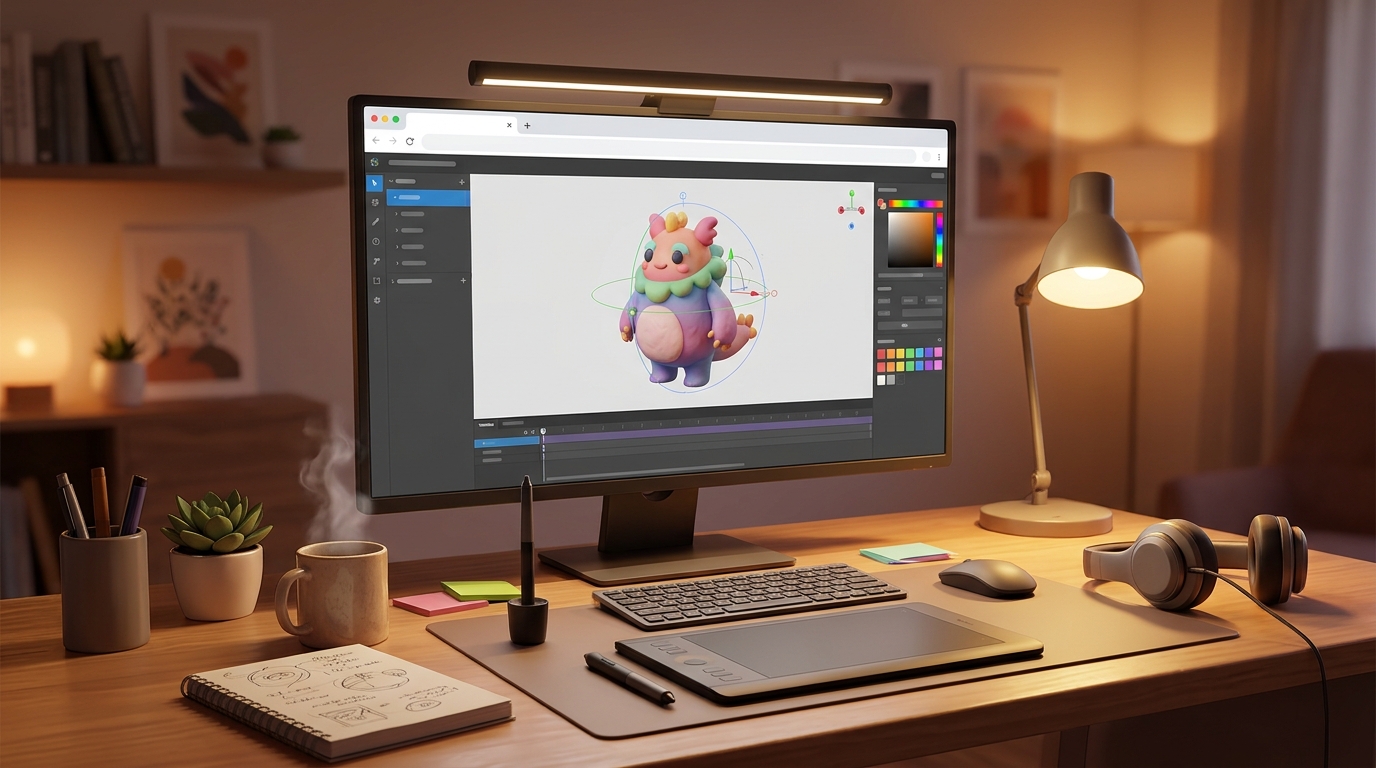
Womp is a free browser-based 3D modelling tool that you use on your PC for making organic 3D models. In simple terms, it is a program that opens in your web browser, where you drop goop shapes onto the canvas, melt and blend them together, carve holes and details, paint materials on them, and render the result, all without touching a polygon. You can export your model as an STL, OBJ, 3MF, GLB or GLTF file for 3D printing, game engines, AR and VR, or send it straight to Womp’s 3D print service.
What makes Womp useful is how it removes the hard parts of 3D. Because the models are fully parametric goop instead of meshes, there is no topology to clean up and no boolean error to fix, and the interface feels more like Canva than like CAD, so designers who have never touched 3D can make something good on their first day. It also includes AI generation with Womp Spark, which can turn an image or a prompt into a 3D mesh. Two honest notes: Womp runs entirely in the browser, so you need an internet connection and your work saves to the cloud, and the core modelling is free, but the Pro plan, which costs 12 US dollars a month, unlocks advanced shapes, more exports and more AI credits.
Key Features
- Goop-based clay modelling: Shape liquid goop forms that blend, merge and carve like real clay.
- Fully parametric models: Models stay parametric, so you can change any shape later without rebuilding.
- No topology cleanup: No triangles, no boolean errors and no mesh repair to worry about.
- Real-time rendering: See your model rendered in real time as you shape and paint it.
- Import and export: Import STL, OBJ and SVG, and export STL, OBJ, 3MF, GLB and GLTF for printers and engines.
- 3D print service: Send a model straight to Womp’s 3D print service and have it shipped to your door.
- AI Spark generation: Womp Spark generates images and 3D meshes from prompts, with a limited number free each month.
- Free core modelling: The core modelling tools are free, with no trial and no payment needed to start.
System Requirements
- Operating System: Windows 10 or Windows 11, 64-bit
- Browser: A modern browser such as Chrome, Edge or Firefox, with WebGL enabled
- Processor: A modern dual-core processor or better
- RAM: At least 4 GB of RAM for basic use
- Storage: Almost no disk space needed, because your work is stored in the cloud
- Other: A stable internet connection, which Womp needs at all times, and a mouse for working in 3D
These are practical, modern Windows guidelines, not a word-for-word copy of an official specification table. The most important point is simple: Womp is designed for normal Windows PCs, and a modest modern computer is enough to start.
How to Download Womp (Official Method)
The only safe place to use Womp is the official website. Do not download it from random file mirrors or “free download” portals, because there is no official installer to download, and those copies may be bundled with unwanted software. The official site is the source of truth for the current version.
Official download link: https://womp.com/
On the official Womp website, sign up for free and open Womp in your browser. There is no installer to download and no setup file for Windows: you sign up at womp.com, open the editor, and you are modelling. There is no payment for the core modelling tools. If a site offers you a Womp installer to download, or a cracked version of it, leave that site and return to the official Womp page.
Step-by-Step Installation
Womp runs entirely in your browser, so these steps take you from signing up to opening your first project. Work carefully through them in order, and remember that your work saves to the cloud, so you need an internet connection.
- Create a free Womp account — Open https://womp.com/ in your browser and sign up for free with your email address. No credit card is needed.
- Confirm your email address — Open the confirmation email from Womp and confirm your account, so you can sign in.
- Open the Womp editor — Sign in and open the Womp editor in your browser. Womp opens in the browser, with nothing to install.
- Create your first project — Click to create a new project, then give it a name, such as My First Model.
- Look at the editor layout — Look at the goop shape tools, the material panel and the render view, and confirm the empty project opens.
- Open a tutorial model — Open one of Womp’s tutorial models to see a finished goop model and how it was built.
- Save your first shape — Add a goop shape to the canvas and confirm it saves to the cloud automatically.
Tip: Womp needs an internet connection at all times, because there is no offline mode and your work saves to the cloud. The core modelling tools are free, but advanced shapes, more exports and extra AI credits live in the Pro plan.
First-Use Walkthrough: Your First Womp Model
This walkthrough is a simple first project. It is not a full course, but it will help you see Womp working on a real project and learn its main tools.
- Create a project and add a goop shape — Create a new project in Womp and add a goop sphere to the canvas.
- Stretch the shape — Stretch the sphere into a rounded character body using the shape controls.
- Blend a second shape — Add a smaller goop sphere and blend it into the body to make a head.
- Carve a detail — Use a carve shape to cut eye sockets into the head.
- Paint a material — Paint a colourful material onto the model and adjust its roughness.
- Render a preview — Render the model and check how the light, material and shapes look.
- Export your model — Export the finished model as an STL file, ready for 3D printing or for another program.
Is Womp Free?
Womp is free to start from Womp 3D. You sign up on the official Womp site and use the core modelling tools without paying and without a time limit. There is no paid version of the core tools themselves, but the Pro plan, which costs 12 US dollars a month, unlocks advanced shapes, more exports and more AI credits. Be aware of two more honest limits: Womp runs only in the browser, so you need an internet connection, and your work saves to the cloud.
That free status is important for this guide. All the steps here use the official download only, and they do not involve cracks, activators or licence keys. If you ever see a site offering a paid or cracked version of the free program, treat it as unsafe and return to the official site.
Frequently Asked Questions
Is Womp safe to download?
Yes, when you use it from the official website only. The official Womp site is the version made by Womp 3D. Avoid third-party sites that offer a Womp installer to download, because no official installer exists.
Does Womp work on my Windows PC?
Yes, in most cases. Womp runs in any modern browser on Windows 10 and 11, such as Chrome, Edge or Firefox, and the system requirements above cover a normal modern PC. Check the official site for the exact current version if your PC is older.
Is Womp really free, or will it stop working?
The free version described in this guide is not a short trial. It stays usable, but advanced shapes, more exports and extra AI credits need the Pro plan.
Do I need a powerful PC to run Womp?
No, not for basic use. A modern Windows 10 or 11 PC with 4 GB of RAM or more can run it for simple projects. Larger projects with many objects and effects will benefit from more RAM and a faster processor, but you can start and learn on a normal home PC.
Conclusion
Womp is a useful, free addition to a Windows setup because it is a free browser-based 3D modelling tool that shapes clay-like ‘goop’ forms with no topology to clean up, and it can be downloaded safely from the official site. Start with a small first project, learn one tool at a time, and build from there.
To get started, download Womp from the official website here: https://womp.com/ Install it with the steps above, test it once, and then use it in your next project. With a little practice, it can become a regular part of your workflow.
Official download link: https://womp.com/
Related Guides
- Tinkercad for PC: How to Download & Install on Windows
- Vectary for PC: How to Download & Install on Windows