 Posted by

Introduction
If you need a realistic landscape for a game, with mountains, valleys, rivers and forests, L3DT is the free tool that generates one for you. It is a Windows terrain generator from Bundysoft that builds heightmaps and textures procedurally, with erosion, water and climate simulation, so a whole game world can start from a few clicks. The Standard Edition has been freeware since December 2018, and the download from the official Bundysoft site is the complete free program.
This guide explains what L3DT is, what it can and cannot do, what your PC needs to run it, and how to download and install it from the official website only. You will also get a first-use walkthrough that takes you from installation to a working result in a few minutes. By the end, you should be able to install L3DT on Windows and use it in a real project.
L3DT is best for realistic game terrain, heightmaps for 3D printing, and large outdoor environments. Because it is free and legitimate, you do not need a cracked copy or an unknown download site. The official website provides the installer, and the free version is a real, permanent tool, not a short trial.
What Is L3DT?
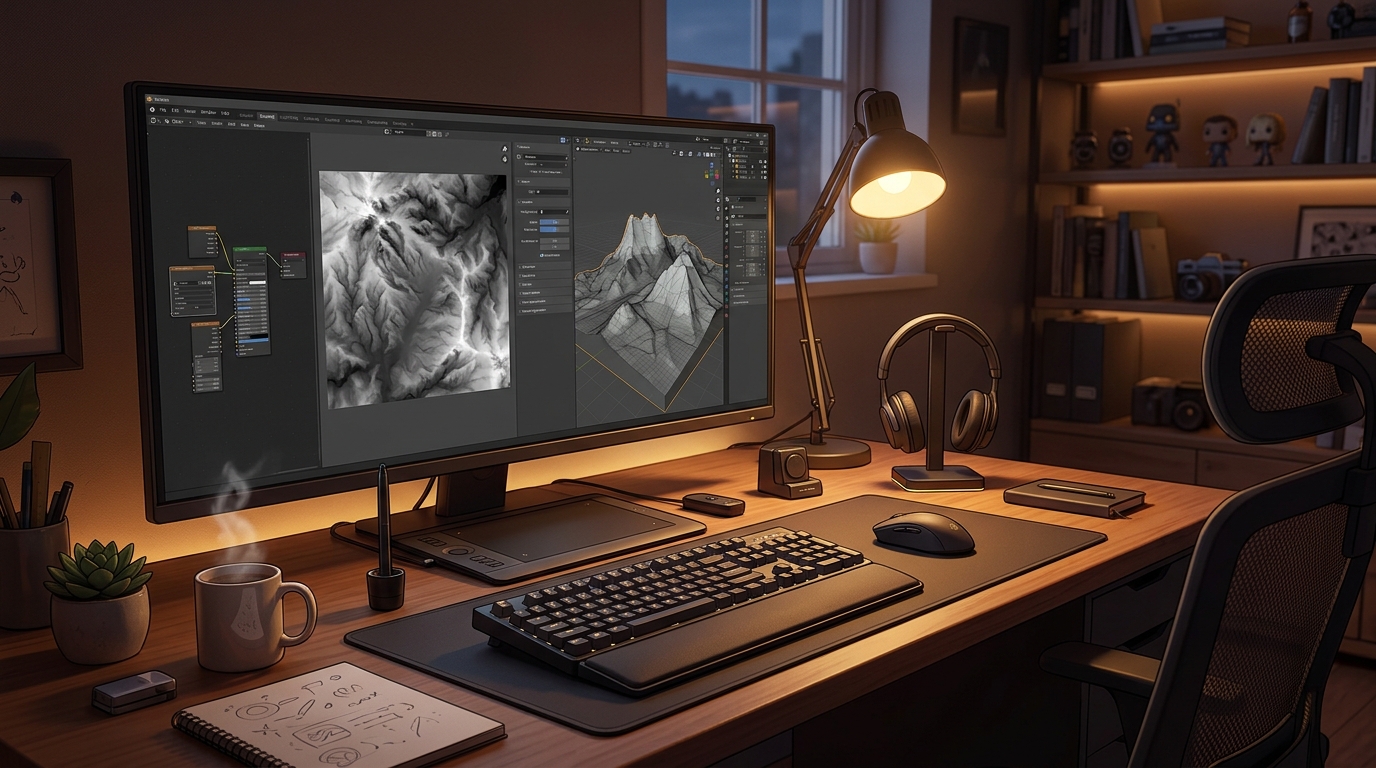
L3DT is a free desktop application for generating terrain maps and textures. In simple terms, it is a program where you set the size and style of a landscape, and L3DT generates a heightmap, applies erosion and water flow to make it look natural, paints a texture from climate and slope rules, and lets you fly around the result in a 3D preview before you export it. You can export heightmaps and textures in formats your game engine or 3D program can read, and use them in games, simulations or 3D prints.
What makes L3DT useful is its realism and its focus. It is built only for terrain, so its tools go deep: fractal heightfield generation, hydraulic erosion, water tables, lakes and rivers, climate-based texturing with sand, grass, rock and snow, and support for very large maps. It is used by game developers, modders and digital artists who need vast, high-quality 3D worlds. Two honest notes: L3DT became freeware in December 2018, but the official site still offers a six-month trial signup for the Unlimited version, so use the Standard Edition download, not the trial, for the free program; and it is an older program with slow development, so its interface feels dated compared with modern tools.
Key Features
- Procedural terrain generation: Generates realistic heightmaps from fractal algorithms, with mountains, valleys and plains.
- Erosion simulation: Hydraulic erosion carves rivers and valleys into the terrain, so it looks naturally worn.
- Water and climate maps: Water tables, lakes and climate rules place rivers, snow and vegetation realistically.
- Automatic texturing: Climate and slope rules paint sand, grass, rock and snow textures automatically.
- 3D preview: Fly around your terrain in a 3D view to check it before you export.
- Large maps supported: Generate very large terrains for open-world games and simulations.
- Many export formats: Export heightmaps and textures in formats your game engine or 3D program can read.
- Free Standard Edition: The Standard Edition is freeware, with no trial and no payment needed.
System Requirements
- Operating System: Windows 10 or Windows 11, 64-bit
- Processor: A modern dual-core processor or better
- RAM: At least 4 GB of RAM for basic use, 8 GB or more recommended for large maps
- Storage: Around 200 MB of free disk space for the program and your projects
- Graphics: A graphics card that supports OpenGL, which almost every modern PC has
- Other: A stable internet connection for the download, and a mouse for working in 3D
These are practical, modern Windows guidelines, not a word-for-word copy of an official specification table. The most important point is simple: L3DT is designed for normal Windows PCs, and a modest modern computer is enough to start.
How to Download L3DT (Official Method)
The only safe place to download L3DT is the official website. Do not download it from random file mirrors or “free download” portals, because those copies may be outdated or bundled with unwanted software. The official site is the source of truth for the current version.
Official download link: http://www.bundysoft.com/L3DT/downloads/standard.php
On the official Bundysoft L3DT Standard Edition downloads page, download the Windows installer to your Downloads folder. The Standard Edition is the free version: do not sign up for the six-month trial of the Unlimited version unless you want the trial. There is no payment for the Standard Edition. If a site asks you to pay for L3DT Standard, or offers a cracked version of it, leave that site and return to the official Bundysoft page.
Step-by-Step Installation
Follow these steps in order. Take your time with the install location and component choices, because those are the steps that most often cause problems later.
- Download the installer from the official site — Open http://www.bundysoft.com/L3DT/downloads/standard.php in your browser and download the Windows installer for L3DT Standard Edition.
- Run the installer — Double-click the downloaded installer file and follow the on-screen prompts on your Windows PC.
- Choose the install location — Keep the default install folder unless you have a reason to change it, then note the folder for later.
- Finish the installation — Wait for the installer to finish, then close it.
- Launch L3DT — Double-click the L3DT shortcut to open the program and confirm it starts without an error.
- Check the 3D preview — Open the 3D preview window and confirm you can fly around an empty terrain.
- Open a sample project — Open one of the sample projects from the L3DT website to see a finished terrain setup.
Tip: Download the Standard Edition from the official downloads page: it is the free version. The site also offers a six-month trial signup for the Unlimited version, which is a different thing, so do not confuse the two.
First-Use Walkthrough: Your First L3DT Terrain
This walkthrough is a simple first project. It is not a full course, but it will help you see L3DT working on a real project and learn its main tools.
- Open L3DT and create a project — Open the program and create a new terrain project with a medium map size.
- Generate a heightfield — Generate a heightfield with the default fractal settings and watch the mountains appear.
- Apply erosion — Run the erosion calculation so rivers and valleys carve into the terrain naturally.
- Add water — Set a water level so lakes and rivers appear in the low areas of the map.
- Generate the texture — Generate the texture map so sand, grass, rock and snow appear on the terrain.
- Preview in 3D — Open the 3D preview and fly around the terrain to check how it looks.
- Export the heightmap — Export the finished heightmap and texture, ready for your game engine or 3D program.
Is L3DT Free?
L3DT Standard Edition is freeware from Bundysoft. You download it from the official Bundysoft site, install it, and use it without paying and without a time limit. There is no paid version of the Standard Edition itself. Be aware of two honest limits: the site still offers a six-month trial signup for the Unlimited version, which is separate from the free Standard Edition, and L3DT is an older program with slow development, so its interface feels dated.
That free status is important for this guide. All the steps here use the official download only, and they do not involve cracks, activators or licence keys. If you ever see a site offering a paid or cracked version of the free program, treat it as unsafe and return to the official site.
Frequently Asked Questions
Is L3DT safe to download?
Yes, when you download it from the official website only. The official installer is the version made by the developer. Avoid third-party sites that bundle extra software or ask for payment for a free program.
Does L3DT work on my Windows PC?
Yes, in most cases. L3DT runs on Windows 10 and 11 (64-bit), and the system requirements above cover a normal modern PC. Check the official site for the exact current version if your PC is older.
Is L3DT really free, or will it stop working?
The free version described in this guide is not a short trial. It stays usable after installation. The Unlimited version is a separate paid product.
Do I need a powerful PC to run L3DT?
No, not for basic use. A modern Windows 10 or 11 PC with 4 GB of RAM or more can run it for simple projects. Larger projects with many objects and effects will benefit from more RAM and a faster processor, but you can start and learn on a normal home PC.
Conclusion
L3DT is a useful, free addition to a Windows setup because it is a free Windows terrain generator that builds realistic heightmaps and textures for games, and it can be downloaded safely from the official site. Start with a small first project, learn one tool at a time, and build from there.
To get started, download L3DT from the official website here: http://www.bundysoft.com/L3DT/downloads/standard.php Install it with the steps above, test it once, and then use it in your next project. With a little practice, it can become a regular part of your workflow.
Official download link: http://www.bundysoft.com/L3DT/downloads/standard.php
Related Guides
- Terragen for PC: How to Download & Install on Windows
- Gaea for PC: How to Download & Install on Windows