 Posted by

Introduction
If you want the sound of a real guitar amp in your DAW without buying the amp, Neural Amp Modeler, known as NAM, is the free tool that does it with remarkable accuracy. It is a free, open-source project by Steven Atkinson that uses a neural network to capture how a real amp or pedal responds, and then plays that capture back as a plugin. Guitarists have shared hundreds of thousands of free captures online, so you can play through a captured Marshall, Fender or boutique amp for nothing. There is no payment, no account and no serial number, and the download from the official NAM website is the complete plugin.
This guide explains what Neural Amp Modeler is, what it can and cannot do, what your PC needs to run it, and how to download and install it from the official website only. You will also get a first-use walkthrough that takes you from installation to a working result in a few minutes. By the end, you should be able to install Neural Amp Modeler on Windows and use it in a real project.
Neural Amp Modeler is best for realistic guitar amp tones in a DAW, and playing free amp captures without buying hardware. Because it is free and legitimate, you do not need a cracked copy or an unknown download site. The official website provides the installer, and the free version is a real, permanent tool, not a short trial.
What Is Neural Amp Modeler?
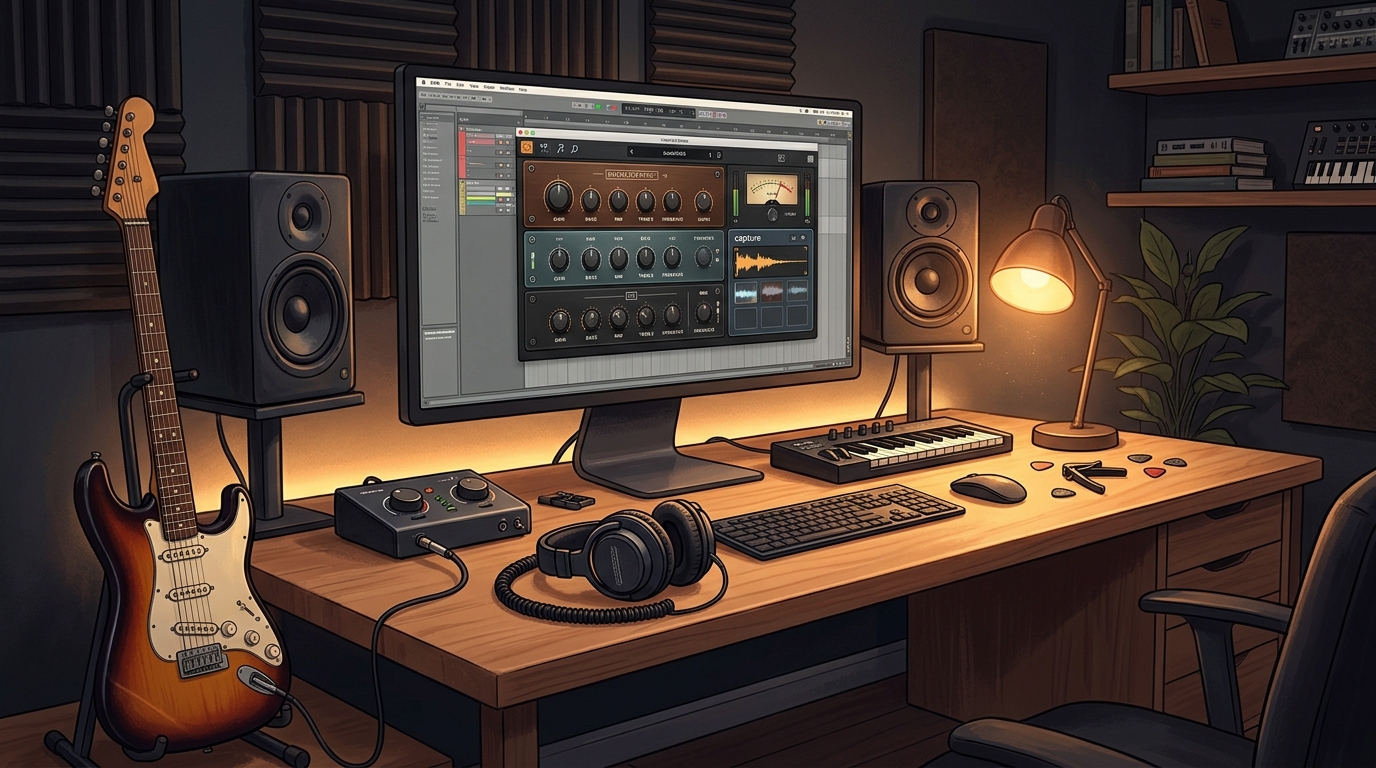
Neural Amp Modeler is a free amp modelling plugin that runs inside your DAW. In simple terms, it is a plugin that loads on a guitar track, and it plays a capture file, called a .nam model, which is a neural-network snapshot of a real amp, pedal or full rig at one setting. You load a capture, add a cabinet impulse response if the capture is amp-only, and play your guitar through it, hearing the captured amp respond like the real thing.
What makes NAM special is its accuracy and its community. Independent comparisons have shown NAM captures matching their source amps very closely, and the community library at TONE3000, formerly known as ToneHunt, now hosts hundreds of thousands of free captures, so you can find almost any amp you can name. The official player plugin is now called Gateway, and it comes as VST3 and AU plus a standalone app for Windows 10 or later. Two honest notes: the plugin itself is empty until you load a capture, so you need to download .nam files and, for amp-only captures, a cabinet impulse response, and the newer A2 capture format needs the current Gateway player, because the older installer releases cannot play A2 files.
Key Features
- Neural amp captures: Plays .nam capture files that copy the sound of real amps, pedals and full rigs.
- Huge free capture library: The TONE3000 community library hosts hundreds of thousands of free captures to download.
- Cabinet IR loader: A built-in impulse response slot loads cabinet files for amp-only captures.
- Noise gate built in: A built-in noise gate keeps high-gain captures quiet between notes.
- Simple tone controls: Input, Bass, Middle, Treble and Output knobs shape the captured tone quickly.
- Capture your own amp: Free training software lets you record your own amp and train a model of it.
- Free and open source: NAM is free and open source under the MIT licence, so it stays free forever.
- VST3, AU and standalone: Runs as a VST3 or AU plugin in your DAW, or as a standalone app for practising.
System Requirements
- Operating System: Windows 10 or Windows 11, 64-bit
- Processor: A modern dual-core processor or better
- RAM: At least 4 GB of RAM for basic use
- Storage: Around 100 MB of free disk space for the plugin, plus room for capture files
- DAW: Any DAW that supports VST3 or AU plugins on Windows, such as Reaper, FL Studio, Ableton Live, Cubase or Studio One
- Other: A guitar and an audio interface to play through it, a stable internet connection for the download, and speakers or headphones
These are practical, modern Windows guidelines, not a word-for-word copy of an official specification table. The most important point is simple: Neural Amp Modeler is designed for normal Windows PCs, and a modest modern computer is enough to start.
How to Download Neural Amp Modeler (Official Method)
The only safe place to download Neural Amp Modeler is the official website. Do not download it from random file mirrors or “free download” portals, because those copies may be outdated or bundled with unwanted software. The official site is the source of truth for the current version.
Official download link: https://neuralampmodeler.com
On the official Neural Amp Modeler website, download the Gateway player for Windows to your Downloads folder. Gateway is the current official player plugin, and the download from the official site is free with no payment step. Do not download the official plugin from old GitHub releases: the newest releases there have no installers, and the last one that does, version 0.7.13 from December 2024, cannot play the new A2 captures. If a site asks you to pay for NAM, or offers a cracked version of it, leave that site and return to the official NAM website.
Step-by-Step Installation
Follow these steps in order. Take your time with the format and folder choices, because those are the steps that most often cause a plugin to not appear in a DAW.
- Download Gateway from the official site — Open https://neuralampmodeler.com in your browser and download the Gateway player ZIP file for Windows. Do not use third-party download sites.
- Extract the ZIP archive — Right-click the downloaded ZIP file and choose Extract All, then open the extracted folder.
- Run the Gateway installer — Double-click Gateway Installer.exe inside the extracted folder and follow the on-screen prompts on your Windows PC.
- Choose the plugin formats — When asked, select the formats you need, such as VST3 and AU, so your DAW can find the plugin.
- Finish the installation — Wait for the installer to finish, then close it and restart your DAW if it was already open.
- Rescan plugins in your DAW — Open your DAW plugin manager and rescan, so the new plugin appears in the list.
- Load the plugin once to test it — Insert Neural Amp Modeler on a test track and confirm it opens without an error before you download your first capture.
Tip: NAM ships empty: it makes no sound until you load a .nam capture file. Download free captures from TONE3000, and remember that amp-only captures also need a cabinet impulse response in the IR slot. Use the current Gateway player, because older installers cannot play the new A2 captures.
How to Play Your First Captured Amp with NAM
This walkthrough is a simple first project. It is not a full course, but it will help you hear Neural Amp Modeler working in a real track and learn its main controls.
- Create a guitar track — Add an audio track in your DAW and connect your guitar through your audio interface.
- Load NAM on the track — Insert Neural Amp Modeler from your VST3 plugin list.
- Download a free capture — Open TONE3000 in your browser, search for an amp you like, and download a free .nam capture file.
- Load the capture into NAM — Click the model slot in NAM and choose the .nam file you downloaded.
- Add a cabinet impulse response — If the capture is amp-only, load a cabinet impulse response file into the IR slot.
- Play and adjust the tone — Play your guitar and use the Bass, Middle and Treble knobs to shape the captured amp.
- Save the tone you liked — Note the capture name and settings you liked, so you can load the same tone again later.
Is Neural Amp Modeler Free?
Neural Amp Modeler is free and open source under the MIT licence. You download the Gateway player from the official NAM website, install it, and use it without paying and without a time limit. There is no paid version of NAM itself, and the captures on TONE3000 are free to download. Be aware of two honest limits: the plugin makes no sound until you load a capture file, and amp-only captures also need a cabinet impulse response file.
That free status is important for this guide. All the steps here use the official download only, and they do not involve cracks, activators or licence keys. If you ever see a site offering a paid or cracked version of the free plugin, treat it as unsafe and return to the official site.
Frequently Asked Questions
Is Neural Amp Modeler safe to download?
Yes, when you download it from the official website only. The official installer is the version made by the developer. Avoid third-party sites that bundle extra software or ask for payment for a free plugin.
Does Neural Amp Modeler work on my Windows PC?
Yes, in most cases. Neural Amp Modeler runs as VST3 and AU on Windows 10 and 11, and the system requirements above cover a normal modern PC. Check the official site for the exact current version if your PC is older.
Is Neural Amp Modeler really free, or will it stop working?
The free version described in this guide is not a short trial. It stays usable after installation. There is no paid edition of Neural Amp Modeler itself, but it needs capture files to make sound.
Do I need a powerful PC to run Neural Amp Modeler?
No, not for basic use. A modern Windows 10 or 11 PC with 4 GB of RAM or more can run it for simple projects. Larger projects with many tracks and plugins will benefit from more RAM and a faster processor, but you can start and learn on a normal home PC.
Conclusion
Neural Amp Modeler is a useful, free addition to a Windows setup because it is a free open-source neural amp profiler that plays captures of real guitar amps and pedals, and it can be downloaded safely from the official site. Start with presets, learn one control at a time, and build your own sounds as you get comfortable.
To get started, download Neural Amp Modeler from the official website here: https://neuralampmodeler.com Install it with the steps above, test it once, and then use it in your next project. With a little practice, it can become a regular part of your workflow.
Official download link: https://neuralampmodeler.com
Related Guides
- Voxengo Boogex for PC: How to Download & Install on Windows
- TDR Nova for PC: How to Download & Install on Windows