 Posted by

# Gmsh for PC: How to Download & Install on Windows
## Introduction
If you need to turn a 3D shape into a mesh for engineering simulation, Gmsh is the free program that does it. It is a free and open-source 3D finite element mesh generator with built-in pre- and post-processing, developed by Christophe Geuzaine and Jean-Francois Remacle, and it is used by engineers and researchers around the world to prepare models for simulation. There is no payment, no account and no serial number, and the download from the official Gmsh site is the complete program.
This guide explains what Gmsh is, what it can and cannot do, what your PC needs to run it, and how to download and start it from the official website only. You will also get a first-use walkthrough that takes you from starting Gmsh to a finished mesh in a few minutes. By the end, you should be able to run Gmsh on Windows and use it in a real project.
Gmsh is best for finite element meshing, 3D mesh generation, and engineering simulation preparation. Because it is free and legitimate, you do not need a cracked copy or an unknown download site. The official website provides the download, and the free version is a real, permanent tool, not a short trial.
## What Is Gmsh?
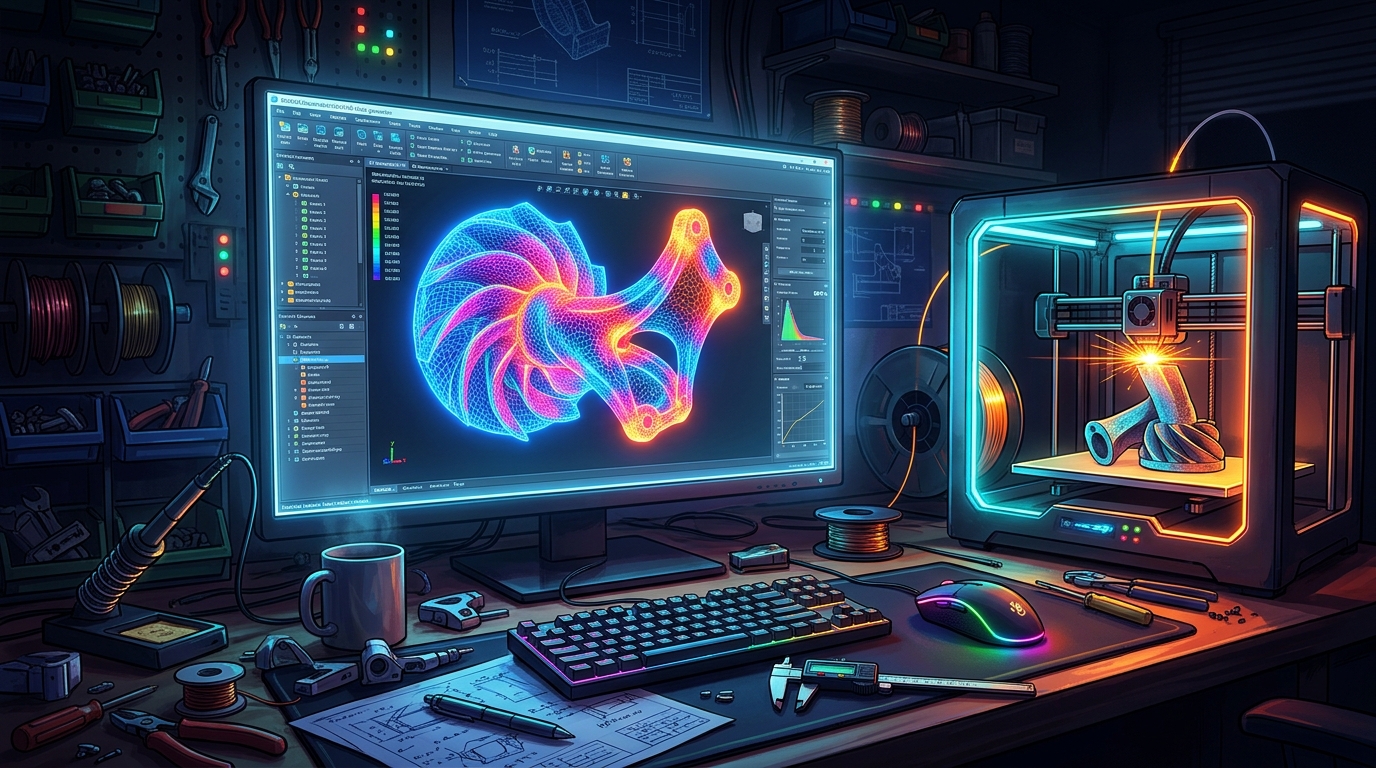
Gmsh is a free 3D meshing program that you run on your Windows PC and use to build meshes for simulation. In simple terms, it is a program where you describe a shape, either by drawing it in the built-in CAD engine or by importing a STEP, IGES or STL file, and it fills the shape with small triangles or tetrahedra, called a mesh, which a simulation program can then solve: you load a shape, set the mesh size, and generate the mesh. You open it, load a shape, and mesh.
What makes Gmsh useful is its completeness and its openness. Because it has four modules, geometry, mesh, solver and post-processing, in one program, you can go from a shape to a solved result without leaving Gmsh, and because it is free software under the GPL, it is free forever with no licence server and no subscription. It also has a scripting language for automating repetitive meshing tasks. Three honest notes: Gmsh is a technical engineering tool, so it has a steep learning curve and is not a general-purpose CAD modeller; it comes as a ZIP archive with no installer, so you extract it and run it straight away; and its interface is built for engineers, so beginners should follow the tutorials in the manual.
## Key Features
– **Automatic 3D meshing:** Automatic 3D meshing fills shapes with triangles and tetrahedra for simulation.
– **Built-in CAD engine:** A built-in CAD engine lets you draw shapes or import STEP, IGES and STL files.
– **Four modules in one:** Four modules, geometry, mesh, solver and post-processing, cover the whole simulation workflow.
– **Mesh size controls:** Mesh size controls let you refine the mesh where accuracy matters and coarsen it elsewhere.
– **Scripting language:** A scripting language automates repetitive meshing tasks and parametric models.
– **Post-processing views:** Post-processing views show simulation results as colour maps and cut planes.
– **Free software under the GPL:** Free software under the GPL, with the source code public and no licence server.
– **Windows, Mac and Linux:** Pre-compiled binaries for Windows, Mac and Linux, plus an SDK for developers.
## System Requirements
– **Operating System:** Windows 10 or Windows 11, 64-bit
– **Processor:** A modern dual-core processor or better
– **RAM:** At least 4 GB of RAM for basic use, 8 GB or more for large meshes
– **Storage:** Around 200 MB of free disk space for the download and program files
– **Graphics:** Any graphics card with OpenGL support
– **Other:** A stable internet connection for the download, and a mouse for working in 3D
These are practical, modern Windows guidelines, not a word-for-word copy of an official specification table. The most important point is simple: Gmsh is designed for normal Windows PCs, and a modest modern computer is enough to start.
## How to Download Gmsh (Official Method)
The only safe place to download Gmsh is the official website. Do not download it from random file mirrors or “free download” portals, because those copies may be outdated or bundled with unwanted software. The official site is the source of truth for the current version.
**Official download link:** https://gmsh.info/
On the official Gmsh site, open the Download section and download the Windows 64-bit ZIP archive to your Downloads folder. There is no account, serial number or payment involved at any point. If a site asks you to pay for Gmsh, or offers a cracked version of it, leave that site and return to the official Gmsh site.
## Step-by-Step Installation
Follow these steps in order. Gmsh comes as a ZIP archive, not a setup wizard, so you extract it and run gmsh.exe straight away. There is nothing to install, and you can move the extracted folder anywhere on your PC.
1. **Open the official Gmsh site** — Open https://gmsh.info/ in your browser.
2. **Open the Download section** — Find the Download section on the Gmsh page.
3. **Download the Windows 64-bit ZIP** — Download the Windows 64-bit ZIP archive for the current stable release to your Downloads folder.
4. **Extract the ZIP archive** — Right-click the downloaded ZIP file and choose Extract All, then open the extracted folder.
5. **Run Gmsh** — Double-click gmsh.exe in the extracted folder to launch Gmsh. No installer is needed.
6. **Confirm it opens without an error** — Wait for the Gmsh window to open and confirm the 3D view appears without an error.
7. **Open the first tutorial** — Open one of the tutorial files from the Gmsh manual, so you know the program is working.
**Tip:** Gmsh needs no installer, so you extract the ZIP and run gmsh.exe from the folder. If it will not start, check that you extracted the whole ZIP first, then try running it again.
## How to Generate Your First Mesh with Gmsh
This walkthrough is a simple first project. It is not a full course, but it will help you see Gmsh working on a real project and learn its main tools.
1. **Start Gmsh and open a shape** — Open Gmsh and load a simple shape, such as a cube, from the tutorial files.
2. **Set the mesh size** — Set the mesh size, so Gmsh knows how fine the mesh should be.
3. **Generate the 2D mesh** — Generate the 2D mesh, so Gmsh fills the faces of the shape with triangles.
4. **Generate the 3D mesh** — Generate the 3D mesh, so Gmsh fills the volume of the shape with tetrahedra.
5. **Check the mesh quality** — Check the mesh quality display, so you can see if any elements are too stretched.
6. **Refine the mesh** — Refine the mesh size and generate it again, so the mesh gets finer where it matters.
7. **Save the mesh file** — Save the finished mesh as a .msh file, so you can use it in a simulation program.
## Is Gmsh Free?
Gmsh is free software under the GPL, developed by Christophe Geuzaine and Jean-Francois Remacle. You download it from the official Gmsh site, extract it, and use it without paying and without a time limit. There is no paid version of Gmsh itself. Be aware of three honest limits: it is a technical engineering tool, so it has a steep learning curve and is not a general-purpose CAD modeller; it comes as a ZIP archive with no installer, so you extract it and run it straight away; and its interface is built for engineers, so beginners should follow the tutorials in the manual.
That free status is important for this guide. All the steps here use the official download only, and they do not involve cracks, activators or licence keys. If you ever see a site offering a paid or cracked version of the free program, treat it as unsafe and return to the official site.
## Frequently Asked Questions
**Is Gmsh safe to download?**
Yes, when you download it from the official website only. The official installer is the version made by the developer. Avoid third-party sites that bundle extra software or ask for payment for a free program.
**Does Gmsh work on my Windows PC?**
Yes, in most cases. Gmsh runs on Windows 10 and 11 (64-bit), and the system requirements above cover a normal modern PC. Check the official site for the exact current version if your PC is older.
**Is Gmsh really free, or will it stop working?**
The free version described in this guide is not a short trial. It stays usable after installation. There is no paid edition of Gmsh itself.
**Do I need a powerful PC to run Gmsh?**
No, not for basic use. A modern Windows 10 or 11 PC with 4 GB of RAM or more can run it for simple projects. Larger projects with many objects and effects will benefit from more RAM and a faster processor, but you can start and learn on a normal home PC.
## Conclusion
Gmsh is a useful, free addition to a Windows setup because it is a free open-source 3D finite element mesh generator with built-in CAD, meshing and post-processing, and it can be downloaded safely from the official site. Start with a small first project, learn one tool at a time, and build from there.
To get started, download Gmsh from the official website here: https://gmsh.info/ Install it with the steps above, test it once, and then use it in your next project. With a little practice, it can become a regular part of your workflow.
**Official download link:** https://gmsh.info/
## Related Guides
– FreeCAD for PC: How to Download & Install on Windows
– SolveSpace for PC: How to Download & Install on Windows