 Posted by

Introduction
If you have ever zoomed into a fractal and watched new patterns appear forever, Fraktaler 3 is the free program that takes that journey deeper than almost anything else. It is a free, open-source explorer for hybrid escape-time fractals by Claude Heiland-Allen, and it can zoom to depths that ordinary fractal programs cannot reach. Version 3.1, released on 2025-12-15, is the current version, and it costs nothing to download from the official website. This guide shows you how to get it running on Windows.
This guide explains what Fraktaler 3 is, what it can and cannot do, what your PC needs to run it, and how to download and install it from the official website only. You will also get a first-use walkthrough that takes you from installation to your first deep-zoom render in a few minutes. By the end, you should be able to install Fraktaler 3 on Windows and use it to explore and render fractals. The Fraktaler 3 for PC download is free, with no account and no payment needed at any point.
Fraktaler 3 is best for fractal artists, maths enthusiasts and anyone who wants to create detailed fractal images and animations. Because it is free and legitimate, you do not need a cracked copy or an unknown download site. The official website provides the download, and the free program is a real, permanent tool once you have installed it, not a short trial.
What Is Fraktaler 3?
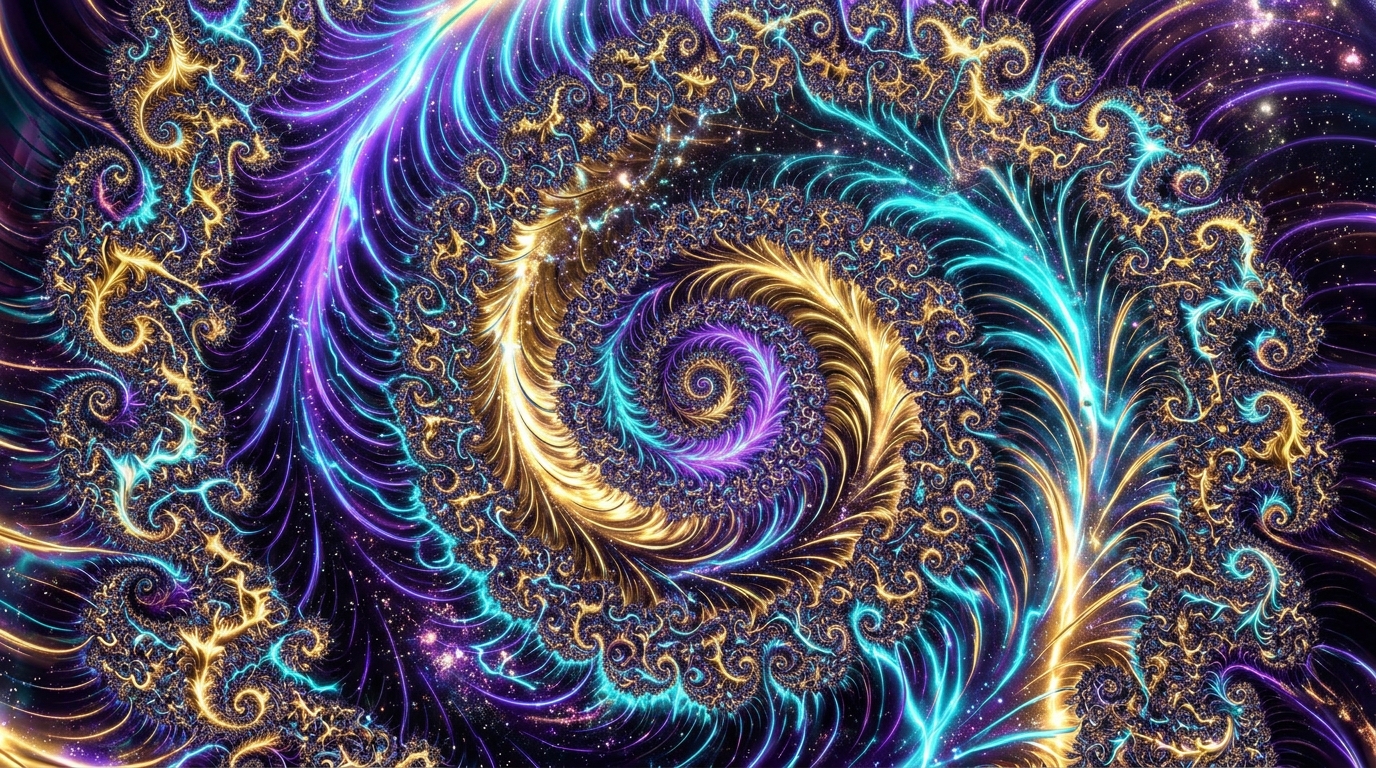
Fraktaler 3 is a free, open-source program for exploring and rendering deep-zoom hybrid escape-time fractals. In simple terms, it is a desktop application that lets you move around inside a fractal image, zoom in further and further, and render the result at high resolution, with mathematical precision that keeps the image sharp even at extreme depths. It is the current successor to Kalles Fraktaler, the well-known deep-zoom explorer, and it continues that line with a modern interface and new features. It runs on Windows, Linux, Android and the web, and the Windows version is a portable executable that you can run without a traditional installer.
What makes Fraktaler 3 useful is that it is built for serious depth. It uses smart number types that automatically choose the precision needed for the zoom level you are at, so shallow views stay fast and deep views stay accurate. It can use regular CPU code or OpenCL code on your graphics card for faster rendering, and it offers a batch mode for rendering high-resolution images and animations from the command line. The graphical explorer uses SDL2 and Dear ImGui, with separate windows for input and output, formulas, status, location, reference images and bailout settings, so every part of the exploration is visible and adjustable. It is free software under the GNU Affero General Public License version 3, which means it is free to use, share and study. Three honest notes: Fraktaler 3 is a specialist deep-zoom tool with a technical interface, so it has a steeper learning curve than a simple fractal viewer; the web version runs in your browser but is much slower than the native Windows version; and it is a community-maintained program with no company support line, so help comes from its documentation and community.
Key Features
- Completely free: Completely free and open source under the GNU Affero General Public License version 3, with no account and no payment at any point.
- Deep zooming with smart precision: Deep zooming with smart number types that automatically choose the precision needed, so images stay sharp at extreme depths.
- Hybrid escape-time fractals: Hybrid escape-time fractals, so you can mix formulas and create shapes that a single classic formula cannot produce.
- CPU and OpenCL rendering: CPU and OpenCL rendering, so the program can use your graphics card for faster calculation when it is available.
- Batch mode for high-resolution renders: A batch mode for rendering high-resolution images and animations from the command line, without opening the graphical explorer.
- Full explorer interface: A full explorer interface with windows for input and output, formulas, status, location, reference images and bailout settings.
- Cross-platform with a web version: Cross-platform on Windows, Linux, Android and the web, so you can explore on more than one device.
- Portable Windows executable: A portable Windows executable, so you can run it without a traditional installer and carry it on a USB drive.
System Requirements
- Operating System: Windows 10 or newer, 64-bit
- Processor: A modern dual-core processor or better, with a graphics card that supports OpenCL recommended for faster rendering
- RAM: At least 4 GB of RAM for basic use, 8 GB recommended for deep zooms and high-resolution renders
- Storage: At least 500 MB of free disk space for the program, documentation and your rendered images
- Display: A display with at least 1280 by 720 resolution, so the explorer windows fit comfortably on screen
- Other: An internet connection for the download, and a mouse for smooth zooming and navigation
These are practical, modern Windows guidelines, not a word-for-word copy of an official specification table. The most important point is simple: Fraktaler 3 is designed for normal Windows PCs, and a modest modern computer is enough to start.
How to Download Fraktaler 3 (Official Method)
The only safe place to download Fraktaler 3 is the official Fraktaler website. Do not download it from random file mirrors or “free download” portals, because those copies may be outdated or bundled with unwanted software. The official site is the source of truth for the current version, which is Fraktaler 3 version 3.1.
Official download link: https://fraktaler.mathr.co.uk/
On the official Fraktaler site, open the download page and choose the Windows executable package. The program is free: there is no account, no payment and no time limit, and the download page also offers the source code and the documentation as separate files. If a site asks you to pay for Fraktaler 3, or offers a cracked version of it, leave that site and return to the official Fraktaler site.
Step-by-Step Installation
Follow these steps in order. Fraktaler 3 is a portable program on Windows, so there is no traditional installer: you download the Windows package from the official website, extract it, and run the executable directly. The download is free with no payment, and there is no serial number involved at any point. Take your time with the folder choice, because keeping the program in a tidy folder makes your renders easy to find later.
- Open the official Fraktaler 3 page — Open https://fraktaler.mathr.co.uk/ in your browser. Do not use third-party download sites.
- Open the download section — On the official site, find the download section and choose the Windows executable package for version 3.1.
- Download the Windows package — Download the Windows 7z package to your Downloads folder.
- Extract the package — Right-click the downloaded 7z file and extract it to a folder of your choice, such as a Fraktaler 3 folder on your Desktop.
- Open the extracted folder — Open the folder you extracted, and find the fraktaler-3 executable file inside it.
- Run Fraktaler 3 — Double-click the fraktaler-3 executable to start the program, and confirm that the explorer window opens without errors.
- Try the web version as a backup — If the desktop program does not start, try the web version on the official site first, then check that your graphics drivers are up to date and try again.
Tip: If Windows shows a security warning when you run the executable, check that you downloaded it from the official site, then allow it to run. Keep the extracted folder together, because the program needs its files in the same place.
How to Render Your First Deep-Zoom Fractal with Fraktaler 3
This walkthrough is a simple first project. It is not a full course, but it will help you explore Fraktaler 3 in a real session and learn its main controls.
- Open the explorer with the default fractal — Start Fraktaler 3 and look at the default fractal in the explorer window, with the input and output windows side by side.
- Zoom in with the mouse — Click and drag a box around a detailed edge of the fractal, so the view zooms into that region and new patterns appear.
- Zoom in again on a fine detail — Pick a small, detailed area inside the new view and zoom again, so you can see how the patterns repeat at a deeper level.
- Adjust the colouring — Open the formula and colouring controls and change the colour palette, so the structure of the fractal becomes easier to see.
- Save your location — Save the location you have reached, so you can return to the same view later without zooming all over again.
- Render a high-resolution image — Use the batch mode or the render option to save a high-resolution image of your view, so you have a finished picture to keep or share.
- Save the image in your project folder — Save the rendered image in your Fraktaler 3 folder, so your first deep-zoom render is stored with the program from now on.
Is Fraktaler 3 Free?
Fraktaler 3 is completely free from Claude Heiland-Allen. You download it from the official website, extract it, run it, and use it without paying and without a time limit on the program itself. There is no purchase and no trial period to worry about. Be aware of three honest limits: Fraktaler 3 is a specialist deep-zoom tool with a technical interface, so it has a steeper learning curve than a simple fractal viewer; the web version runs in your browser but is much slower than the native Windows version; and it is a community-maintained program with no company support line, so help comes from its documentation and community.
That free status is important for this guide. All the steps here use the official download only, and they do not involve cracks, activators or licence keys. If you ever see a site offering a paid or cracked version of Fraktaler 3, treat it as unsafe and return to the official site.
Frequently Asked Questions
Is Fraktaler 3 safe to download? Yes, when you download it from the official website only. The official download is the version made by the developer. Avoid third-party sites that bundle extra software or ask for payment for a free program.
Does Fraktaler 3 work on my Windows PC? Yes, in most cases. Fraktaler 3 works on Windows 10 or newer as a portable 64-bit executable. If it does not start, check that your graphics drivers are up to date, and try the web version on the official site as a backup.
Is Fraktaler 3 really free, or will it stop working? The free version described in this guide is not a short trial. It stays usable after installation. You download it once from the official site, and the program keeps working with no payment.
Do I need a powerful PC to run Fraktaler 3? No, not for basic use. A modern Windows PC with 4 GB of RAM or more can run it for simple exploration. Deep zooms and high-resolution renders will benefit from more RAM and a graphics card with OpenCL support, but you can start and learn on a normal home PC.
Conclusion
Fraktaler 3 is a useful, free addition to a Windows setup because it is a free deep-zoom fractal explorer that reaches depths ordinary programs cannot, with smart precision, CPU and OpenCL rendering and a batch mode for high-resolution images, and it can be downloaded safely from the official site. Start with one fractal, learn one control at a time, and build your own exploration habits as you get comfortable.
To get started, download Fraktaler 3 from the official website here: https://fraktaler.mathr.co.uk/ Install it with the steps above, test it once, and then use it in your next project. With a little practice, it can become a regular part of your workflow.
Official download link: https://fraktaler.mathr.co.uk/
Related Guides
- Mandelbulb 3D for PC: How to Download & Install on Windows
- JWildfire for PC: How to Download & Install on Windows