 Posted by

Introduction
If you want to create glowing fractal flame art with the speed of your graphics card behind it, Fractorium is the free program that makes it possible. It is a free and open-source fractal flame editor and animator from Matt Feemster, built on the Qt framework, and it lets you edit randomised flames, animate them over time and render beautiful images with GPU acceleration. Version 25.25.12.1 is the current version, and it costs nothing to download from the official website. This guide shows you how to get it running on Windows.
This guide explains what Fractorium is, what it can and cannot do, what your PC needs to run it, and how to download and install it from the official website only. You will also get a first-use walkthrough that takes you from installation to your first flame render in a few minutes. By the end, you should be able to install Fractorium on Windows and use it to create fractal flame art. The Fractorium for PC download is free, with no account and no payment needed at any point.
Fractorium is best for digital artists, wallpaper makers and anyone who wants beautiful abstract flame art from a program that does the hard maths for you. Because it is free and legitimate, you do not need a cracked copy or an unknown download site. The official website provides the download, and the free program is a real, permanent tool once you have installed it, not a short trial.
What Is Fractorium?
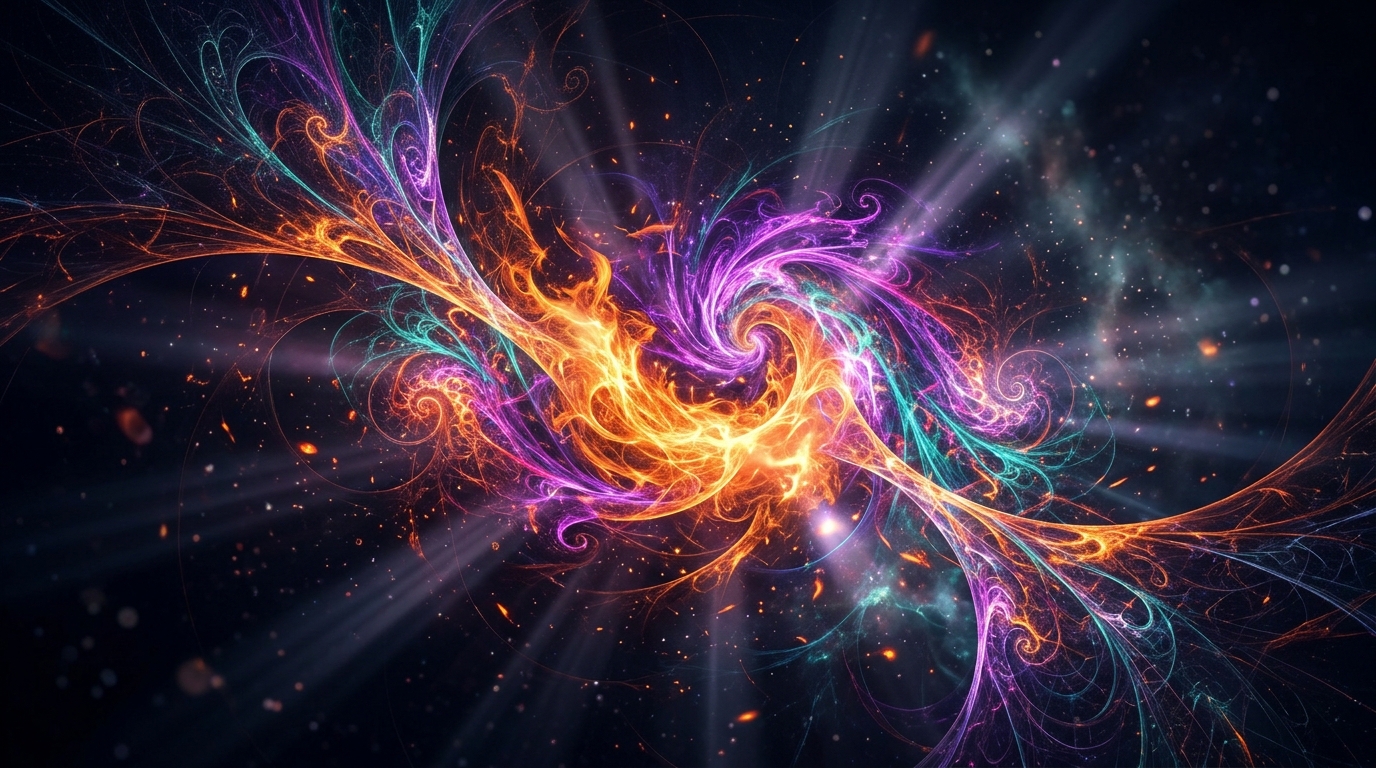
Fractorium is a free and open-source fractal flame editor and animator, distributed under the GPL version 3 licence. In simple terms, it is a desktop application that generates random fractal flames for you, and you pick the ones you like, tweak their transforms and colours, and render them as images or animations, while the program handles the complex maths in the background, using OpenCL on your graphics card to run billions of iterations per second. It runs on Windows, macOS and Ubuntu Linux, and it is available only as a 64-bit program.
What makes Fractorium useful is that it is built for both artists and power users. It offers more than 400 popular variations on the CPU and GPU, a random flame generator, an animation system with sequence generation, and three command-line tools, EmberAnimate, EmberRender and EmberGenome, for rendering and scripting outside the main editor. It can also read flames made in Apophysis and Chaotica, so older fractal work can be opened and re-rendered. Three honest notes: the latest release is from December 2025, so the program is actively maintained but not updated every month; the GPU features need a supported AMD or Nvidia graphics card, and computers with only Intel integrated graphics fall back to the slower CPU renderer; and Fractorium is a specialist flame fractal tool, so it will not replace a general image editor or a 3D program.
Key Features
- Free and open source: Free and open source under the GPL version 3 licence, with no account and no payment needed to download and use it.
- More than 400 variations: More than 400 popular variations implemented on the CPU and GPU, so every random flame can look completely different.
- GPU acceleration with OpenCL: GPU acceleration with OpenCL on AMD and Nvidia graphics cards, running billions of iterations per second, so renders finish much faster than on the CPU alone.
- Random flame generator: A random flame generator that creates new flames with one click, so you can start from a beautiful image instead of a blank screen.
- Animation and sequences: An animation system with sequence generation, so you can animate flames over time and render moving fractal art.
- Command-line tools included: Three command-line tools, EmberAnimate, EmberRender and EmberGenome, so advanced users can render and script flames without opening the editor.
- Apophysis and Chaotica compatibility: Compatibility with Apophysis and Chaotica flames, so older fractal work can be opened and re-rendered in Fractorium.
- Windows, Mac and Linux: Available on Windows, macOS and Ubuntu Linux, with installers for each system, so you can create on more than one platform.
System Requirements
- Operating System: Windows 7 or newer, 64-bit only
- Processor: A modern dual-core processor or better, with an AMD GCN or later, or Nvidia Fermi or later, graphics card recommended for GPU rendering
- RAM: At least 4 GB of RAM for basic use, 8 GB recommended for larger renders and animations
- Graphics: A graphics card with OpenCL 1.2 or later support, so GPU rendering works; without one, the program still runs on the CPU
- Storage: At least 500 MB of free disk space for the program and your rendered images and animations
- Other: An internet connection for the download, up-to-date graphics drivers, and a mouse for smooth navigation in the flame editor
These are practical, modern Windows guidelines, not a word-for-word copy of an official specification table. The most important point is simple: Fractorium is designed for normal Windows PCs, and a modest modern computer is enough to start, although a supported graphics card makes rendering much faster.
How to Download Fractorium (Official Method)
The only safe place to download Fractorium is the official Fractorium website. Do not download it from random file mirrors or “free download” portals, because those copies may be outdated or bundled with unwanted software. The official site is the source of truth for the current version, which is Fractorium version 25.25.12.1.
Official download link: https://fractorium.com/
On the official Fractorium site, use the download links above the search box, which always reflect the most recent release, and choose the Windows installer. The program is free and open source: there is no account, no payment and no time limit, and the download page also offers Mac and Ubuntu Linux installers. If a site asks you to pay for Fractorium, or offers a cracked version of it, leave that site and return to the official Fractorium site.
Step-by-Step Installation
Follow these steps in order. Fractorium is installed from the Windows installer on the official Fractorium website, so you download the installer and run it on your PC. The download is free with no payment, and there is no serial number involved at any point. Take your time with the folder choices, because those are the steps that most often cause a program to not appear where you expect it.
- Open the official Fractorium site — Open https://fractorium.com/ in your browser. Do not use third-party download sites.
- Choose the Windows installer — On the official site, use the download links above the search box and choose the Windows installer for the most recent release.
- Download the Windows installer — Download the Windows installer to your Downloads folder.
- Run the installer — Double-click the downloaded installer and follow the on-screen steps to install Fractorium on your PC.
- Update your graphics drivers first — Before you enable the GPU, make sure your AMD or Nvidia graphics drivers are up to date, because Fractorium uses OpenCL on your graphics card.
- Launch Fractorium — Open Fractorium from the Start menu or the desktop shortcut, and confirm that a randomly generated flame appears in the main window without errors.
- Save your first image — Render a small image and save it in a folder of your choice, so your first fractal flame artwork is stored safely.
Tip: If Windows shows a security warning when you run the installer, check that you downloaded it from the official site, then allow it to run. If you see a message saying that OpenCL.dll is missing, your graphics card is unsupported for GPU rendering, so install the latest drivers from your card maker, and Fractorium will still run on the CPU.
How to Create Your First Fractal Flame with Fractorium
This walkthrough is a simple first project. It is not a full course, but it will help you create fractal flame art in a real session and learn its main controls.
- Open Fractorium with a random flame — Start Fractorium and confirm a randomly generated flame is shown in the main window.
- Generate new random flames — Use the new random flame command a few times, so you have several flames to choose from.
- Pick a flame you like — Look through the random flames and choose one with a shape and structure that catches your eye.
- Adjust the colours — Open the colour controls and change the palette, so the flame’s structure becomes clearer and more striking.
- Tweak a transform — Open the flame editor, select a transform, and move or rotate it slightly, so you learn how transforms shape the image.
- Render a still image — Render a still image at a comfortable size, so you have a finished picture to keep.
- Save the image and the flame — Save the rendered image and the flame file in your Fractorium folder, so you can return to the same flame later.
Is Fractorium Free?
Fractorium is completely free and open source from Matt Feemster. You download it from the official website, install it, and use it without paying and without a time limit on the program itself. There is no purchase and no trial period to worry about. Be aware of three honest limits: the latest release is from December 2025, so the program is actively maintained but not updated every month; the GPU features need a supported AMD or Nvidia graphics card, and computers with only Intel integrated graphics fall back to the slower CPU renderer; and Fractorium is a specialist flame fractal tool, so it will not replace a general image editor or a 3D program.
That free status is important for this guide. All the steps here use the official download only, and they do not involve cracks, activators or licence keys. If you ever see a site offering a paid or cracked version of Fractorium, treat it as unsafe and return to the official site.
Frequently Asked Questions
Is Fractorium safe to download? Yes, when you download it from the official website only. The official download is the version made by the developer. Avoid third-party sites that bundle extra software or ask for payment for a free program.
Does Fractorium work on my Windows PC? Yes, in most cases. Fractorium works on 64-bit Windows 7 or newer as a desktop application. If rendering is slow, check that your graphics drivers are up to date, because Fractorium uses OpenCL on your graphics card for faster rendering.
Is Fractorium really free, or will it stop working? The free version described in this guide is not a short trial. It stays usable after installation. You download it once from the official site, and the free program keeps working with no payment.
Do I need a powerful PC to run Fractorium? No, not for basic use. A modern Windows PC with 4 GB of RAM or more can run it for simple flame art, because the CPU renderer works even without a supported graphics card. Larger renders and animations will benefit from more RAM and a graphics card with OpenCL support, but you can start and learn on a normal home PC.
Conclusion
Fractorium is a useful, free addition to a Windows setup because it is a free and open-source fractal flame editor that turns random flames into beautiful images and animations, with more than 400 variations, GPU acceleration and command-line tools, and it can be downloaded safely from the official site. Start with one flame, learn one control at a time, and build your own artistic habits as you get comfortable.
To get started, download Fractorium from the official website here: https://fractorium.com/ Install it with the steps above, test it once, and then use it in your next project. With a little practice, it can become a regular part of your workflow.
Official download link: https://fractorium.com/
Related Guides
- JWildfire for PC: How to Download & Install on Windows
- Apophysis for PC: How to Download & Install on Windows