 Posted by

Introduction
If you want your Windows PC to display living, evolving fractal art whenever it sleeps, Electric Sheep is the free screensaver that does it. It is a collaborative artwork founded by Scott Draves, where thousands of computers around the world share the work of creating morphing abstract animations, called sheep, and your screen shows the flock evolving in real time. Version 3.0.2 is the current version, and it costs nothing to download from the official website. This guide shows you how to get it running on Windows.
This guide explains what Electric Sheep is, what it can and cannot do, what your PC needs to run it, and how to download and install it from the official website only. You will also get a first-use walkthrough that takes you from installation to your first sheep in a few minutes. By the end, you should be able to install Electric Sheep on Windows and use it as your screensaver. The Electric Sheep for PC download is free, although the official site recommends a high-bandwidth, always-on internet connection, because new sheep are downloaded from the internet.
Electric Sheep is best for anyone who loves generative art, fractal fans who want a living desktop, and curious users who enjoy watching abstract animations evolve. Because it is free and legitimate, you do not need a cracked copy or an unknown download site. The official website provides the download, and the free screensaver is a real, permanent tool once you have installed it, not a short trial.
What Is Electric Sheep?
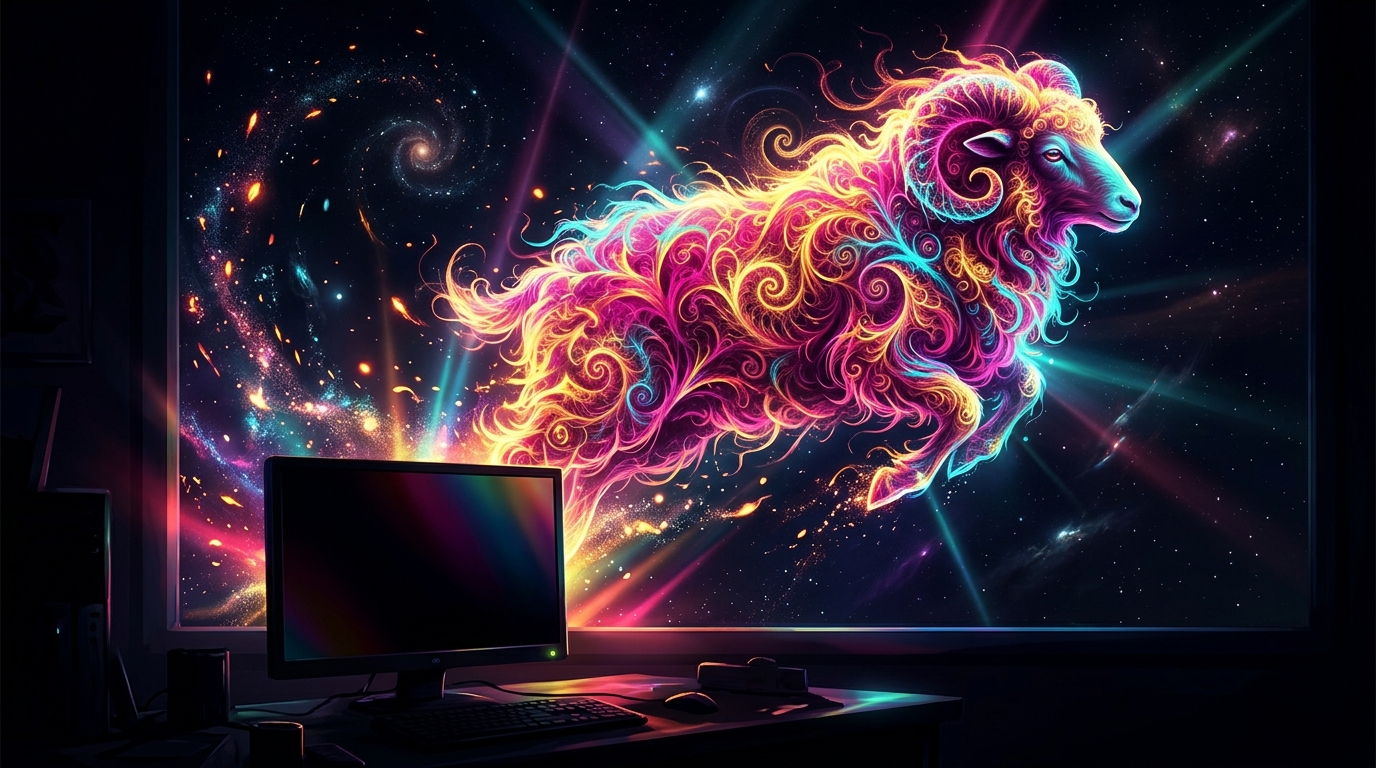
Electric Sheep is a free, open source screensaver that displays evolving fractal flame animations, created by a distributed network of computers. In simple terms, it is a program that runs when your computer sleeps: it connects to the internet, downloads new sheep, which are short morphing fractal animations, and displays them full screen, while your computer also helps render new sheep for the rest of the flock. Anyone watching can vote for their favourite animations with the keyboard, and the more popular sheep live longer and reproduce according to a genetic algorithm, so the flock evolves to please its global audience.
What makes Electric Sheep useful is that it is never the same twice. The sheep are generated with the fractal flame technique created by Scott Draves, the flock is refreshed from the internet so new animations keep arriving, and the client is free and open source software under the GNU General Public License, with the current stable release 3.0.2 for Windows and Mac. The project is run by Spotworks LLC, and it works on Windows, macOS, Linux, Android, iPad and Apple TV, although this guide covers Windows only. Three honest notes: the screensaver needs a high-bandwidth, always-on internet connection to download new sheep, so it is not a good choice on a slow or metered connection; the free sheep are the standard version, while Gold Sheep are a higher-resolution premium version available by subscription; and the screensaver is an art display, not a general fractal renderer or image editor, so it will not replace a dedicated fractal program on its own.
Key Features
- Completely free: Completely free, with no payment at any point, and no time limit on the screensaver.
- Evolving fractal flames: Evolving fractal flame animations, created with the fractal flame technique, so every sheep is a unique piece of generative art.
- A living flock: A living flock that is refreshed from the internet, so new sheep keep arriving and the display is never the same twice.
- Vote for your favourites: Voting with the keyboard while a sheep plays, so the most popular sheep live longer and reproduce for the whole flock.
- Genetic algorithm evolution: A genetic algorithm with mutation and cross-over, so the flock evolves over time to please its global audience.
- Free and open source: Free and open source client software under the GNU General Public License, so the playback software itself is open for anyone to inspect.
- Runs on almost anything: Runs on Windows, macOS, Linux, Android, iPad and Apple TV, so the same flock can be watched on many devices.
- Design your own sheep: A way to design your own sheep and submit them to the gene pool, so your own fractal art can join the flock.
System Requirements
- Operating System: Windows 10 or 11, 64-bit
- Processor: A modern dual-core processor or better
- RAM: At least 4 GB of RAM for basic use
- Graphics: A graphics card with up-to-date drivers, so the fractal animations render smoothly
- Storage: Free disk space for the program and downloaded sheep
- Other: A high-bandwidth, always-on internet connection, such as DSL or cable, to download new sheep
These are practical, modern Windows guidelines, not a word-for-word copy of an official specification table. The most important point is simple: Electric Sheep is designed for normal Windows PCs with a good internet connection, and the official site recommends a fast, always-on connection because new sheep arrive over the internet.
How to Download Electric Sheep (Official Method)
The only safe place to download Electric Sheep is the official Electric Sheep website. Do not download it from random file mirrors or “free download” portals, because those copies may be outdated or bundled with unwanted software. The official site is the source of truth for the current version, which is Electric Sheep version 3.0.2.
Official download link: https://electricsheep.org/
On the official Electric Sheep site, open the homepage and find the Desktop Download section. Choose Download for Windows and save the installer, called ElectricSheep-Setup.exe, to your Downloads folder. The screensaver itself is free: there is no payment and no time limit, and the site also describes the Gold Sheep premium version for users who want higher-resolution sheep. If a site asks you to pay for the free version of Electric Sheep, or offers a cracked version of it, leave that site and return to the official Electric Sheep site.
Step-by-Step Installation
Follow these steps in order. Electric Sheep is installed from the Windows installer on the official Electric Sheep website, so you download the installer and run it on your PC. The download is free with no payment, and there is no serial number involved at any point. Take your time with the screensaver settings, because those are the steps that most often cause a screensaver to not appear in Windows.
- Open the official Electric Sheep page — Open https://electricsheep.org/ in your browser. Do not use third-party download sites.
- Find the Desktop Download section — Scroll to the Desktop Download section on the homepage, which offers the screensaver for desktop and laptop computers.
- Download the Windows installer — Click Download for Windows and save ElectricSheep-Setup.exe to your Downloads folder.
- Run the installer — Double-click the downloaded installer and follow the on-screen steps to install Electric Sheep on your PC.
- Open Windows screensaver settings — Open Windows Settings, go to Personalisation and then Lock screen, and open the Screen saver settings, so you can see Electric Sheep in the screensaver list.
- Select Electric Sheep — Choose Electric Sheep from the screensaver list, set the wait time you prefer, and apply the settings, so Windows starts the flock after your PC sleeps.
- Test the screensaver — Click Preview in the screensaver settings, or wait for the timer, and watch the first sheep appear, so you confirm it downloads and displays without errors.
Tip: If the first sheep takes a long time to appear, be patient, because the download can be slow when the server is busy, and you can press F2 while it runs to monitor its progress. If no sheep appear at all, check your internet connection first, because Electric Sheep needs an active connection to fetch new sheep.
How to Watch Your First Sheep with Electric Sheep
This walkthrough is a simple first session. It is not a full course, but it will help you see Electric Sheep working on your PC and learn its main controls.
- Open the screensaver — Start Electric Sheep from the Windows screensaver settings, so the flock appears full screen.
- Watch the first sheep morph — Watch the fractal flames slowly change shape and colour, so you see how a sheep morphs from one form into another.
- Press F1 for help — Press F1 while the screensaver runs, so you see the built-in help and learn the available keys.
- Vote for a sheep you like — Press the up arrow key while a sheep you like is playing, so your vote helps it live longer and reproduce.
- Vote down a sheep you dislike — Press the down arrow key while a sheep you dislike is playing, so your vote helps the flock evolve towards the art people enjoy most.
- Press F2 to check progress — Press F2 while the screensaver runs, so you can monitor download progress and see new sheep arriving.
- Let the flock evolve — Leave Electric Sheep running whenever your PC sleeps, so new sheep keep arriving and the flock keeps evolving on its own.
Is Electric Sheep Free?
Electric Sheep is completely free from Spotworks LLC. You download it from the official website, install it, and use it without paying and without a time limit on the screensaver itself. There is no purchase and no trial period to worry about. Be aware of three honest limits: the screensaver needs a high-bandwidth, always-on internet connection to download new sheep, so it is not a good choice on a slow or metered connection; the free sheep are the standard version, while Gold Sheep are a higher-resolution premium version available by subscription; and Electric Sheep is an art display, not a general fractal renderer or image editor, so it will not replace a dedicated fractal program on its own.
That free status is important for this guide. All the steps here use the official download only, and they do not involve cracks, activators or licence keys. If you ever see a site offering a paid or cracked version of Electric Sheep, treat it as unsafe and return to the official site.
Frequently Asked Questions
Is Electric Sheep safe to download? Yes, when you download it from the official website only. The official download is the version made by the developer. Avoid third-party sites that bundle extra software or ask for payment for a free screensaver.
Does Electric Sheep work on my Windows PC? Yes, in most cases. Electric Sheep works on Windows 10 or 11, 64-bit, as a screensaver, and it needs a high-bandwidth, always-on internet connection to download new sheep. Check your screensaver settings after installation and select Electric Sheep from the list if it does not start on its own.
Is Electric Sheep really free, or will it stop working? The free version described in this guide is not a short trial. It stays usable after installation. You download it once from the official site, and the screensaver keeps working with no payment, as long as your internet connection can fetch new sheep.
Do I need a powerful PC to run Electric Sheep? No, not for basic use. Electric Sheep is a lightweight screensaver, so a modern Windows PC with 4 GB of RAM or more can run it easily. A graphics card with up-to-date drivers helps the fractal animations render smoothly, but you can start and enjoy it on a normal home PC.
Conclusion
Electric Sheep is a useful, free addition to a Windows setup because it is a free screensaver that gives you evolving fractal flame art, a living flock refreshed from the internet, keyboard voting, genetic evolution and open source playback software, and it can be downloaded safely from the official site. Start with one sheep, vote for the ones you like, and let the flock evolve as you get comfortable.
To get started, download Electric Sheep from the official website here: https://electricsheep.org/ Install it with the steps above, test it once, and then let it run whenever your PC sleeps. With a little patience, it can become a regular part of your desktop.
Official download link: https://electricsheep.org/
Related Guides
- Fractadyne for PC: How to Download & Install on Windows
- NextFractal for PC: How to Download & Install on Windows