 Posted by

MikuMikuDance for PC: How to Download & Install on Windows
Introduction
If you want to make 3D dance videos with anime-style characters, MikuMikuDance is the free program that lets you do it. It is a free 3D character animation program for Windows, originally made for Hatsune Miku, with PMD and PMX model support, VMD motion data, physics for hair and clothes, and a huge community of free models and dances. There is no payment, no account and no serial number, and the download from the official MikuMikuDance site is the complete program.
This guide explains what MikuMikuDance is, what it can and cannot do, what your PC needs to run it, and how to download and install it from the official website only. You will also get a first-use walkthrough that takes you from installation to a working result in a few minutes. By the end, you should be able to install MikuMikuDance on Windows and use it in a real project.
MikuMikuDance is best for 3D dance animation, MMD videos, and animating Vocaloid-style characters. Because it is free and legitimate, you do not need a cracked copy or an unknown download site. The official website provides the installer, and the free version is a real, permanent tool, not a short trial.
What Is MikuMikuDance?
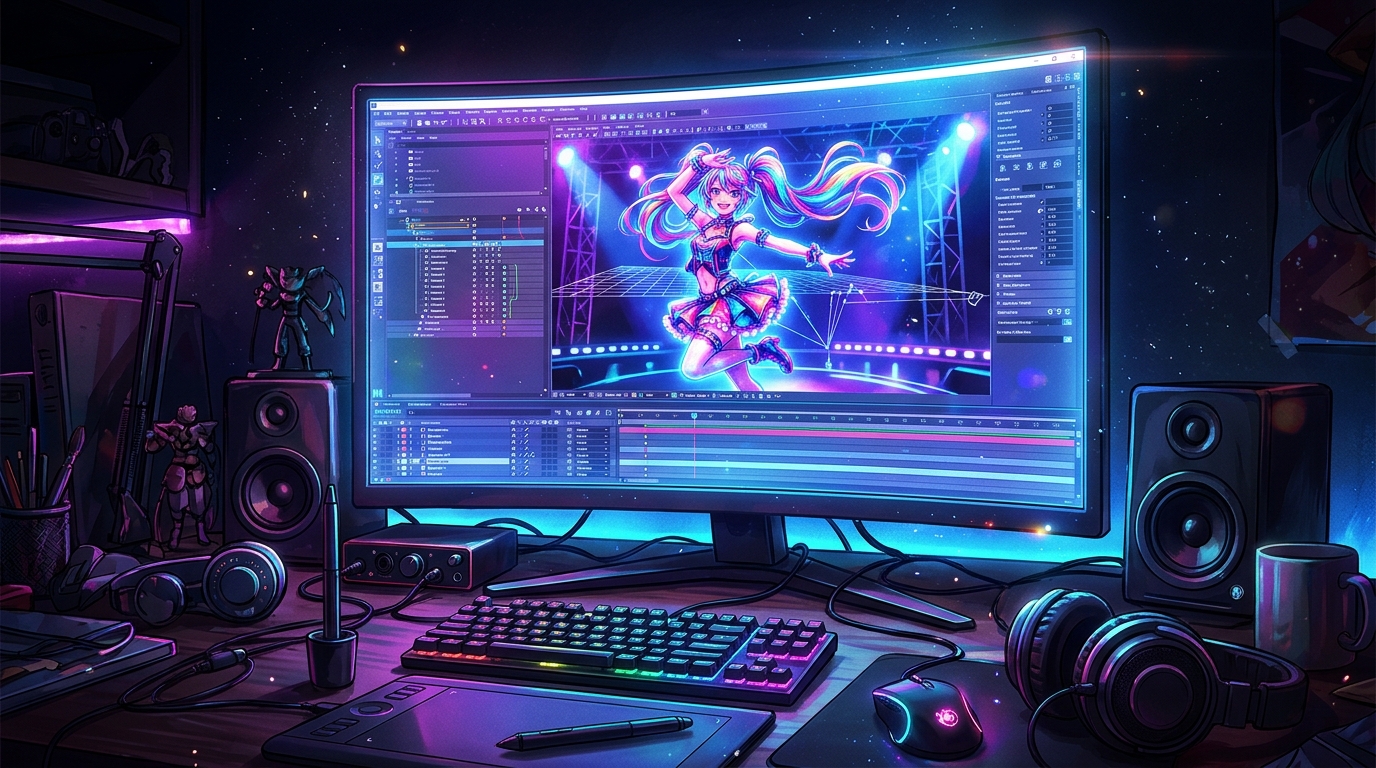
MikuMikuDance, usually called MMD, is a free 3D animation program that you use on your Windows PC to animate characters. In simple terms, it is a program where you load a 3D character model, load a dance motion and a song, and watch the character dance: you load a model, load a motion, press play, and the character moves to the music, with hair, skirts and accessories moving by physics. You can also pose characters by hand, add cameras, and render your animation as a video.
What makes MikuMikuDance useful is its community and its focus. The MMD community has made thousands of free models, motions and stages, so you can start animating in minutes, and the program is built for dance animation, with bone-based posing, facial expressions and physics that make characters feel alive. The current version is 9.32, in 64-bit, and it runs from a ZIP archive with no installer. Three honest notes: MikuMikuDance is Windows-only, with no Mac or Linux version; its interface is dated and partly in Japanese, so beginners should follow a guide; and it ships with only a few sample models, so most models and motions come from the community and carry their own licences.
Key Features
- PMD and PMX model support: PMD and PMX model support lets you load thousands of free community characters.
- VMD motion data: VMD motion data lets you load ready-made dances and camera moves in seconds.
- Bone-based posing: Bone-based posing lets you move arms, legs and fingers by hand for custom animation.
- Facial expressions: Facial expressions let your characters smile, blink and sing along to the music.
- Hair and cloth physics: Hair and cloth physics make hair, skirts and accessories move naturally as the character dances.
- Camera and lighting controls: Camera and lighting controls let you frame your shots like a music video.
- Video rendering: Video rendering lets you export your animation as a video to share online.
- Free to use: MikuMikuDance is free to use, with no payment and no time limit.
System Requirements
- Operating System: Windows 10 or Windows 11, 64-bit
- Processor: A modern dual-core processor or better
- RAM: At least 4 GB of RAM for basic use
- Storage: Around 200 MB of free disk space for the download and program files
- Graphics: A graphics card with DirectX 9.0c support
- Other: A stable internet connection for the download, and a mouse for working in 3D
These are practical, modern Windows guidelines, not a word-for-word copy of an official specification table. The most important point is simple: MikuMikuDance is designed for normal Windows PCs, and a modest modern computer is enough to start.
How to Download MikuMikuDance (Official Method)
The only safe place to download MikuMikuDance is the official website. Do not download it from random file mirrors or “free download” portals, because those copies may be outdated or bundled with unwanted software. The official site is the source of truth for the current version.
Official download link: https://sites.google.com/view/evpvp/
On the official MikuMikuDance site, download the Windows ZIP archive, MikuMikuDanceE_v932x64.zip, to your Downloads folder. There is no account, serial number or payment involved at any point. If a site asks you to pay for MikuMikuDance, or offers a cracked version of it, leave that site and return to the official MikuMikuDance page.
Step-by-Step Installation
MikuMikuDance needs no installation, so these steps take you from downloading to running the program. Work carefully through them in order, and remember that it is Windows-only and needs DirectX 9.0c, so check your graphics drivers if it will not start.
- Open the official MikuMikuDance site — Open https://sites.google.com/view/evpvp/ in your browser.
- Download the Windows ZIP archive — Find the download for MikuMikuDanceE_v932x64.zip and save it to your Downloads folder.
- Extract the ZIP archive — Right-click the downloaded ZIP file and choose Extract All, then open the extracted folder.
- Run MikuMikuDance — Double-click the MikuMikuDance program file in the extracted folder to launch it. There is no installer.
- Confirm it opens without an error — Wait for the program to open and confirm the 3D viewport and the sample model appear without an error.
- Load a sample model — Load one of the sample models to confirm the program is working.
- Play a sample motion — Load a sample motion and press play, so you can see the character move.
Tip: MikuMikuDance runs from its extracted folder, so keep the folder somewhere sensible, such as C:\Program Files\MikuMikuDance, and make a desktop shortcut to the program file. If the program will not start, check that DirectX 9.0c is installed and that you extracted the whole ZIP first.
How to Make Your First Dance Video with MikuMikuDance
This walkthrough is a simple first project. It is not a full course, but it will help you see MikuMikuDance working on a real project and learn its main tools.
- Open MikuMikuDance and load a model — Open MikuMikuDance and load a character model from the sample models or the community.
- Load a dance motion — Load a VMD dance motion for your character.
- Load a song — Load a song to go with the dance.
- Press play and watch the dance — Press play and watch the character dance to the music.
- Add a camera move — Load a camera motion or move the camera by hand, so the video feels like a music video.
- Adjust the lighting — Adjust the lighting and the stage, so the scene looks its best.
- Render the video — Render your animation as a video file, so you can share it online.
Is MikuMikuDance Free?
MikuMikuDance is free to use, from the MikuMikuDance project. You download it from the official site, extract it, and use it without paying and without a time limit. There is no paid version of MikuMikuDance itself. Be aware of three honest limits: it is Windows-only, with no Mac or Linux version; its interface is dated and partly in Japanese, so beginners should follow a guide; and it ships with only a few sample models, so most models and motions come from the community and carry their own licences, which you should respect.
That free status is important for this guide. All the steps here use the official download only, and they do not involve cracks, activators or licence keys. If you ever see a site offering a paid or cracked version of the free program, treat it as unsafe and return to the official site.
Frequently Asked Questions
Is MikuMikuDance safe to download?
Yes, when you download it from the official website only. The official installer is the version made by the developer. Avoid third-party sites that bundle extra software or ask for payment for a free program.
Does MikuMikuDance work on my Windows PC?
Yes, in most cases. MikuMikuDance runs on Windows 10 and 11 (64-bit), and the system requirements above cover a normal modern PC. Check the official site for the exact current version if your PC is older.
Is MikuMikuDance really free, or will it stop working?
The free version described in this guide is not a short trial. It stays usable after installation. There is no paid edition of MikuMikuDance itself.
Do I need a powerful PC to run MikuMikuDance?
No, not for basic use. A modern Windows 10 or 11 PC with 4 GB of RAM or more can run it for simple projects. Larger projects with many objects and effects will benefit from more RAM and a faster processor, but you can start and learn on a normal home PC.
Conclusion
MikuMikuDance is a useful, free addition to a Windows setup because it is a free 3D character animation program for making MMD dance videos with PMD and PMX models, and it can be downloaded safely from the official site. Start with a small first project, learn one tool at a time, and build from there.
To get started, download MikuMikuDance from the official website here: https://sites.google.com/view/evpvp/ Install it with the steps above, test it once, and then use it in your next project. With a little practice, it can become a regular part of your workflow.
Official download link: https://sites.google.com/view/evpvp/
Related Guides
- Sculptris for PC: How to Download & Install on Windows
- CopperCube for PC: How to Download & Install on Windows