 Posted by

VoxelShop for PC: How to Download & Install on Windows
Introduction
If you want to build 3D models block by block, like digital LEGO, VoxelShop is the free editor that lets you do it. It is a free and open-source voxel editor for Windows, Mac and Linux, with layers, palettes, mirroring and DAE export, and it is a fun, simple way to make game-ready voxel art. There is no payment, no account and no serial number, and the download from the official GitHub page is the complete program.
This guide explains what VoxelShop is, what it can and cannot do, what your PC needs to run it, and how to download and install it from the official website only. You will also get a first-use walkthrough that takes you from installation to a working result in a few minutes. By the end, you should be able to install VoxelShop on Windows and use it in a real project.
VoxelShop is best for voxel art, block-style 3D models, and game-ready low-poly characters. Because it is free and legitimate, you do not need a cracked copy or an unknown download site. The official website provides the installer, and the free version is a real, permanent tool, not a short trial.
What Is VoxelShop?
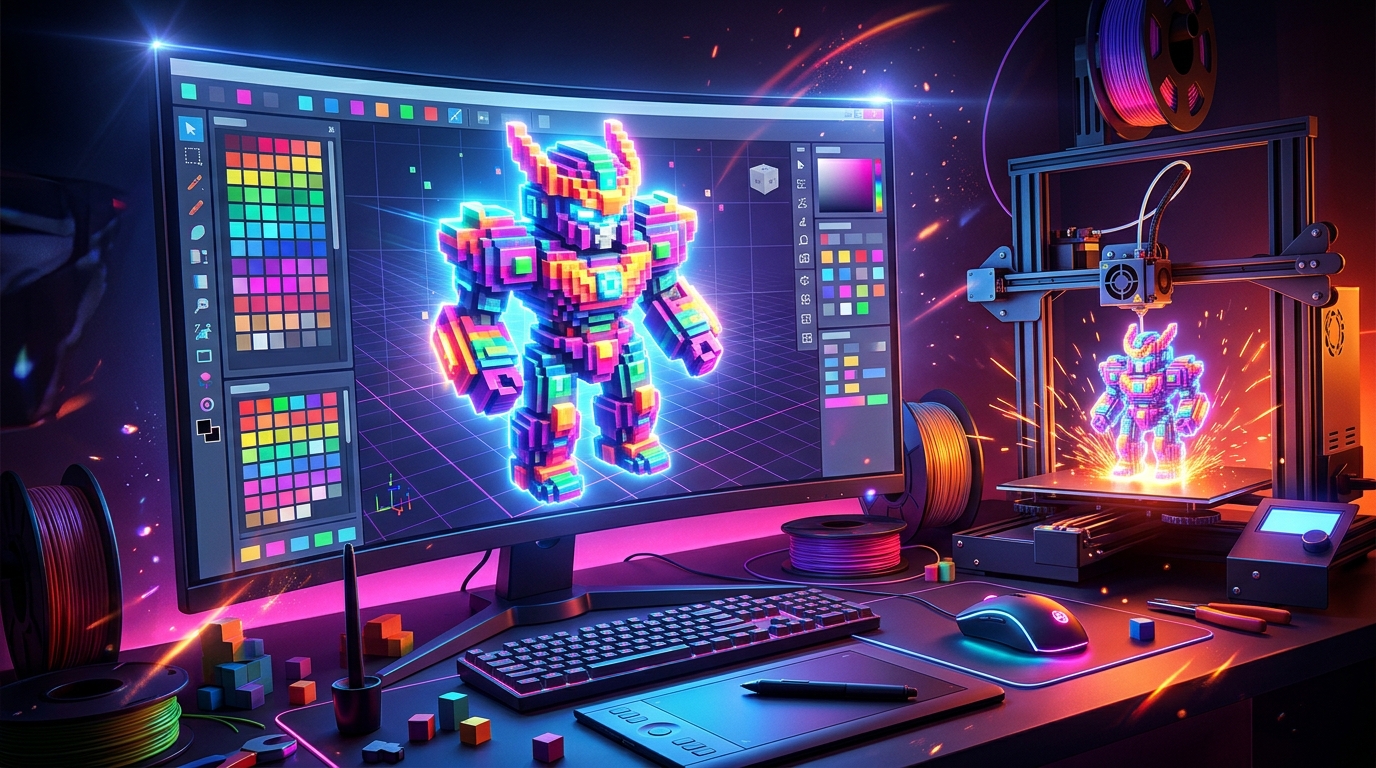
VoxelShop is a free 3D modelling program that you install on your Windows PC and use to build voxel models. In simple terms, it is a program where you place coloured cubes in a 3D grid, one cube at a time, to build characters, objects and scenes: you pick a colour from the palette, click to add a cube, and your model grows block by block. You open it, pick a colour, and start building.
What makes VoxelShop useful is its simplicity and its workflow. It has layers, so you can build complex models in parts; a palette system, so you can keep your colours organised; mirroring, so you can build symmetrical models fast; and DAE export, so you can take your models into game engines and other 3D programs. It is a Java-based program, so it runs on Windows, Mac and Linux. Three honest notes: VoxelShop is discontinued, so it has not been updated for years and the original blackflux.com website is dead, with GitHub as the download source; it exports to DAE, but it has no OBJ export, so some programs need a conversion step; and it is a simple editor, so it suits voxel art and game models better than detailed sculpting.
Key Features
- Block-by-block voxel modelling: Block-by-block voxel modelling lets you build 3D models cube by cube, like digital LEGO.
- Layers: Layers let you build complex models in parts, hiding and showing sections as you work.
- Colour palettes: Colour palettes keep your colours organised and let you reuse them across models.
- Mirroring tools: Mirroring tools let you build symmetrical characters and objects in half the time.
- DAE export: DAE export lets you take your models into game engines and other 3D programs.
- Undo and redo: Undo and redo let you experiment freely, because every mistake is easy to reverse.
- Free and open source: VoxelShop is free and open source under the Apache 2.0 licence, with the source code public.
- Windows, Mac and Linux: A Java-based program that runs on Windows, Mac and Linux from the same download.
System Requirements
- Operating System: Windows 10 or Windows 11, 64-bit
- Processor: A modern dual-core processor or better
- RAM: At least 4 GB of RAM for basic use
- Storage: Around 100 MB of free disk space for the download and program files
- Graphics: Any graphics card with OpenGL support
- Other: A stable internet connection for the download, Java installed if the release needs it, and a mouse for working in 3D
These are practical, modern Windows guidelines, not a word-for-word copy of an official specification table. The most important point is simple: VoxelShop is designed for normal Windows PCs, and a modest modern computer is enough to start.
How to Download VoxelShop (Official Method)
The only safe place to download VoxelShop is the official website. Do not download it from random file mirrors or “free download” portals, because those copies may be outdated or bundled with unwanted software. The official site is the source of truth for the current version.
Official download link: https://github.com/simlu/VoxelShop
On the official VoxelShop GitHub page, download the latest Windows release to your Downloads folder. There is no account, serial number or payment involved at any point. The original blackflux.com website is no longer available, so GitHub is the download source. If a site asks you to pay for VoxelShop, or offers a cracked version of it, leave that site and return to the official GitHub page.
Step-by-Step Installation
Follow these steps in order. Take your time with the install location and component choices, because those are the steps that most often cause problems later.
- Open the official VoxelShop GitHub page — Open https://github.com/simlu/VoxelShop in your browser.
- Open the Releases page — Click on Releases on the GitHub page to see the available downloads.
- Download the latest Windows release — Download the latest Windows release archive to your Downloads folder.
- Extract the archive — Right-click the downloaded archive and choose Extract All, then open the extracted folder.
- Launch VoxelShop — Double-click the VoxelShop program file in the extracted folder to launch it.
- Confirm it opens without an error — Wait for the editor to open and confirm the 3D grid appears without an error.
- Create your first voxel model — Start a new model and place your first coloured cube, so you know the program is working.
Tip: VoxelShop is a Java-based program, so if the release you download needs Java, install a current Java runtime first. If the program will not start, check that Java is installed, then try launching it again.
How to Build Your First Voxel Model with VoxelShop
This walkthrough is a simple first project. It is not a full course, but it will help you see VoxelShop working on a real project and learn its main tools.
- Start a new model — Open VoxelShop and start a new voxel model.
- Pick a colour — Choose a colour from the palette for your first cubes.
- Place your first cubes — Click in the 3D grid to place cubes and build a simple shape, such as a small house.
- Add a second layer — Add a new layer and build a roof on top of the house.
- Mirror the model — Use the mirroring tool to make the house symmetrical.
- Export as DAE — Export the finished model as a DAE file, so you can use it in a game engine.
- Save your project — Save the VoxelShop project, so you can open it again and keep building.
Is VoxelShop Free?
VoxelShop is free and open source under the Apache 2.0 licence. You download it from the official GitHub page, install it, and use it without paying and without a time limit. There is no paid version of VoxelShop itself. Be aware of three honest limits: it is discontinued, so it has not been updated for years and the original website is dead, with GitHub as the download source; it exports to DAE, but it has no OBJ export, so some programs need a conversion step; and it is a simple editor, so it suits voxel art and game models best.
That free status is important for this guide. All the steps here use the official download only, and they do not involve cracks, activators or licence keys. If you ever see a site offering a paid or cracked version of the free program, treat it as unsafe and return to the official site.
Frequently Asked Questions
Is VoxelShop safe to download?
Yes, when you download it from the official website only. The official installer is the version made by the developer. Avoid third-party sites that bundle extra software or ask for payment for a free program.
Does VoxelShop work on my Windows PC?
Yes, in most cases. VoxelShop runs on Windows 10 and 11 (64-bit), and the system requirements above cover a normal modern PC. Check the official site for the exact current version if your PC is older.
Is VoxelShop really free, or will it stop working?
The free version described in this guide is not a short trial. It stays usable after installation. There is no paid edition of VoxelShop itself.
Do I need a powerful PC to run VoxelShop?
No, not for basic use. A modern Windows 10 or 11 PC with 4 GB of RAM or more can run it for simple projects. Larger projects with many objects and effects will benefit from more RAM and a faster processor, but you can start and learn on a normal home PC.
Conclusion
VoxelShop is a useful, free addition to a Windows setup because it is a free open-source voxel editor for building colourful 3D models block by block, and it can be downloaded safely from the official site. Start with a small first project, learn one tool at a time, and build from there.
To get started, download VoxelShop from the official website here: https://github.com/simlu/VoxelShop Install it with the steps above, test it once, and then use it in your next project. With a little practice, it can become a regular part of your workflow.
Official download link: https://github.com/simlu/VoxelShop
Related Guides
- Goxel for PC: How to Download & Install on Windows
- SculptGL for PC: How to Download & Install on Windows