 Posted by

Introduction
If you have a 3D character but no idea how to make it walk, run or dance, Mixamo is the free service that does the hard part for you. It is a free web service from Adobe that automatically rigs your character, which means it adds a skeleton and skinning so the model can move, and then lets you apply more than 2,000 motion-capture animations to it, all in your browser. There is no payment, and the only thing you need is a free Adobe ID.
This guide explains what Mixamo is, what it can and cannot do, what your PC needs to use it, and how to open it from the official website only. You will also get a first-use walkthrough that takes you from uploading a character to downloading it with animations in a few minutes. By the end, you should be able to rig a character on Windows and use it in a real project.
Mixamo is best for rigging game characters in minutes, and adding professional animations without mocap equipment. Because it is free and legitimate, you do not need a cracked copy or an unknown download site. The official website runs the service in your browser, and the free version is a real, permanent tool, not a short trial.
What Is Mixamo?
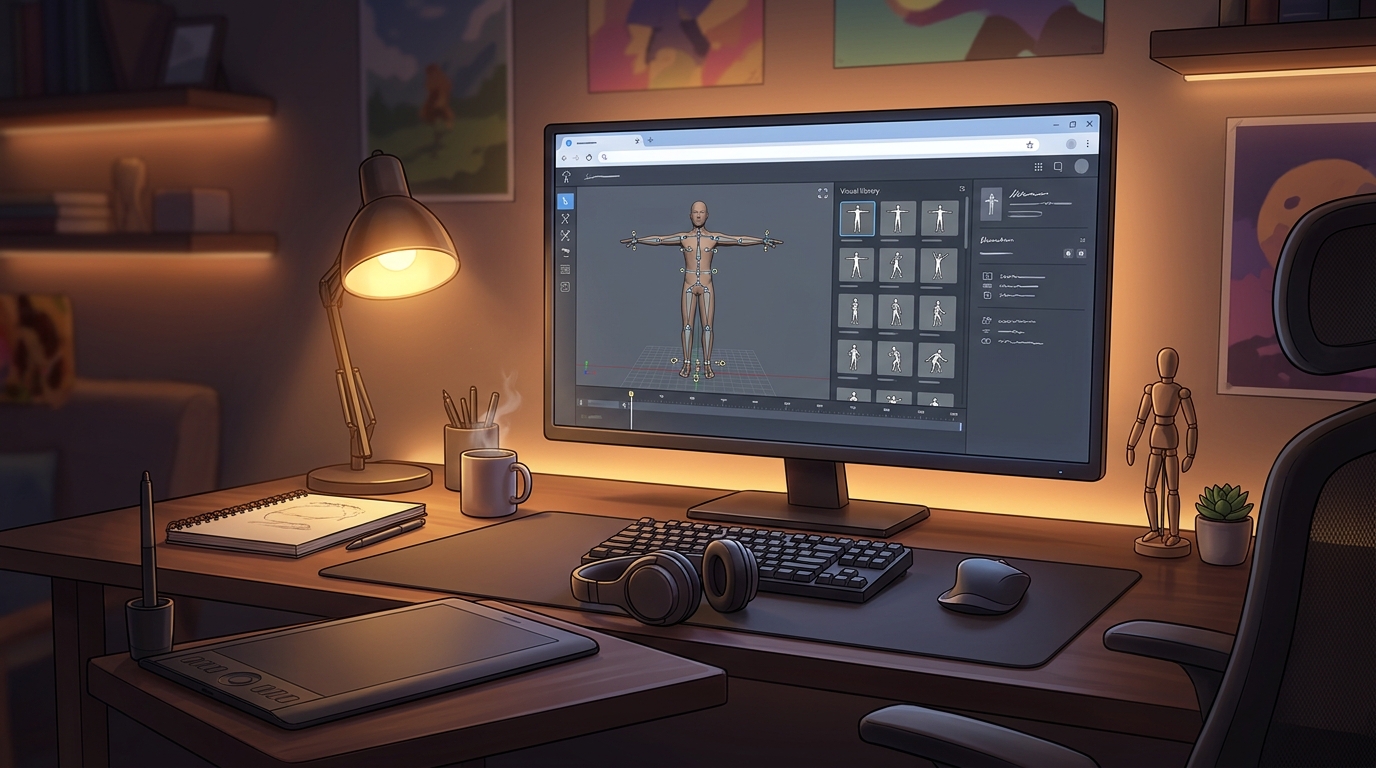
Mixamo is a free, web-based character rigging and animation service from Adobe. In simple terms, you upload a 3D character model, Mixamo analyses its shape, places a skeleton inside it and skins the mesh to the bones automatically, and then you browse a library of more than 2,000 motion-capture animations, from walks and runs to dances and combat moves, and download your character with the animations you chose. The animations are royalty-free for personal, commercial and non-profit use, including games.
What makes Mixamo popular is how much time it saves. Rigging a character by hand can take hours or days, and motion capture normally needs expensive equipment, but Mixamo does the rigging in minutes and its animation library is free to use. Two honest notes: Mixamo is web-based, so there is nothing to install on Windows, and it only works with humanoid, biped characters, so creatures, animals and objects cannot be rigged. You also need a free Adobe ID to sign in, and Mixamo only keeps your last character, so you must download each character before you upload the next one.
Key Features
- Automatic character rigging: Upload a character and Mixamo places a skeleton and skins the mesh automatically, in minutes.
- More than 2,000 animations: A library of over 2,000 motion-capture animations covers walks, runs, dances, combat and idle poses.
- Royalty-free for games: Animations are royalty-free for personal, commercial and non-profit use, including commercial games.
- Animation preview in 3D: Preview any animation on your own character in the browser before you download it.
- Adjustable animation settings: Trim, mirror and adjust animation speed and settings before you export.
- FBX and Collada downloads: Download your rigged character with animations as FBX or Collada files for Unity, Unreal and other tools.
- Works with major game engines: Exported characters drop straight into Unity, Unreal Engine, Godot and Blender workflows.
- Free with an Adobe ID: Mixamo is free to use with a free Adobe ID, with no subscription and no Creative Cloud plan needed.
System Requirements
- Operating System: Windows 10 or Windows 11, 64-bit (any system with a modern browser works)
- Browser: A modern browser such as Chrome, Firefox or Edge
- Processor: A modern dual-core processor or better
- RAM: At least 4 GB of RAM for basic use
- Internet: A stable internet connection, because Mixamo runs online in the browser
- Other: A free Adobe ID, and a 3D character model in FBX, OBJ or ZIP format to upload
These are practical, modern Windows guidelines, not a word-for-word copy of an official specification table. The most important point is simple: Mixamo is designed for normal Windows PCs, and a modest modern computer is enough to start.
How to Download Mixamo (Official Method)
Mixamo is a web service, so there is nothing to download or install. The only safe place to use it is the official website, in your browser, signed in with your free Adobe ID. Do not download a Mixamo installer from random file mirrors or “free download” portals, because Mixamo has no installer, and those copies may be bundled with unwanted software. The official site is the source of truth.
Official download link: https://www.mixamo.com/
Mixamo is a web service, so there is nothing to download or install. Open the official Mixamo website in your browser and sign in with your free Adobe ID. There is no payment and no subscription needed. A Creative Cloud subscription is not required, and Enterprise or Federated Adobe IDs are not supported, so use a personal free Adobe ID.
Step-by-Step Installation
Mixamo has no installer, so these steps take you from opening the site to downloading your first rigged character. Work carefully through them in order, and remember to download each character before you upload the next one.
- Open Mixamo in your browser — Open https://www.mixamo.com/ in Chrome, Firefox or Edge and wait for the site to load.
- Sign in with a free Adobe ID — Sign in with your free Adobe ID, or create one if you do not have one. The account itself is free.
- Upload your character model — Click Upload Character and choose your character file in FBX, OBJ or ZIP format.
- Place the rig markers — Follow the on-screen guide to place markers on the chin, wrists, elbows, knees and groin of your character.
- Wait for the auto-rigging — Mixamo analyses your model and builds the skeleton automatically. This usually takes a few minutes.
- Confirm the rigged character — When the rigging finishes, check that the character moves correctly in the preview.
- Download your character — Download the rigged character to your Downloads folder before you upload another one, because Mixamo only keeps the last character.
Tip: Mixamo only keeps your last uploaded character, so always download a character with its animations before you upload the next one. If the auto-rigging looks wrong, check that your character is a humanoid biped in a T-pose or A-pose, and that the markers were placed correctly.
First-Use Walkthrough: Your First Rigged and Animated Character
This walkthrough is a simple first project. It is not a full course, but it will help you see Mixamo working on a real project and learn its main tools.
- Open Mixamo and sign in — Open the official Mixamo site and sign in with your free Adobe ID.
- Upload a humanoid character — Upload a humanoid character model in FBX or OBJ format, in a T-pose or A-pose.
- Place the rig markers — Place the markers on the chin, wrists, elbows, knees and groin as the guide shows.
- Wait for the auto-rig — Let Mixamo build the skeleton and skin the mesh, then check the preview.
- Browse the animation library — Search the animation library for a walk cycle and preview it on your character.
- Adjust the animation settings — Trim the animation and adjust its speed if needed, then add a second animation such as an idle pose.
- Download with animations — Download your character with the animations as an FBX file, ready for Unity, Unreal or Blender.
Is Mixamo Free?
Mixamo is free to use with a free Adobe ID. You sign in on the official Mixamo site, rig characters and download animations with no payment and no time limit. A Creative Cloud subscription is not required. Be aware of two honest limits: Mixamo only works with humanoid, biped characters, and it only keeps your last uploaded character, so download each one before uploading the next.
That free status is important for this guide. All the steps here use the official website only, and they do not involve cracks, activators or licence keys. If you ever see a site offering a paid or cracked version of Mixamo, treat it as unsafe and return to the official site.
Frequently Asked Questions
Is Mixamo safe to download?
Yes, when you use it on the official website only, signed in with your free Adobe ID. Mixamo runs in your browser, so there is nothing to download and nothing to install. Avoid copycat sites that ask you to download a Mixamo installer or pay for it.
Does Mixamo work on my Windows PC?
Yes, in most cases. Mixamo runs in a modern browser on Windows 10 and 11, so the system requirements above cover a normal modern PC. Check the official site for the exact current version if your PC is older.
Is Mixamo really free, or will it stop working?
The free version described in this guide is not a short trial. It stays usable after sign-in. There is no paid edition of Mixamo itself, but it needs a free Adobe ID.
Do I need a powerful PC to run Mixamo?
No, not for basic use. A modern Windows 10 or 11 PC with 4 GB of RAM or more can run it for simple projects. Larger projects with many objects and effects will benefit from more RAM and a faster processor, but you can start and learn on a normal home PC.
Conclusion
Mixamo is a useful, free addition to a Windows setup because it is a free Adobe web service that auto-rigs 3D characters and adds motion-capture animations, and it can be used safely from the official site. Start with a small first project, learn one tool at a time, and build from there.
To get started, open Mixamo from the official website here: https://www.mixamo.com/ Sign in with your free Adobe ID, rig your first character with the steps above, and then use it in your next project. With a little practice, it can become a regular part of your workflow.
Official download link: https://www.mixamo.com/
Related Guides
- Godot Engine for PC: How to Download & Install on Windows
- Armory3D for PC: How to Download & Install on Windows