 Posted by

Introduction
If you sculpt in ZBrush or scan real objects into 3D, you know the problem: the mesh is a mess of triangles that no animator or game engine wants. Instant Meshes fixes that for free. It is a free open-source auto-retopology tool from researcher Wenzel Jakob that turns a messy triangle mesh into a clean quad mesh with a few clicks. The download comes from the official GitHub repository, and the program is the complete tool, not a trial.
This guide explains what Instant Meshes is, what it can and cannot do, what your PC needs to run it, and how to download and install it from the official website only. You will also get a first-use walkthrough that takes you from installation to a working result in a few minutes. By the end, you should be able to install Instant Meshes on Windows and use it in a real project.
Instant Meshes is best for clean quad retopology for sculpted models, scans and game assets. Because it is free and legitimate, you do not need a cracked copy or an unknown download site. The official website provides the installer, and the free version is a real, permanent tool, not a short trial.
What Is Instant Meshes?
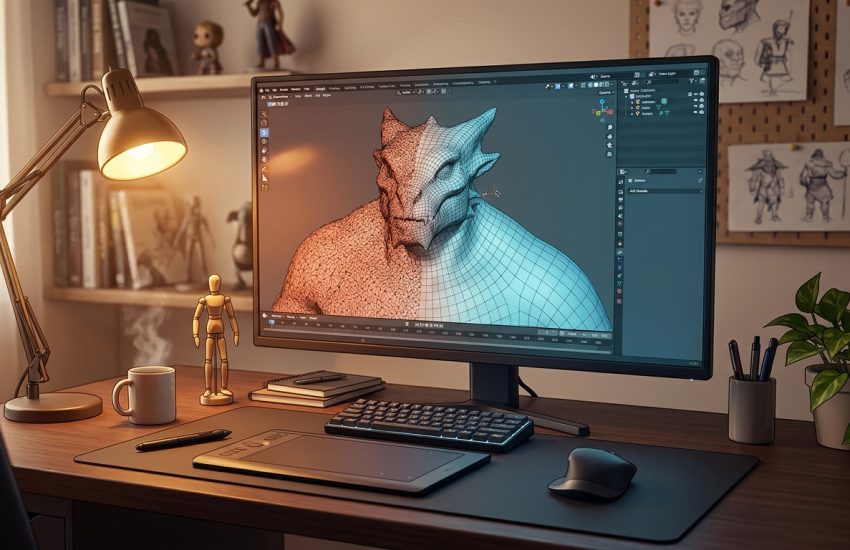
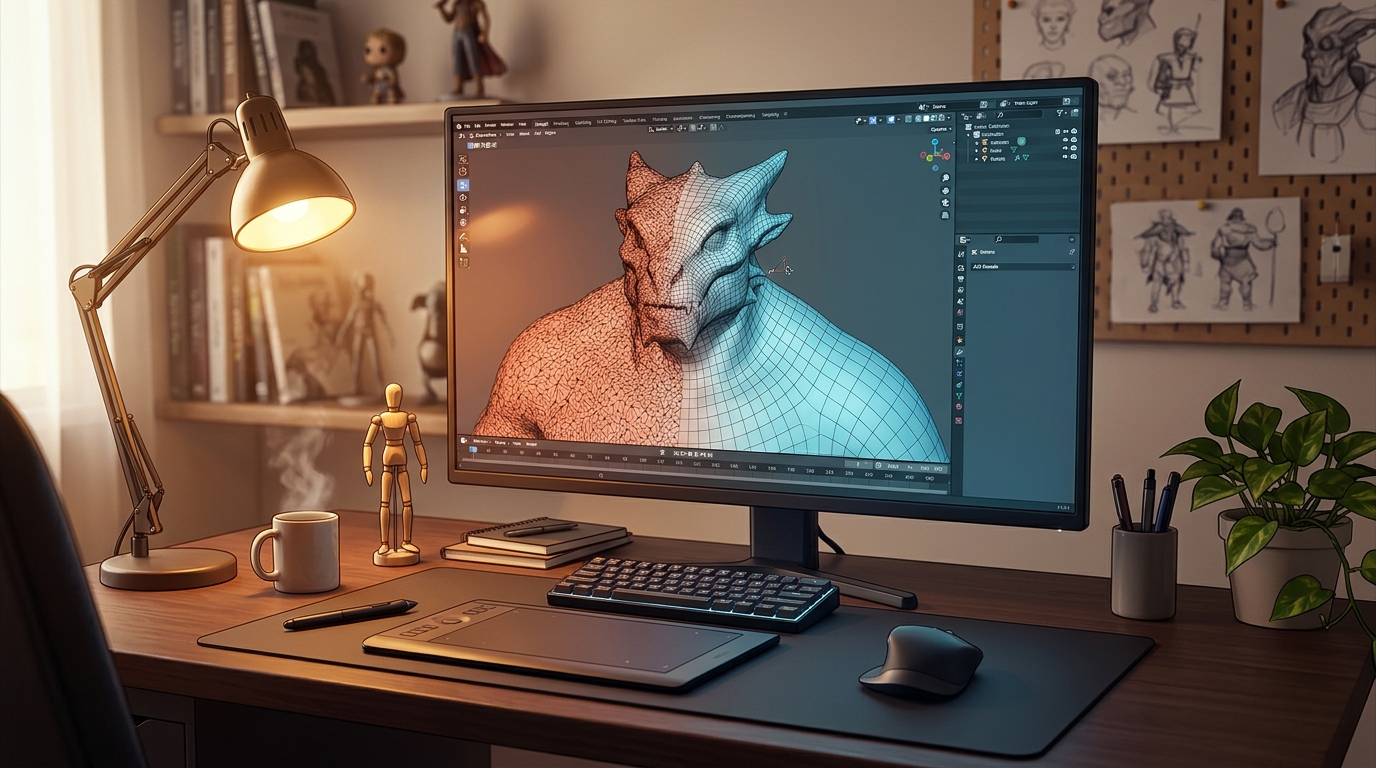
Instant Meshes is a free open-source retopology tool. In simple terms, it is a small Windows program that takes a 3D model made of messy triangles, such as a sculpt or a 3D scan, and rebuilds it as a clean mesh made mostly of quads, which are four-sided faces. Clean quad meshes deform better in animation, subdivide more predictably, and work far better in game engines than raw triangle soup.
What makes Instant Meshes special is how simple and fast it is. You load a model, set the target vertex count, and the tool rebuilds the mesh in seconds, with an interactive mode that lets you draw guide lines to control the flow of the quads. It was presented at SIGGRAPH Asia 2015, and it is still widely used by 3D artists as a quick retopology step. One honest note: Instant Meshes is a research tool, not a full 3D program. It has no modelling tools of its own, no installer, and no built-in export wizard. You download a ZIP file from GitHub, extract it, and run the EXE inside. It does one job, and it does it well.
Key Features
- Automatic quad retopology: Turns messy triangle meshes into clean quad meshes with a few clicks.
- Interactive guide lines: Draw guide lines on the model to control the direction of the new quads.
- Target vertex count: Set exactly how many vertices you want in the output mesh.
- Fast results: Retopology finishes in seconds, even on dense sculpts and scans.
- Clean meshes for animation: Quad meshes deform better in animation and subdivide more predictably.
- Works with scans and sculpts: Handles 3D scans, ZBrush sculpts and any OBJ or PLY mesh.
- Free and open source: Instant Meshes is free under a BSD 3-Clause licence, for personal and commercial use.
- No installer needed: Download a ZIP from GitHub, extract it, and run the program.
System Requirements
- Operating System: Windows 10 or Windows 11, 64-bit
- Processor: A modern dual-core processor or better
- RAM: At least 4 GB of RAM for basic use, 8 GB recommended for dense meshes
- Storage: Around 50 MB of free disk space for the program
- Graphics: An OpenGL capable graphics card
- Other: A 3D model in OBJ or PLY format to retopologize, plus a stable internet connection for the download
These are practical, modern Windows guidelines, not a word-for-word copy of an official specification table. The most important point is simple: Instant Meshes is designed for normal Windows PCs, and a modest modern computer is enough to start.
How to Download Instant Meshes (Official Method)
The only safe place to download Instant Meshes is the official website. Do not download it from random file mirrors or “free download” portals, because those copies may be outdated or bundled with unwanted software. The official site is the source of truth for the current version.
Official download link: https://github.com/wjakob/instant-meshes
On the official Instant Meshes GitHub repository, go to the Releases section and download the pre-compiled Windows binary ZIP to your Downloads folder. Extract the ZIP to a folder of your choice and run the EXE inside. There is no installer and no signup. If a site asks you to pay for Instant Meshes, or offers a cracked version of it, leave that site and return to the official GitHub repository.
Step-by-Step Installation
Follow these steps in order. Take your time with the install location and component choices, because those are the steps that most often cause problems later.
- Download the Windows binary from GitHub — Open the official Instant Meshes GitHub repository in your browser, go to Releases, and download the pre-compiled Windows binary ZIP. Do not use third-party download sites.
- Extract the ZIP archive — Extract the ZIP to a folder of your choice, such as a folder on your Desktop.
- Open the extracted folder — Inside the folder you will find the Instant Meshes program file.
- Run the program — Double-click the EXE file to open Instant Meshes. There is no installer to run.
- Allow it through Windows if asked — If Windows SmartScreen asks about the program, choose to run it anyway, since you downloaded it from the official repository.
- Check the program opens — Confirm the Instant Meshes window opens with its 3D viewport.
- Load a test model once — Open a sample OBJ or PLY model and confirm it appears in the viewport before you use it on a real project.
Tip: If the installer asks about extra components, keep the default choices unless you know you need something different. Most install problems come from changing a folder or skipping a component.
How to Retopologize Your First Model with Instant Meshes
This walkthrough is a simple first project. It is not a full course, but it will help you see Instant Meshes working on a real project and learn its main tools.
- Download and extract the program — Get the Windows ZIP from the official GitHub releases page and extract it to a folder.
- Run Instant Meshes — Double-click the EXE inside the extracted folder to open the program.
- Open your model — Use the Open button to load a triangle mesh in OBJ or PLY format.
- Set the target vertex count — Choose how many vertices you want in the clean mesh, for example 5000.
- Draw guide lines if you want — Draw lines on the model to guide the direction of the new quads, or skip this step.
- Run the retopology — Click the button to rebuild the mesh and watch the clean quad layout appear.
- Export the clean mesh — Save the result as an OBJ file and open it in Blender or your 3D software to check it.
Is Instant Meshes Free?
Instant Meshes is free and open source under a BSD 3-Clause licence. You download it from the official GitHub repository, run it, and use it without paying and without a time limit. The licence allows personal and commercial use, so you can sell work that uses a mesh retopologized with Instant Meshes. There is no paid version of the tool itself.
That free status is important for this guide. All the steps here use the official download only, and they do not involve cracks, activators or licence keys. If you ever see a site offering a paid or cracked version of the free program, treat it as unsafe and return to the official site.
Frequently Asked Questions
Is Instant Meshes safe to download?
Yes, when you download it from the official website only. The official installer is the version made by the developer. Avoid third-party sites that bundle extra software or ask for payment for a free program.
Does Instant Meshes work on my Windows PC?
Yes, in most cases. Instant Meshes runs on Windows 10 and 11 (64-bit), and the system requirements above cover a normal modern PC. Check the official site for the exact current version if your PC is older.
Is Instant Meshes really free, or will it stop working?
The free version described in this guide is not a short trial. It stays usable after you download it, with no paid edition of Instant Meshes itself.
Do I need a powerful PC to run Instant Meshes?
No, not for basic use. A modern Windows 10 or 11 PC with 4 GB of RAM or more can run it for simple projects. Larger projects with many objects and effects will benefit from more RAM and a faster processor, but you can start and learn on a normal home PC.
Conclusion
Instant Meshes is a useful, free addition to a Windows setup because it is a free open-source auto-retopology tool from Wenzel Jakob that turns messy meshes into clean quads, and it can be downloaded safely from the official site. Start with a small first project, learn one tool at a time, and build from there.
To get started, download Instant Meshes from the official website here: https://github.com/wjakob/instant-meshes Install it with the steps above, test it once, and then use it in your next project. With a little practice, it can become a regular part of your workflow.
Official download link: https://github.com/wjakob/instant-meshes
Related Guides
- Meshroom for PC: Download & Install on Windows (2026)
- LuxCoreRender for PC: How to Download & Install on Windows