 Posted by

Seamless3D is a free, open-source 3D modelling and animation program for Windows that has quietly served beginners and hobbyists for many years. It is not the newest or the flashiest tool in this category, and it does not try to compete with large commercial suites on every feature. Instead, it focuses on one thing and does it well: making 3D modelling approachable. If you have ever opened a professional 3D program, felt overwhelmed by its menus, and closed it again within ten minutes, Seamless3D may be the friendlier starting point you were looking for.
In this guide, you will learn what Seamless3D is, how its modelling style differs from other programs, what you need to run it on a modern Windows PC, and how to download and install it safely from the official website only. You will also get a practical walkthrough of your first model, so you can see how its tools fit together before you decide whether to make it part of your regular workflow. One honest point belongs up front: releases of Seamless3D are infrequent, and the latest stable release is 3.007 from October 2019. The program still works and is still free, but it is a mature, slow-moving project rather than one with frequent updates, and this guide states that plainly so you can set your expectations correctly.
What Is Seamless3D?
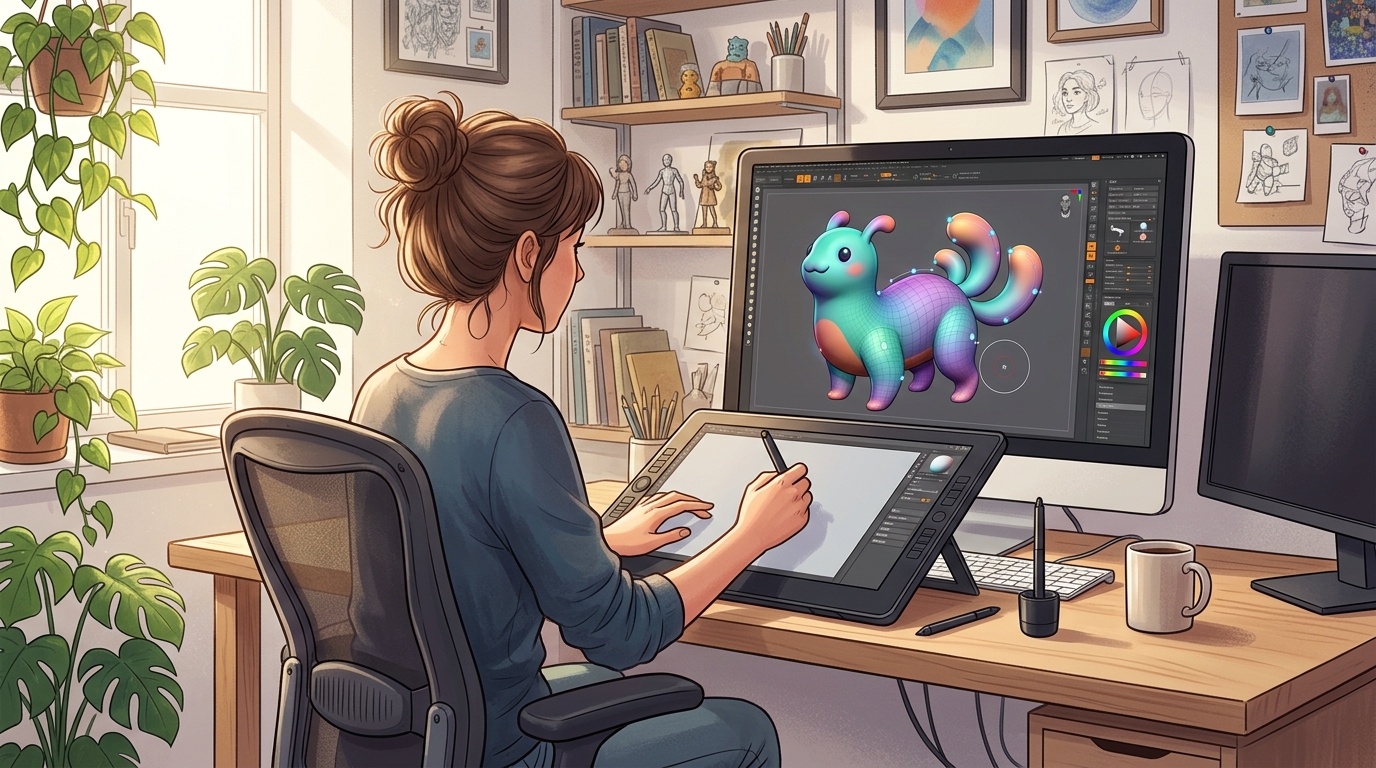
Seamless3D is a free and open-source NURBS-based 3D modelling and animation program for Windows, created by Graham Perrett. NURBS, short for Non-Uniform Rational B-Splines, is a way of describing smooth curves and surfaces with mathematics rather than with a grid of flat polygons. In practice, that means you can build smooth, organic shapes such as faces, animals, and curved objects by shaping control points and watching the surface flow between them, rather than pushing hundreds of individual vertices around by hand.
The program was designed from the start to be easy for beginners. Its interface is simpler than a professional modelling suite, its tools are explained in plain terms, and its workflow is built around a technique called block modelling, in which you start with simple shapes and gradually refine them into detailed forms. You can also work with a more organic NURBS approach for smooth characters and creatures. Seamless3D supports hierarchical animation, in which parts of a model move in relation to each other, and morph-target animation, in which a shape changes gradually from one form to another, which is useful for facial expressions and simple character movement.
Seamless3D exports to common formats including OBJ, VRML, and X3DV, so models you make can be used in other programs, game engines, and viewers. It also supports FFmpeg for creating AVI, MPG, and MP4 movies from your animations. It is released under the MIT licence, which is a permissive open-source licence, and it is free to download and use. Because it is a small, focused program rather than a huge suite, it is best suited to learning 3D modelling, making low- to medium-complexity models, and producing simple animations, rather than to large commercial productions that need the very latest rendering and sculpting tools.
Key Features
- Beginner-friendly design: A simpler interface and a gentler learning curve than large professional suites, designed so newcomers can build their first model without weeks of study.
- NURBS-based modelling: Smooth, mathematically defined surfaces that are well suited to organic shapes, curved objects, and characters, with control points that let you shape a surface intuitively.
- Block modelling workflow: Start from simple blocks and refine them step by step into detailed forms, which makes the modelling process feel manageable and easy to follow.
- Organic modelling tools: Shape smooth, flowing forms for creatures, faces, and natural objects, using tools built around curves and surfaces rather than dense polygon grids.
- Hierarchical animation: Animate models in which parts are linked together, so moving a parent part such as an arm also moves the hand attached to it, just as it would in real life.
- Morph-target animation: Create expressions and shape changes by blending between different versions of a model, which is ideal for simple facial animation and transformations.
- Common export formats: Save your work as OBJ, VRML, or X3DV files, so your models can be opened in other 3D programs, viewers, and game engines.
- Movie export with FFmpeg support: Render your animations to AVI, MPG, or MP4 video files, so you can share a finished animation without needing extra conversion tools.
System Requirements
Seamless3D is a small and lightweight program by modern standards, and it will run on far weaker hardware than most 3D software. The figures below are practical modern Windows guidance, not an official specification, because the official documentation does not give detailed modern system requirements. They describe a comfortable setup for learning and small projects.
You will need a 64-bit version of Windows 10 or Windows 11, although the program was originally built for earlier versions of Windows and its modest demands mean it will also run on older machines that are still in use. At least 4 GB of RAM is enough for the program itself and for the small to medium models it is designed for, although 8 GB will make multitasking with a browser and other programs more comfortable. Almost any processor from the last decade will handle it, and integrated graphics are sufficient, since Seamless3D does not rely on heavy real-time rendering or GPU effects. Allow around 100 MB of free disk space for the program and its files, plus extra space for your models and exported videos. A display resolution of 1280 by 720 or higher is usable, although 1920 by 1080 will give you more room for the viewport and panels. Because the latest stable release is from 2019, the program is not demanding, but you should still download it only from the official site and run it with normal care on a modern system.
How to Download Seamless3D (Official Method)
The only download source you should use is the official Seamless3D website. Free software is sometimes repackaged on third-party download sites with unwanted extras or outdated versions, so avoid those sites completely and go straight to the source. The official download page lists the current release and is the safest place to get the program.
Go to the official Seamless3D download page at:
https://www.seamless3d.com/download
From that page, download the latest stable release for Windows, which is version 3.007, released in October 2019. It is worth repeating that releases are infrequent, so do not expect a new version every few months, and do not be surprised that the latest release is several years old. That is the honest state of the project. The download is a small installer or archive from the official site, depending on the package offered, and it is free. Save it to a folder you can find easily, such as your Downloads folder, and check that the file came from the official seamless3d.com address before you open it.
Step-by-Step Installation
- Visit the official download page: Open your browser and go to https://www.seamless3d.com/download, and confirm the address is the official Seamless3D site before downloading anything.
- Download the Windows release: Choose the latest stable release, version 3.007, for Windows, and save the installer or archive to your Downloads folder.
- Open the downloaded file: Once the download finishes, double-click the file. If it is an installer, the setup wizard will open. If it is an archive, extract it first to a folder of your choice.
- Follow the setup wizard: If you are using the installer, follow the on-screen steps, accept the licence, and choose the installation folder. The default folder is fine for most users.
- Allow the installation to complete: Wait for the files to copy. The program is small, so this should only take a short time. Do not close the wizard until it tells you the installation is finished.
- Launch Seamless3D: When setup finishes, open Seamless3D from the Start menu or from the desktop shortcut if one was created. The program should open to its main modelling window.
- Check the interface: Look around the viewport, the tool panels, and the menus. Open the help or tutorial material linked from the program or the official site so you know where the basic tools are before you start modelling.
Tip: Because Seamless3D is a small program, keep a copy of the original downloaded file in a safe folder. If you ever need to reinstall it, you will not have to search for the download page again, and you will know the copy you have came from the official site.
Getting Started: Your First Model in Seamless3D
When Seamless3D opens, you will see a 3D viewport and a set of modelling tools. Start with something simple rather than a complex character. A good first project is a smooth, simple animal shape or a curved vase, because those show off the NURBS workflow nicely. Begin by creating a basic block or shape, then use the control points to pull and shape its surface. Move one point at a time and watch how the surface follows it. This is the core skill in Seamless3D: small, careful adjustments to control points produce smooth, natural-looking forms.
Once you have a shape you like, try the block modelling approach on a second object. Start with a cube, divide it into smaller blocks, and refine the shape step by step, smoothing the edges as you go. Save your work early and often, and give your file a clear name. Then try a simple animation: select a part of your model, set a key position, move to a later point in the timeline, change the position slightly, and play the animation back to see it move. Finally, export your model as an OBJ file and open it in another viewer or program to confirm that the export worked. That short loop of modelling, shaping, animating, and exporting will teach you more about Seamless3D than reading about it ever could, and it will show you quickly whether its style suits the way you like to work.
Is Seamless3D Free?
Yes, Seamless3D is completely free. It is open-source software released under the MIT licence, which means you can download it, use it, and share your work without paying a fee or entering a licence key. There is no trial version, no subscription, and no paid edition that unlocks extra features. The program was created and maintained by its author, Graham Perrett, and offered freely to the community. Because it is free, you should never pay anyone for a copy of Seamless3D, and you should never download it from a site that asks for payment or for personal details beyond a normal download. The official website is the only source you need, and the download there is free for everyone. If you find the program useful, the best way to support it is to share your work, help other beginners, and mention the official site when you recommend it.
Frequently Asked Questions
Is Seamless3D safe to download?
Yes, Seamless3D is safe to download when you get it from the official website at seamless3d.com. It is open-source software under the MIT licence with a long public history. Avoid third-party download sites, which may bundle unwanted extras, and always check the address in your browser before downloading.
Is Seamless3D still updated?
Releases are infrequent. The latest stable release is version 3.007 from October 2019, and there has not been a rapid stream of updates since then. The program still works on modern Windows, but you should treat it as a mature, stable tool rather than one that receives frequent new features.
Is Seamless3D good for beginners?
Yes, it was designed with beginners in mind. Its interface is simpler than a large professional suite, and its block modelling and NURBS approach let newcomers build smooth shapes without mastering a huge number of tools first. It is a good first step into 3D modelling before moving on to larger programs.
What file formats can Seamless3D export?
Seamless3D exports to OBJ, VRML, and X3DV, which are widely supported formats for 3D models. It also supports FFmpeg for exporting animations as AVI, MPG, or MP4 movies, so you can share both still models and finished animations.
Conclusion
Seamless3D is a modest, honest, and genuinely useful tool for anyone who wants to learn 3D modelling without being overwhelmed. Its NURBS-based surfaces, block modelling workflow, hierarchical and morph-target animation, and common export formats give beginners a complete path from a first shape to a finished model or short animation, all in a free and open-source program under the MIT licence. It is not a fast-moving project, and its latest stable release, version 3.007 from October 2019, reflects that, but it remains a solid choice for learning and for small personal projects. If you like the sound of a simpler, calmer way into 3D modelling, download it from the official website only, at https://www.seamless3d.com/download, and start with a small, smooth shape before you attempt anything ambitious.
Related Guides
- Godot Engine for PC: How to Download & Install on Windows
- Kerkythea for PC: How to Download & Install on Windows