 Posted by

Introduction
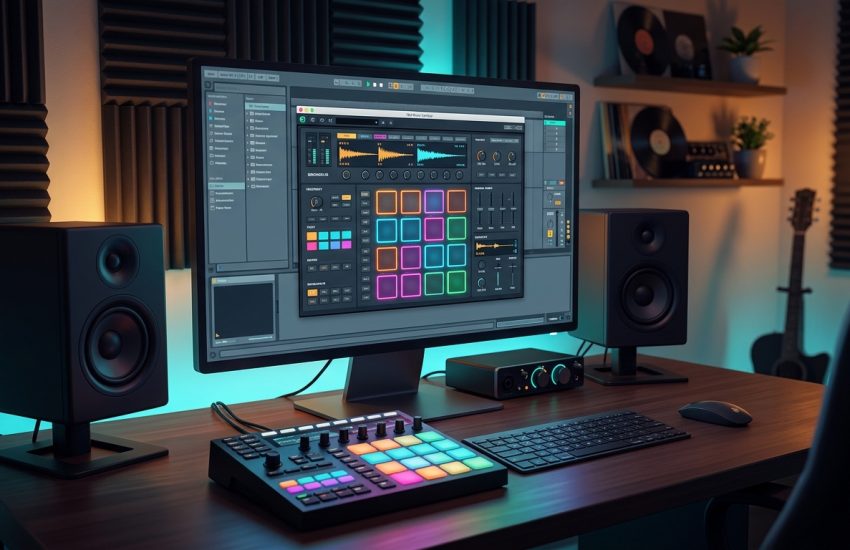
Building a drum kit should be fast: drag a sound onto a pad, play it, shape it, move on. Sitala, from the Berlin developer duo Decomposer, is built exactly around that idea. It is a 16-pad drum sampler with just six controls per pad, no deep menus and no preset maze, and it has become a favourite for producers who want to build custom kits from their own samples in minutes. The default kit is a Roland TR-808 set, so it sounds good the moment you open it.
This guide explains what Sitala is, how its pads and six controls work, what your PC needs to run it, and how to download it from the official Decomposer website only. It also explains the pricing honestly, because this matters: the current Sitala 2.1.2 is a paid release that costs $20, while the older version 1.0.9 is still available for free from the same official page. This guide shows you how to get the free version, and what the paid version adds if you later decide to upgrade.
Sitala is best for beat makers who work with one-shot samples, for producers who want a fast, simple drum sampler instead of a heavy workstation, and for beginners learning how drum sampling works. Because the free version comes from the official website, you do not need a cracked copy or an unknown download site. The official page provides both versions, clearly labelled, and the free one is a real, permanent tool, not a short trial.
What Is Sitala?
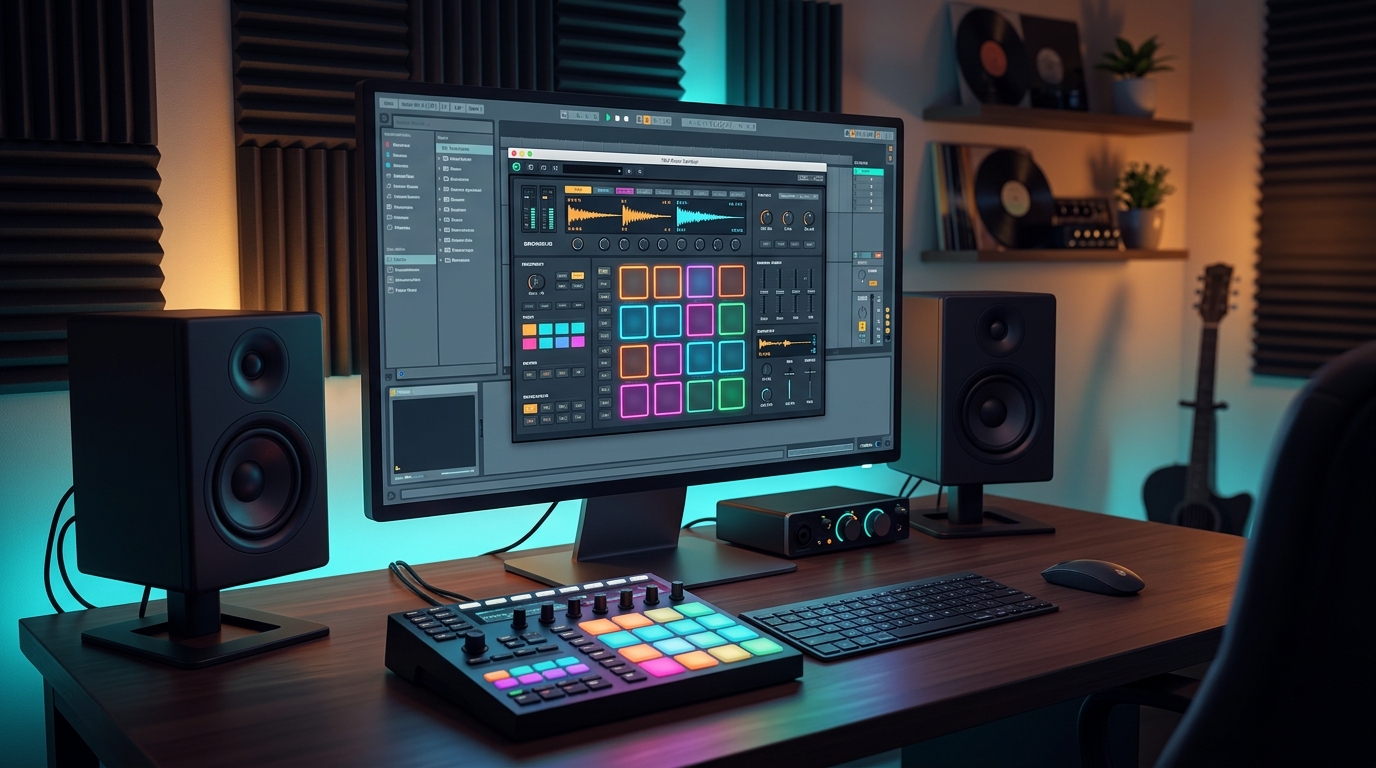
Sitala is a drum sampler plug-in and standalone application for Windows, Mac and Linux, made by Decomposer, the Berlin-based duo of Scott Wheeler and Lucijan Busch. In simple terms, it is a tool that runs inside your DAW as a plug-in, or on its own, and it turns your own drum samples into a playable 16-pad kit. You drag any WAV file onto a pad and it is immediately playable: there is no preset hierarchy to navigate, no browser to fight, and no long setup.
Each pad has the same six controls: shape, tuning across two octaves, volume, compression, tone and pan. Those six knobs are enough to shape a sample without getting lost in detail. Shape controls the envelope, tuning moves the pitch, compression adds punch, tone adjusts the brightness, and volume and pan place the sound in the mix. The interface is deliberately minimal, and that is the point: you spend your time making beats, not reading manuals.
Sitala also works as a standalone application, so you can play it without opening a DAW, and it supports multi-out, with one stereo channel per pad, so you can mix each drum sound separately in your DAW. The current version 2.1.2, released in September 2026, adds features such as Apple Silicon support, VST3, MIDI pad selection and an instant sample finder, and it requires a $20 licence. The older version 1.0.9, from February 2021, remains available for free from the same official page, and it is the version this guide helps you install.
Key Features
- 16-pad drum sampler: sixteen pads for kicks, snares, hi-hats, claps and anything else, each one ready to play the moment you drop a sample on it.
- Drag-and-drop workflow: drag any WAV file onto a pad and it plays immediately, with no preset hierarchy or browser to navigate.
- Six controls per pad: shape, two-octave tuning, volume, compression, tone and pan, enough to shape any sample without getting lost.
- Default 808 kit included: Sitala opens with a Roland TR-808 kit, so it sounds good the moment you load it, before you add a single sample.
- Standalone and plug-in versions: run it on its own to sketch beats quickly, or load it as a VST, AU or AAX plug-in inside your DAW.
- Multi-out support: route each pad to its own stereo channel in your DAW, so you can mix and process every drum sound separately.
- Free version still available: version 1.0.9 remains free on the official Decomposer page, while the current 2.1.2 is a $20 paid release.
- Light and fast: a small, focused instrument that opens quickly and stays out of your way while you work.
System Requirements
- Operating System: Windows 10 or later, 64-bit (the current 2.1.2 release lists Windows 10 or later; the free 1.0.9 version also runs on older Windows systems)
- Processor: Any modern multi-core processor; a drum sampler is light work, so even a modest CPU handles it easily
- Memory: 4 GB of RAM minimum, 8 GB or more recommended for larger projects with many tracks and plug-ins
- Storage: Around 100 MB of free disk space for the plug-in, plus extra space for your own sample library
- DAW: Any DAW that supports VST or AAX plug-ins on Windows, such as Reaper, FL Studio, Ableton Live, Cubase, Studio One or Pro Tools
- Other: A stable internet connection for the download, a collection of WAV drum samples to load, and speakers or headphones to hear your kits
These are practical, modern Windows guidelines, not a word-for-word copy of an official specification table. A drum sampler is light on CPU and memory, so your DAW and your project size matter far more than this plug-in ever will. Your sample library matters more than the plug-in: keep your WAV files organised in folders by type, such as kicks, snares and hi-hats, so building a kit stays fast.
How to Download Sitala (Official Method)
The only safe place to download Sitala is the official Decomposer website. Do not download it from random file mirrors or “free download” portals, because those copies may be outdated or bundled with unwanted software. The official product page is the source of truth for both versions and their prices.
Official download link: https://decomposer.de/sitala/
On the official page you will find the Downloads section with two versions listed. Version 2.1.2 is the current release and requires a licence, which costs $20. Version 1.0.9 is the older release and is still available for free. To get Sitala free, download version 1.0.9 from that page. Do not download either version from anywhere else, and do not trust any site that offers the current 2.1.2 version for free, because the developer charges $20 for it, and free copies elsewhere are not official.
Step-by-Step Installation
- Open the official Decomposer Sitala page linked above in your browser and scroll to the Downloads section. Read the two versions carefully before you click anything.
- Choose the free version 1.0.9 for Windows and download it. If you would rather have the current 2.1.2 release, buy the $20 licence from the same page first, then download that version instead.
- Download the installer and save it to your Downloads folder. The file is small, so it should finish quickly.
- Run the installer by double-clicking the downloaded file. If Windows SmartScreen asks about the program, check that you downloaded it from decomposer.de, then allow it to run.
- Follow the installer prompts to choose the installation folder and the plug-in formats you want. Install the VST3 version for modern DAWs, and add the VST2 version as well if you use an older DAW that needs it.
- Open your DAW and rescan your plug-ins if Sitala does not appear at once, then look for it in your instrument list under Decomposer.
- Load Sitala on a MIDI track and check that the default 808 kit plays when you trigger the pads, which confirms the installation worked.
Tip: Keep your own drum samples in one organised folder, for example a folder called Drum Samples with subfolders for kicks, snares, hi-hats, claps and percussion. Sitala’s whole workflow is drag-and-drop, and an organised sample folder is what makes that workflow fast. A messy sample folder is the only thing that slows Sitala down.
First-Use Walkthrough: Building Your First Custom Kit
The fastest way to learn Sitala is to build a kit from your own samples. Load Sitala on a MIDI track in your DAW and open the plug-in. You will see sixteen pads and the default 808 kit already loaded. Play a few pads and listen to the kit. Now pick a kick sample from your own collection and drag it onto the first pad. It replaces the 808 kick immediately, and it is playable at once. Do the same with a snare on the second pad, a closed hi-hat on the third and an open hi-hat on the fourth. In under a minute you have a kit that is yours.
Next, shape one pad with the six controls. Select the kick and turn the shape knob to shorten its tail, so it punches instead of booming. Select the snare and add a little compression for punch, then adjust the tone until it sits well with the kick. Select a hi-hat and tune it up or down by a few semitones until it fits the track. These small moves are the whole skill of using Sitala: six knobs, one pad at a time, listening as you go.
Then try the standalone version. Close your DAW, open Sitala on its own, and play the same kit with your MIDI keyboard or your computer keyboard. This is a good way to sketch beats without the weight of a full DAW session, and it shows how fast Sitala is to open and use. When you have a beat you like, save the kit, then reopen it in your DAW later and keep working on it there, with multi-out routing if you want to mix each drum separately.
Is Sitala Free?
This needs an honest answer, because Sitala’s pricing has changed. The current version, Sitala 2.1.2, is not free: it requires a licence that costs $20, bought from the official Decomposer website. The older version, 1.0.9, is still available for free from the same official page, and it is a complete, usable drum sampler, not a demo. If you want Sitala free, download version 1.0.9.
The paid 2.1.2 release adds newer features, including Apple Silicon support, VST3, MIDI pad selection and an instant sample finder. Whether those are worth $20 depends on your setup: if you need VST3 or Apple Silicon support, the paid version is the right choice; if you are on Windows and happy with the classic feature set, the free 1.0.9 version does the job well. Either way, buy or download only from the official Decomposer page, and never trust a site that offers the current paid version for free, because that copy is not official and may be unsafe.
Sitala’s free version also has no trial period, no watermark and no time limit. Once you install 1.0.9, it stays usable. That is the honest position: a free older version and a paid current version, both from the same developer, both clearly labelled on the same page.
Frequently Asked Questions
Is Sitala safe to download?
Yes, as long as you download it from the official Decomposer website linked in this guide. The official page lists both versions clearly. Avoid third-party download sites that bundle installers or offer the paid version for free, because those are not the official distribution.
Is Sitala really free?
Version 1.0.9 is free, and it remains available on the official page. The current version 2.1.2 costs $20. This guide shows you how to download the free 1.0.9 version, and it says so plainly wherever the price matters.
What is the difference between Sitala 1.0.9 and 2.1.2?
Version 2.1.2 adds Apple Silicon support, VST3, MIDI pad selection, an instant sample finder and other improvements, and it requires a $20 licence. Version 1.0.9 is the older, free release with the same core workflow: sixteen pads, six controls per pad, drag-and-drop samples and multi-out support.
Does Sitala work in my DAW?
In most cases, yes. Sitala is available as VST, AU and AAX, and the current version adds VST3, and it loads in major DAWs such as Reaper, FL Studio, Ableton Live, Cubase, Studio One and Pro Tools. After installing, rescan your plug-ins if it does not appear at once.
Can I use my own samples in Sitala?
Yes, that is its main purpose. Drag any WAV file onto a pad and it plays immediately. There is no preset hierarchy to navigate, so building a custom kit from your own samples takes minutes.
Do I need a powerful PC to run Sitala?
No. A drum sampler is light work for a CPU, and Sitala will run comfortably on a normal modern Windows PC, even with several instances open at once.
Conclusion
Sitala is one of the fastest ways to build a drum kit on Windows: sixteen pads, six knobs per pad, drag-and-drop samples, and a default 808 kit that sounds good immediately. Its honest pricing is part of its appeal too: the older version is free, the current version costs $20, and both are clearly labelled on the same official page, so you always know what you are getting.
Download it only from the official Decomposer website, choose the free 1.0.9 version if you want it free, and start by replacing the default kit with your own samples, one pad at a time. Once you feel how fast that workflow is, Sitala is likely to become the drum sampler you open first in every beat.
Official download link: https://decomposer.de/sitala/
Related Guides
- TAL-Reverb-4 for PC: How to Download & Install on Windows
- Voxengo OldSkoolVerb for PC: How to Download & Install on Windows